Answered
Warp text without distorting it?
I would like to do a text style similar to the one in this poster, but when I use arc lower or envelope distort, the text gets all weird and angled. Any ideas?
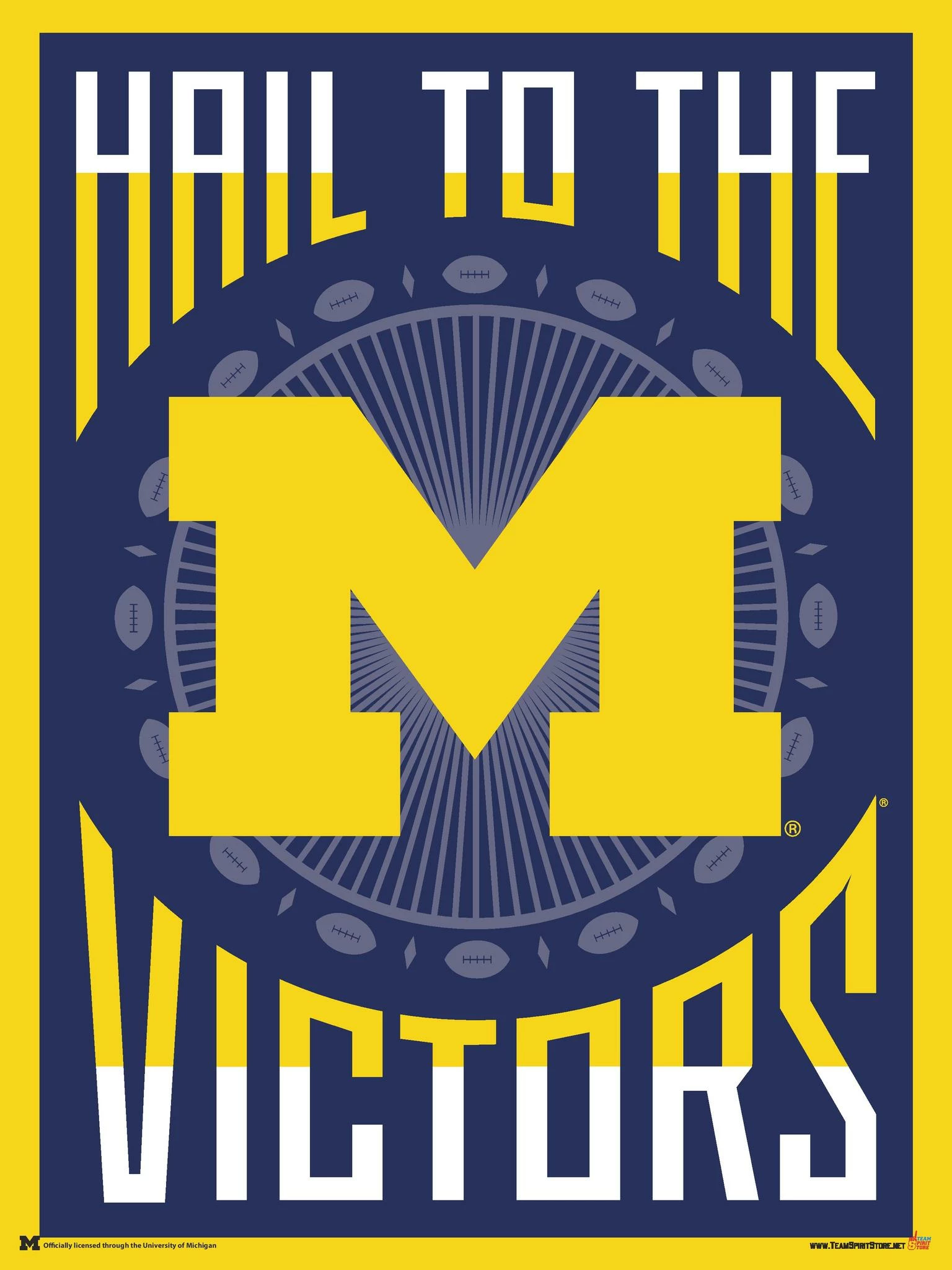

I would like to do a text style similar to the one in this poster, but when I use arc lower or envelope distort, the text gets all weird and angled. Any ideas?
Convert font to outlines, then manipulate the anchor points yourself. Any use of envelop distort will "distort" the text. Use a circle and grid as a guideline. Not easy to do, but with patience you can pull it off. Good luck.
Already have an account? Login
No account yet? Create an account
Enter your E-mail address. We'll send you an e-mail with instructions to reset your password.


 AdChoices