

Weird artifacts when zooming in/out
Something weird started happening after downloading the latest update to Illustrator...
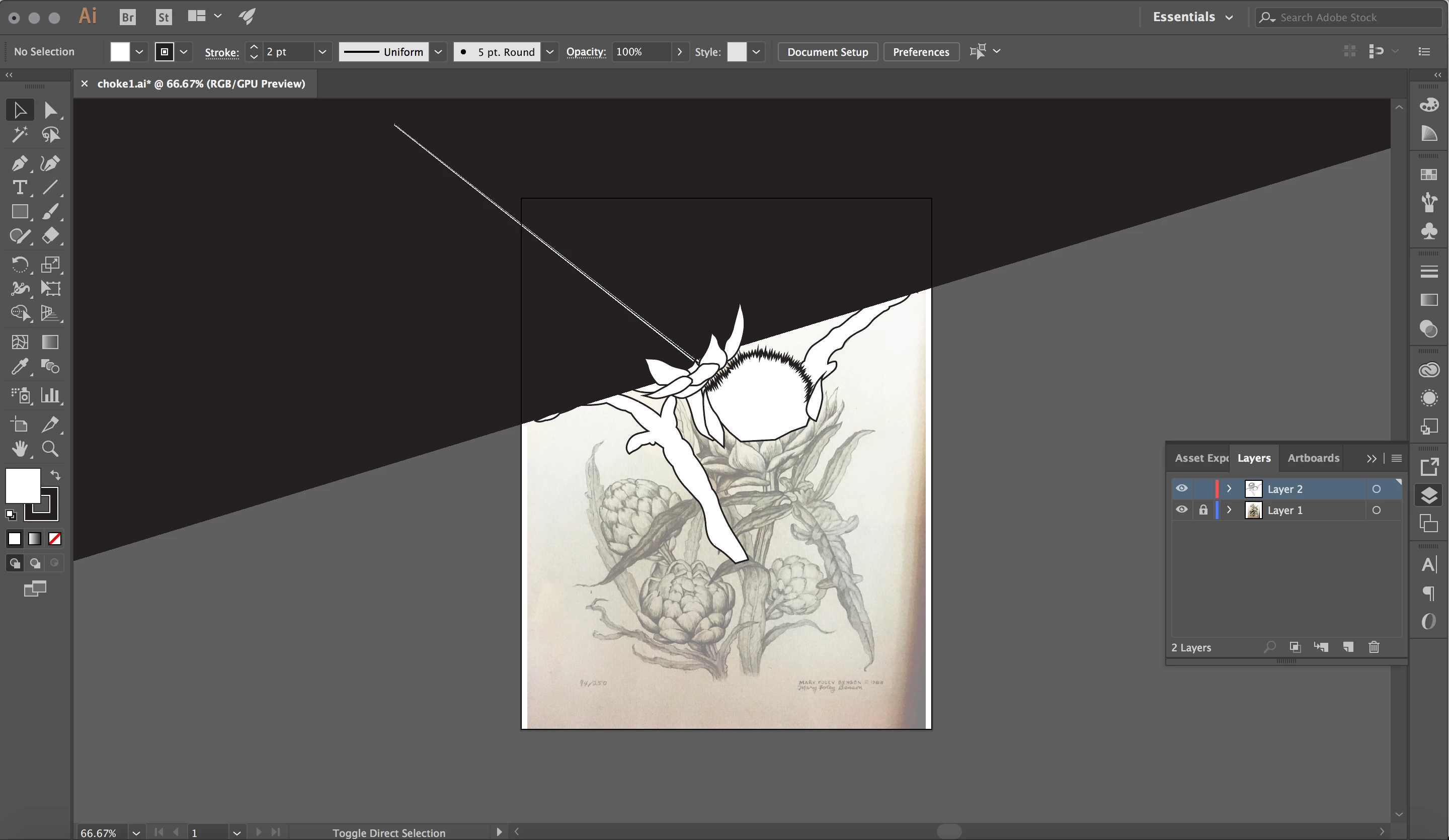
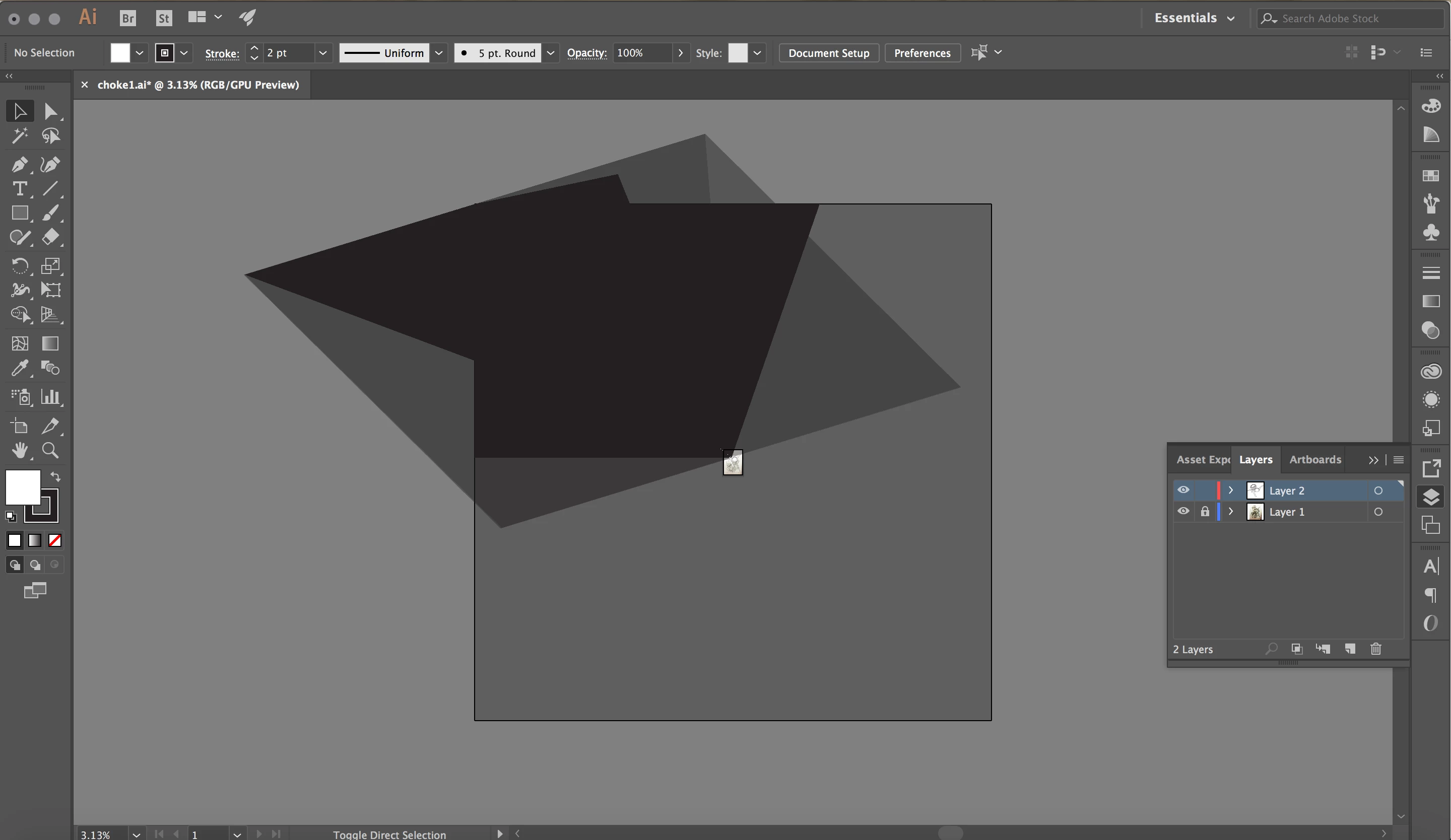
I'm getting large dark grey artifact looking shapes (and a weird white line at times too) that appear covering half of my image (and a good amount of the art board). I can make them go away if I turn the layer on and off. But it shows up again (as a similar weird shape) if I zoom in or out. Then I have to toggle the layer on and off again to make it go away.
This is beyond annoying and making Illustrator virtually unusable. This file has a jpg (saved for web out of photoshop) on the bottom layer, but I'm not sure how that should be a problem as I've used this same process to trace pictures/photos for going on 2 decades.
Is anyone else having this issue? A temporary workaround?
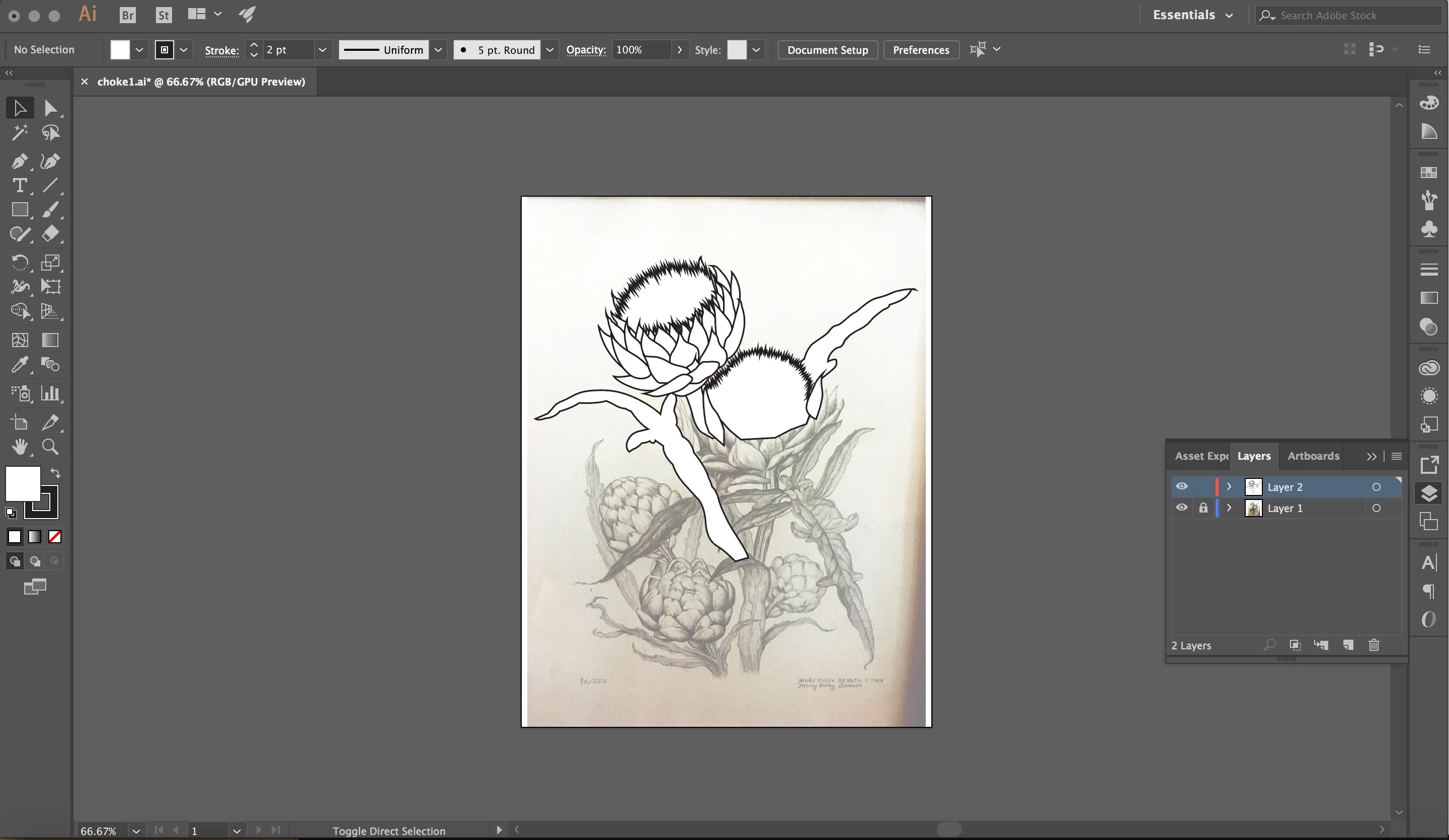
See attached images for examples of how it appears.
 AdChoices