
Weird behavior of the Pathfinder suite. What am I doing wrong?
EDIT: Right after I posted the question, I realized that I have to pop a context that I have pushed previously. And that is what caused Illustrator weird behavior .
In the beginning I have A and B paths. I am trying to make these united.
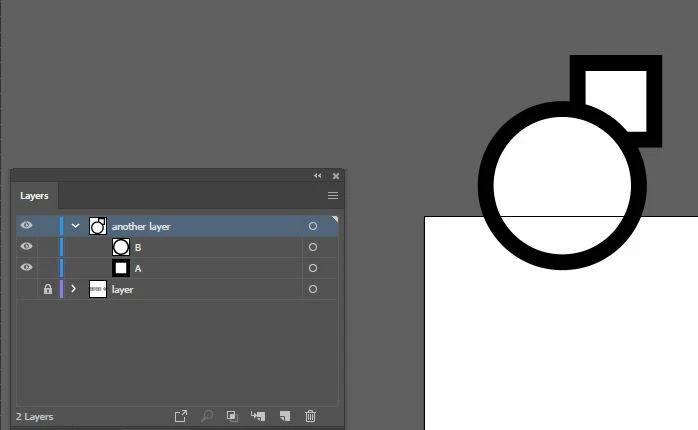
Then I run this code:
AIArtHandle newArtGroup;
sAIArt->NewArt(kGroupArt, kPlaceAboveAll, nil, &newArtGroup);
sAIArt->SetArtName(newArtGroup, ai::UnicodeString("Union"));
std::vector<AIArtHandle> artToReorder;
// comparing routine to fill a vector with art for applying an unite effect
for (int i = 0; i < artToReorder.size(); i++)
{
sAIArt->ReorderArt(artToReorder, kPlaceInsideOnTop, newArtGroup);
}
AIPathfinderData pathfinderData;
pathfinderData.fAlertInfoID = 0;
pathfinderData.fSelectedArt = &newArtGroup;
pathfinderData.fSelectedArtCount = 1;
// assigning option and params of pathfinderData
error = sAIPathfinder->DoUniteEffect(&pathfinderData, &filtMsg);
Also I have tried to put just the begin of the vector in pathfinderData.fSelectedArt, and set pathfinderData.fSelectedArtCount to appropriate count. The result was almost the same:
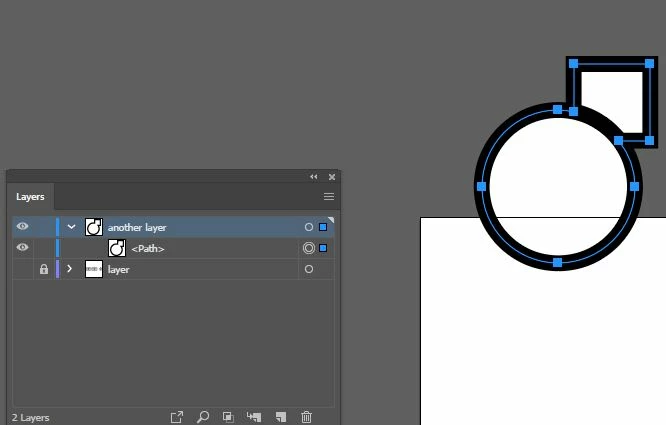
First of all, why does the circle keep its outline here?
But when I slightly change the view, it's gone:
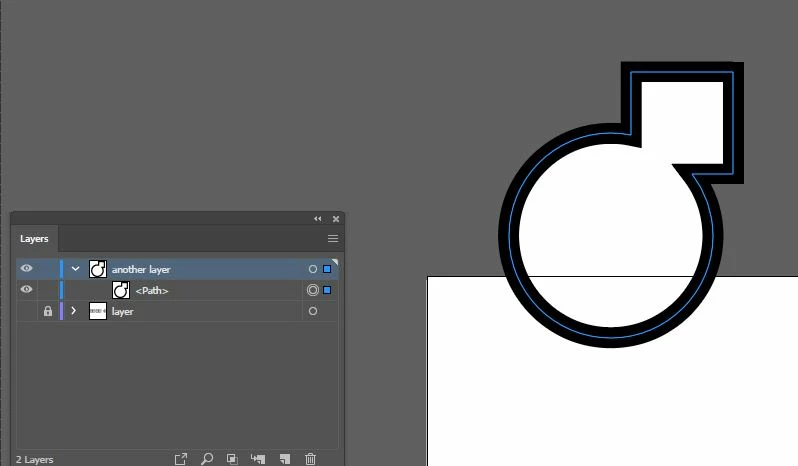
Then I add a rectangle on the scene (look at the layers: the path has been broken up):
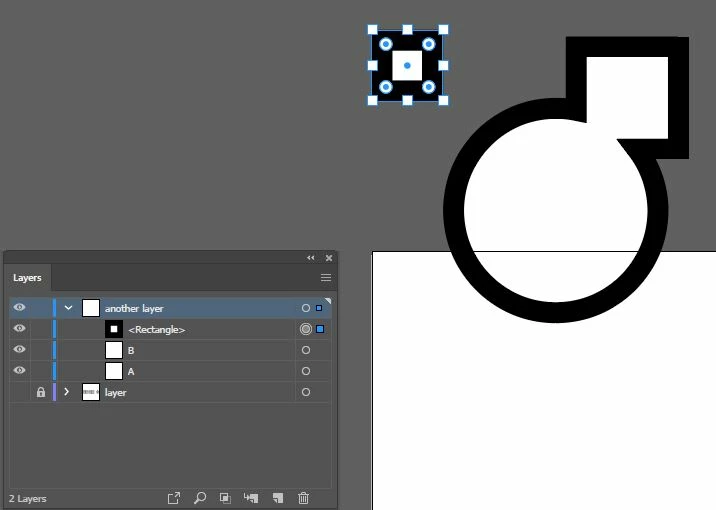
The effect is gone. I have to change the view to update this:
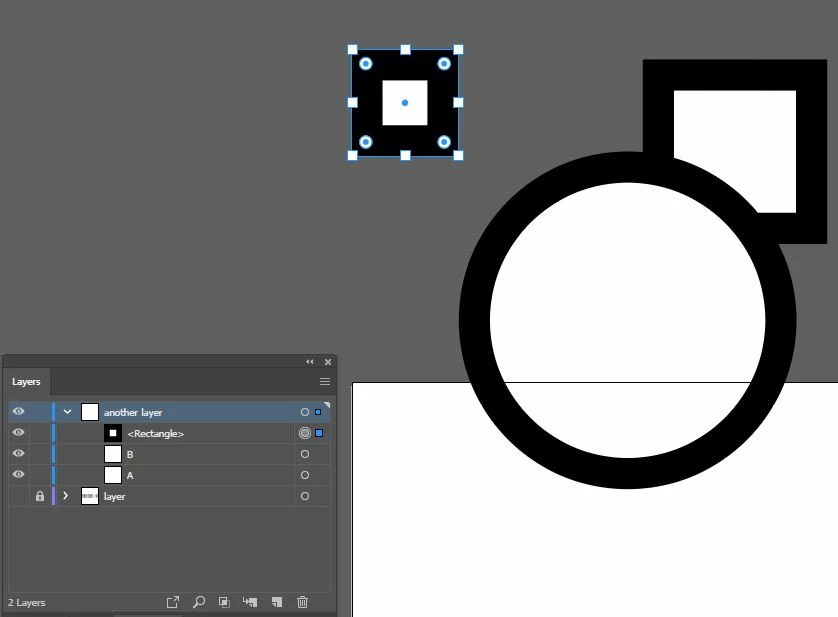
After that I can't create new primitives. Because each of them just replace <rectangle> and I have to change the view to see this (in the layer panel it becomes apparent immediately).
What am I missing?

 AdChoices