emilysmt97
Participating Frequently
October 22, 2017
Answered

Weird border on imaged traced picture

  • October 22, 2017
  • 1 reply
  • 676 views

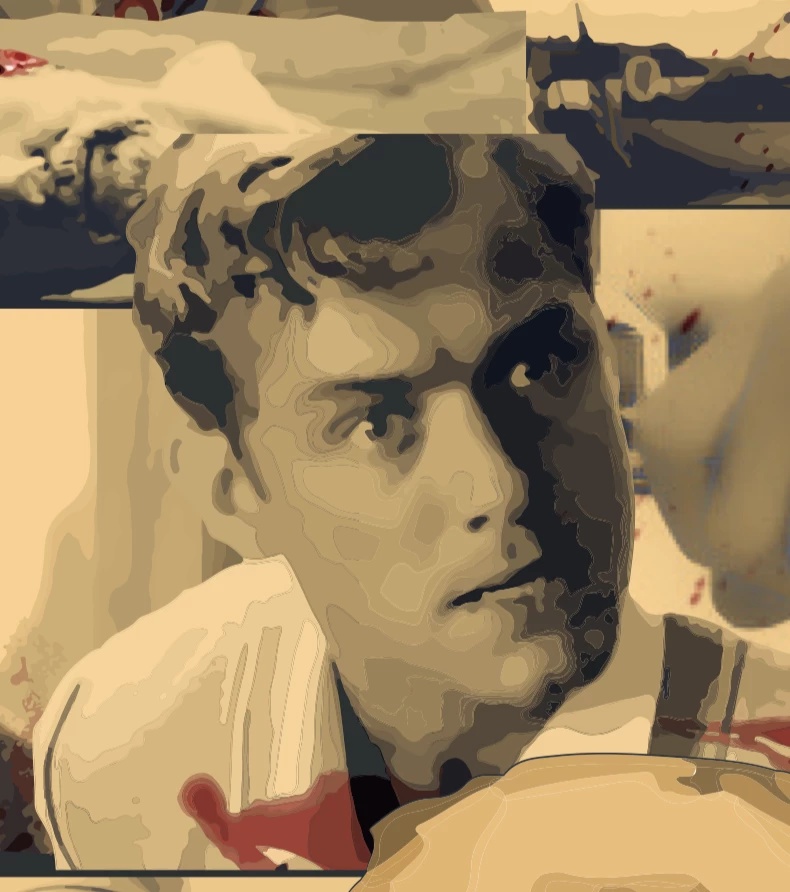
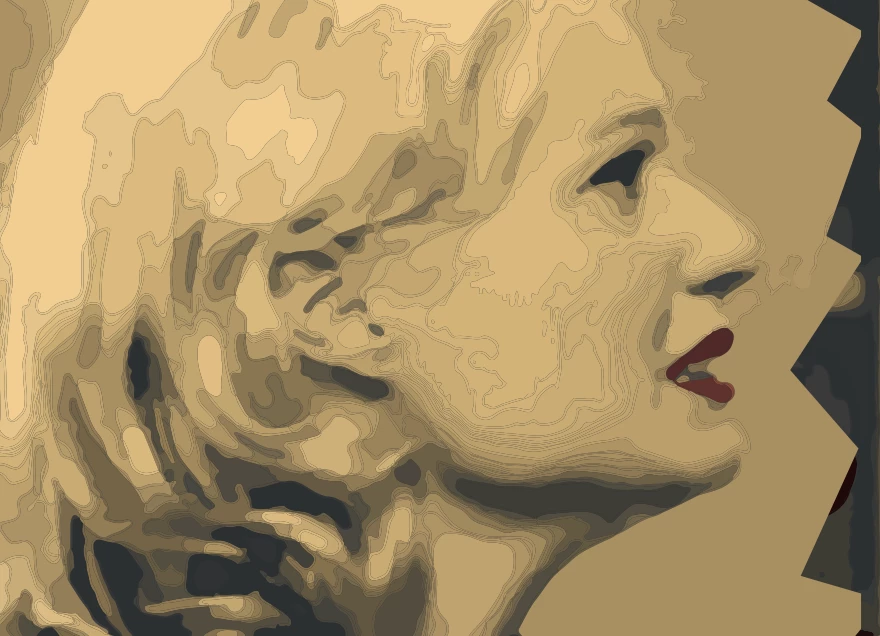
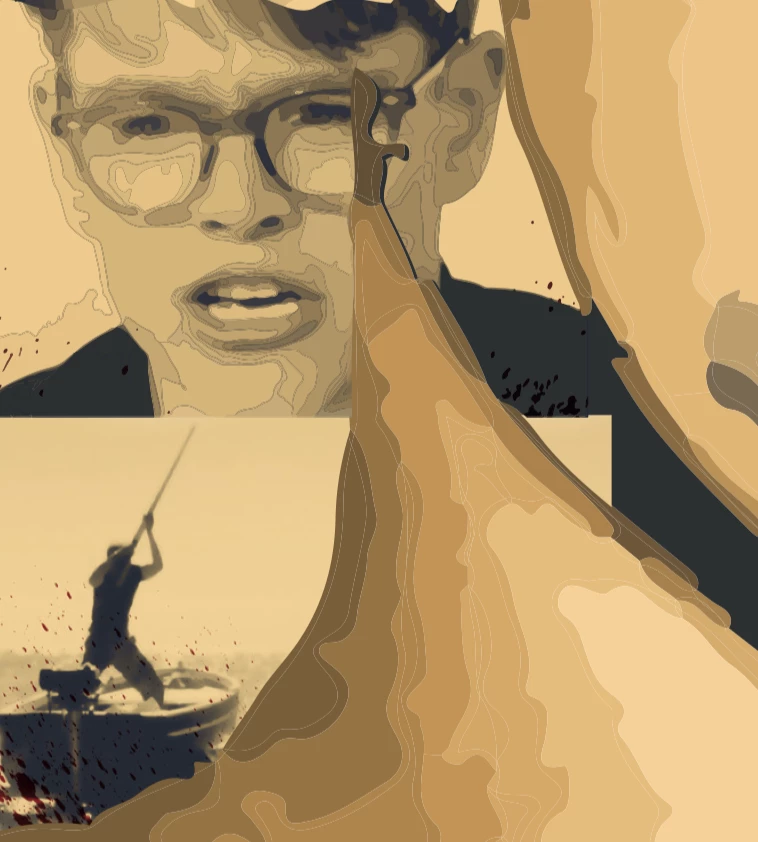
Hello, I need some help when trying to save my document. Whenever i convert my document to PDF, it brings up these weird outlines on some of my images in the document. All these images are imaged traced and do have clipping masks included in them as well. I have tried merging all the layer, flattening the transparency and making sure there is no outline fill on each image but it doesn't seem to be working. If you could help me at all that would be great! Thank you!
This topic has been closed for replies.
Correct answer Monika Gause

Those are antialiasing artifacts.

Don't appear in Illustrator as long as you don't expand the Image trace and it's still a live object.

Usually this should not print, but depends on the printing process. On some inkjets it might print. You want to talk to your service procider about it.

1 reply

Monika Gause
Community Expert
Monika GauseCommunity ExpertCorrect answer
Community Expert
October 22, 2017

Those are antialiasing artifacts.

Don't appear in Illustrator as long as you don't expand the Image trace and it's still a live object.

Usually this should not print, but depends on the printing process. On some inkjets it might print. You want to talk to your service procider about it.

emilysmt97
Participating Frequently
October 23, 2017

Thank you! I will try printing and see if it comes out. I have expanded the images, is there anyway to get rid of them or go back?

Monika Gause
Community Expert
Community Expert
October 23, 2017

You can get rid of some of them: try and select all and then apply the pathfinder (from the panel) Merge.

You can also try and put a rectangle below your images and fill it with one of the base colors from the image. Or use different shapes in different colors. This will make the fine lines less visible.