
Weird lines appearing in Illustrator after dividing shapes
I am making maps with Illustrator. Recently I encountered with a weird "line problem" when dividing shapes.
I made an easy example to demonstrate this problem.
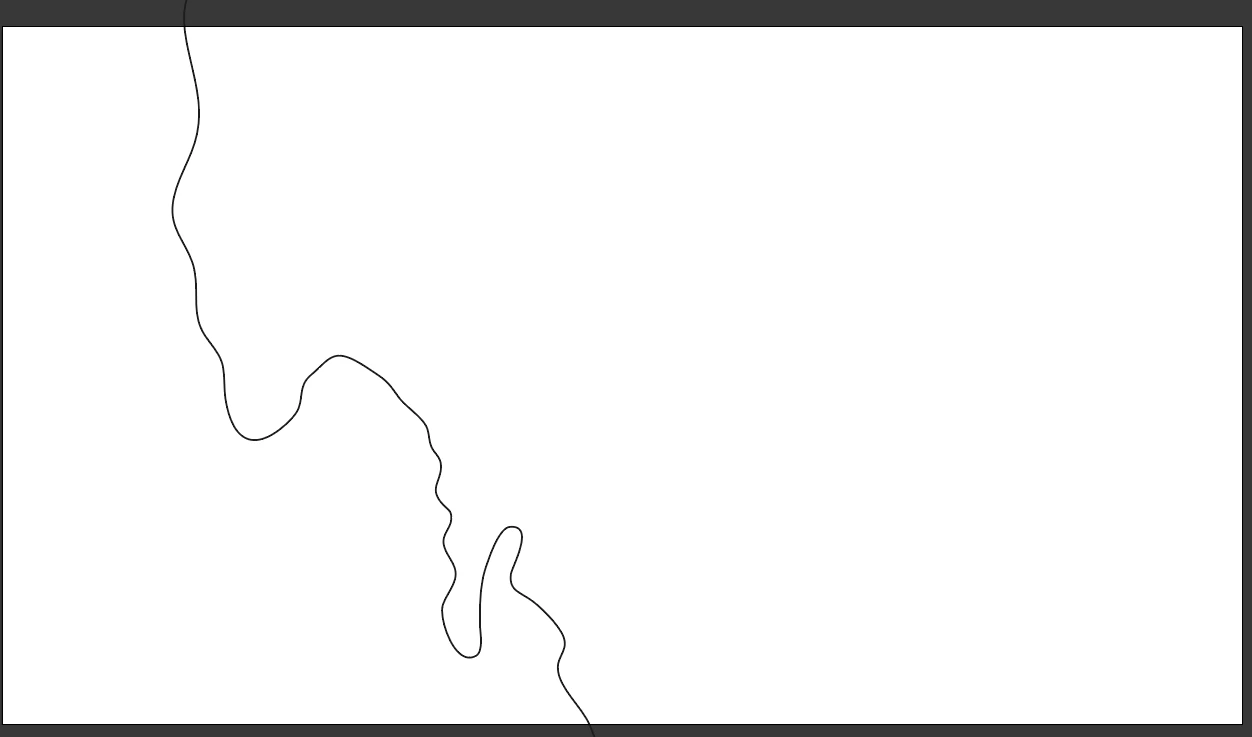
This is my coastline really simplified to show the problem. (Left is the ocean, right the terrain)
Now I want to draw borders for a country. I do that by drawing them as I want them to be. But on the coast I draw outward to divide it with the coastline to get an exact tracing of the coastline.
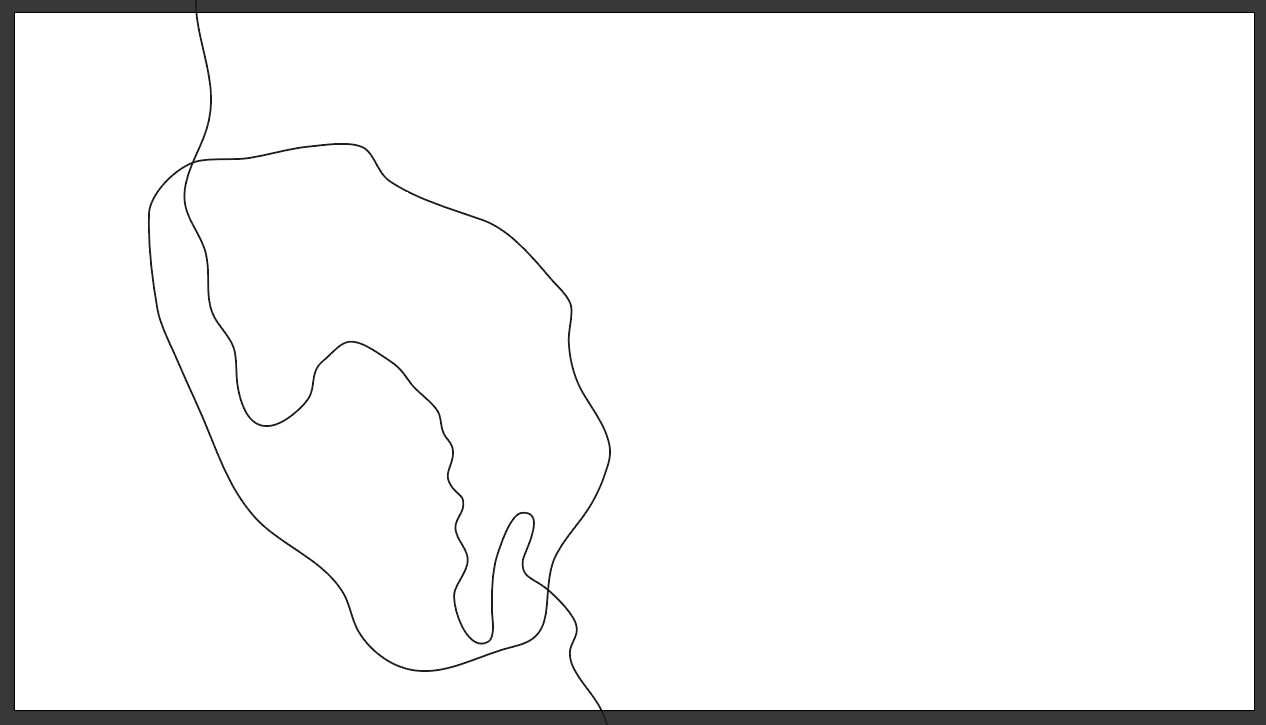
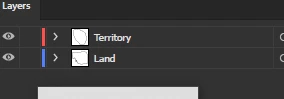
As you can see instead of drawing the coastline by myself, I drew over the coast to divide it later with each other. This is how my layers look.
Now I copy the Land and paste it on the the territory layer, then I select everything on the Territory layer and with the pathfinder press "Divide". Now with Isolation mode, I remove everything except the Country borders.
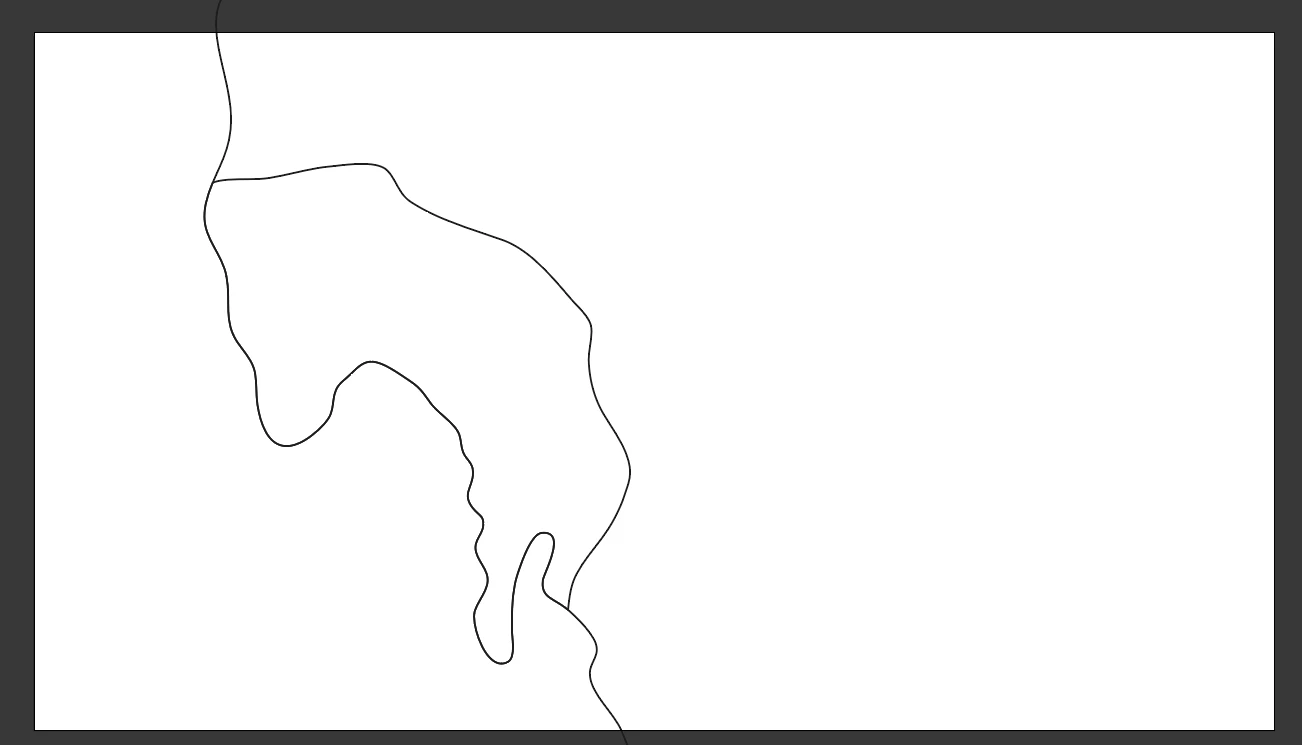
As you can see the country border align perfectly with the Coastline.
Now I want to draw a different time, where the country expanded or is bigger then now. So I do it again with the same way.
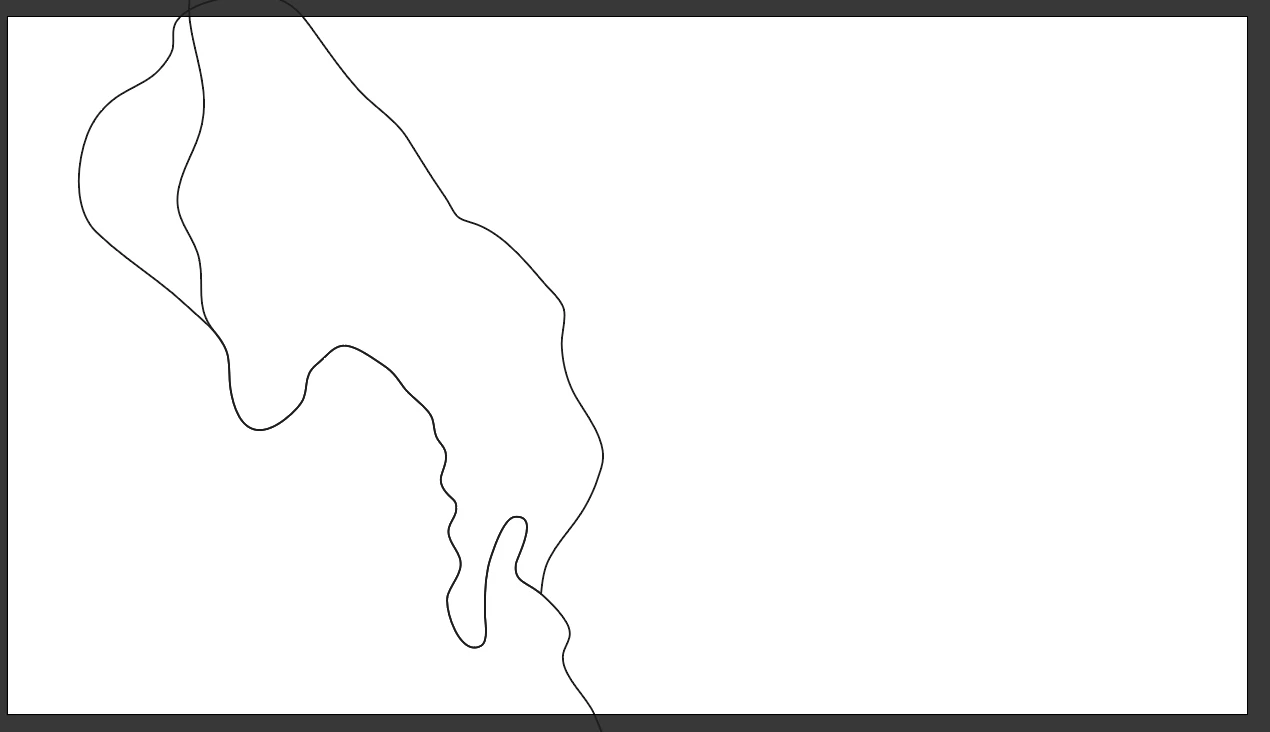
As you see the country growths only northwards, so with the Pen tool I draw there over the old border and it automatically connects it with the old shape but expanded. Again same way I draw over the coastline to divide it later with it. So I again copy the Land Layer and select everything and place it in the Territory layer. Then I select everything on the territory Layer and Press "Divide". Now again it seems to work perfectly.
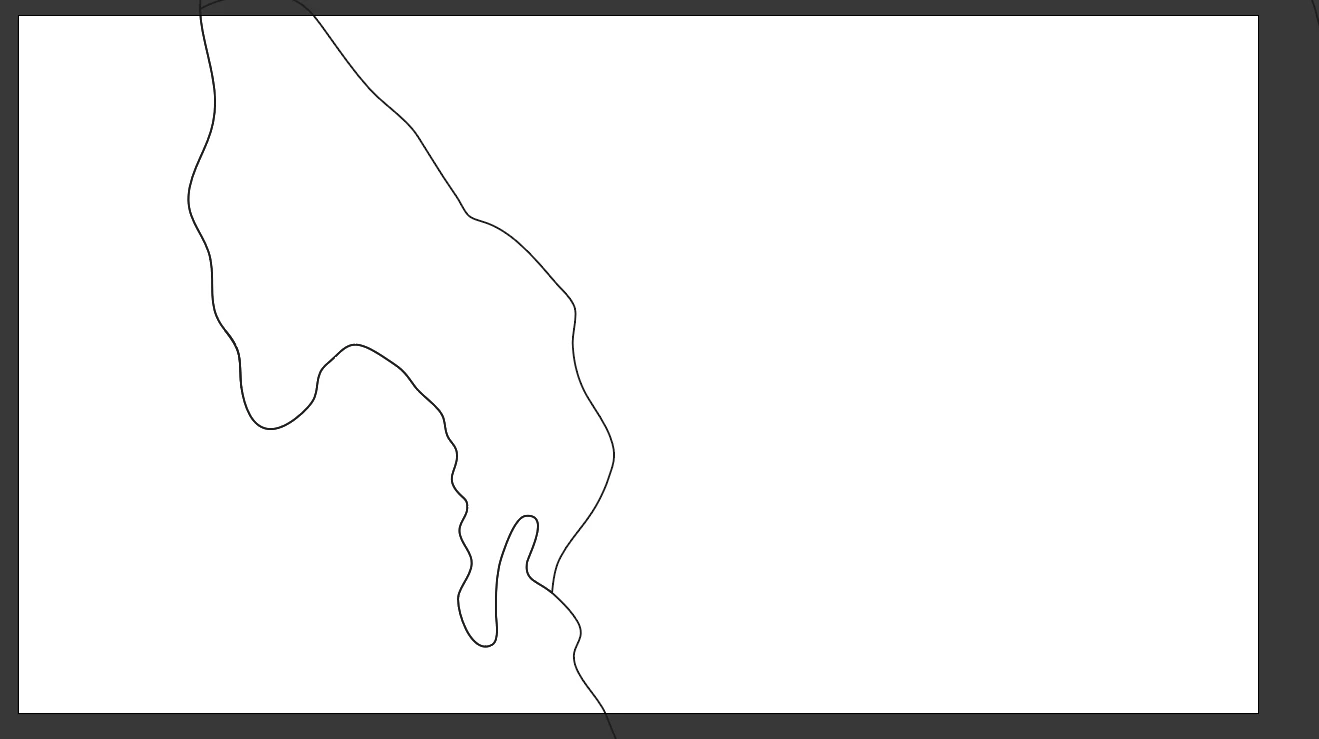
But when I go into Isolation mode and move the Country on the Territory a little to the right, you can see weird lines appearing exactly underneath it. (See image on the left side).
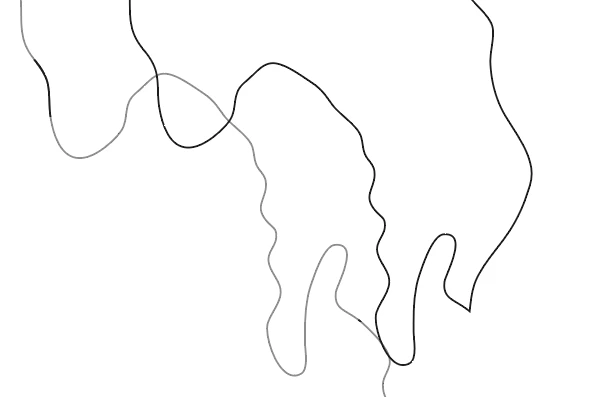
This is not the first time this happens to me. The more often I perform the "divide" function on a country layer with the same methods, the worse it gets. At some point I have so many of these lines it looks like I made a dashed line on purpose. And it affects the functionality of everything. When I have Islands, it distorts the Island sometimes and I cant fix it. It also affects the function of deleting everything accept the country I made, because now I have hundreds of small lines I have to divide individually. The only way I found around is to draw the whole coastline of the Country over the coast, not only the part that expands. So not this:
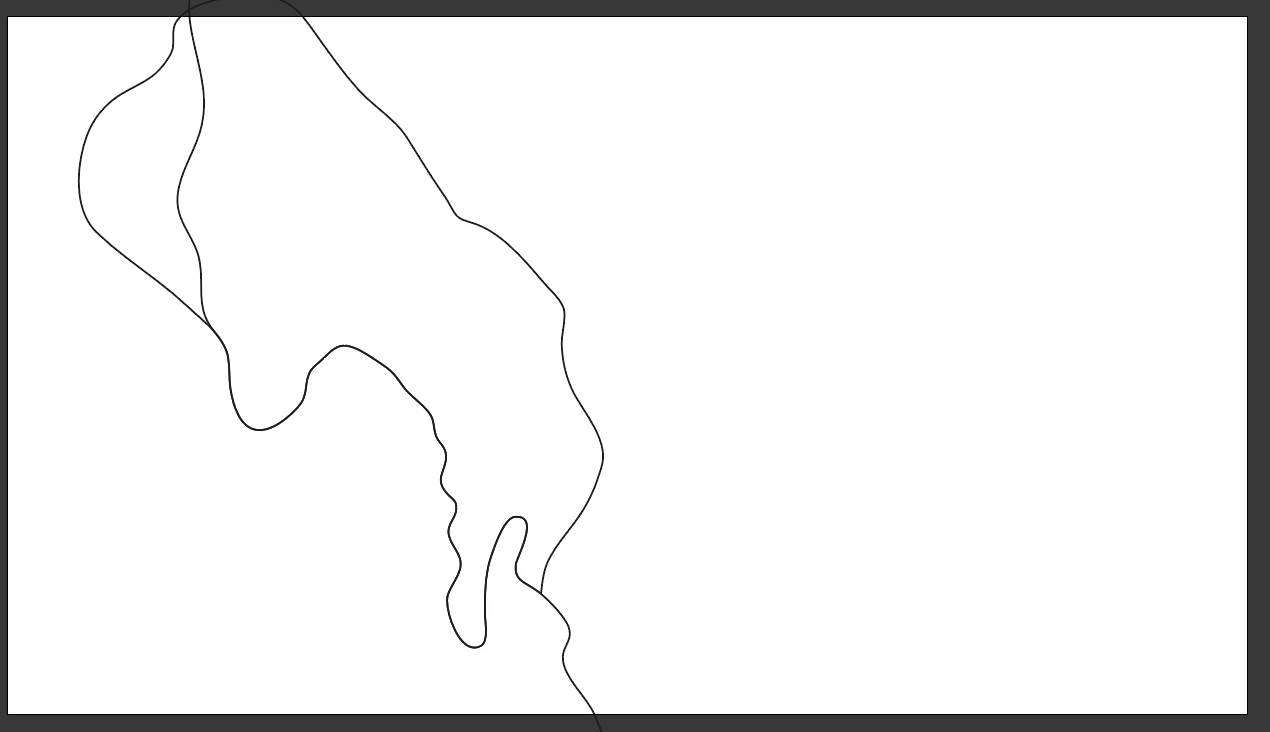
But this:
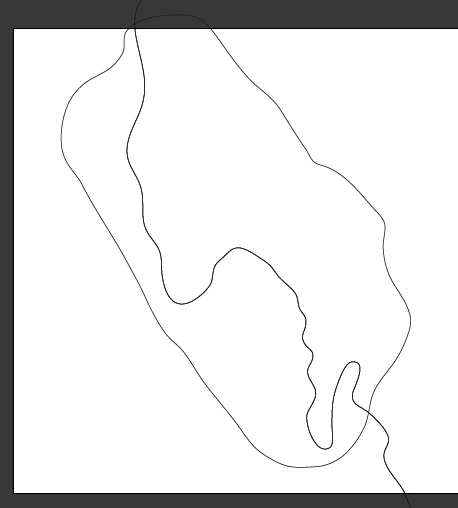
This works, but the problem here is, that the border I dont want tho change in the south is changed because of the pen tool setting new points, as seen here: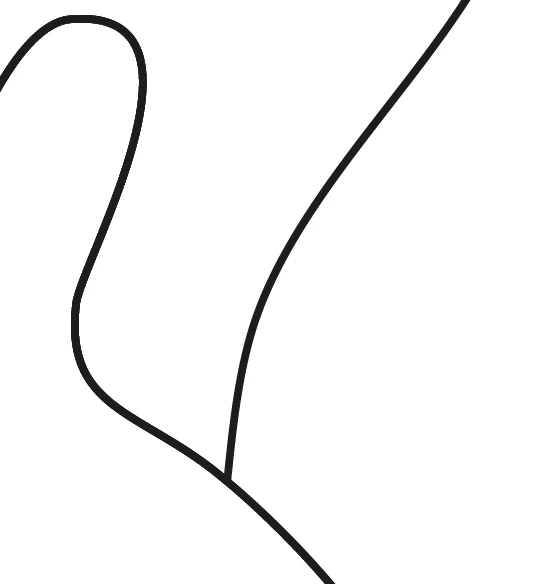
Before I drew over the coastline
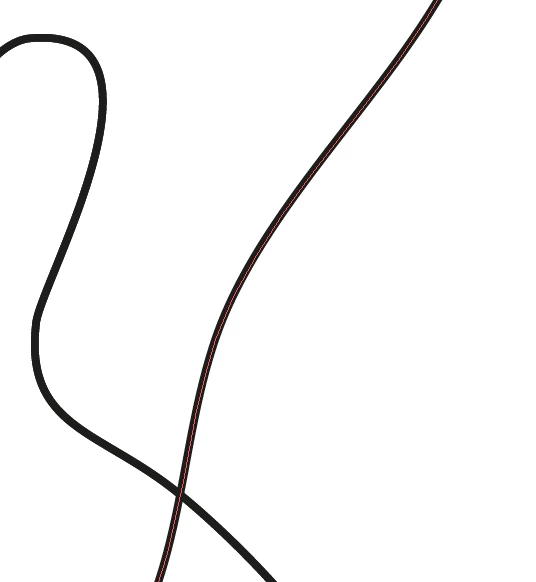
and after I drew at the spot of the border I dont want to change.
You see its only a small change, but nevertheless, a border that shouldnt change, has to stay exactly the same.
Do you guys have any ideas how to solve this?


 AdChoices