
Participating Frequently
October 22, 2024
Answered

Weird script behavior. Scaling objects and exporting them as png.

  • October 22, 2024
  • 1 reply
  • 1035 views

Hi,
I am making a script that takes objects from visible layers and scales them on a temporary layer 'temp' and then exports those scaled and grouped objects as a png.
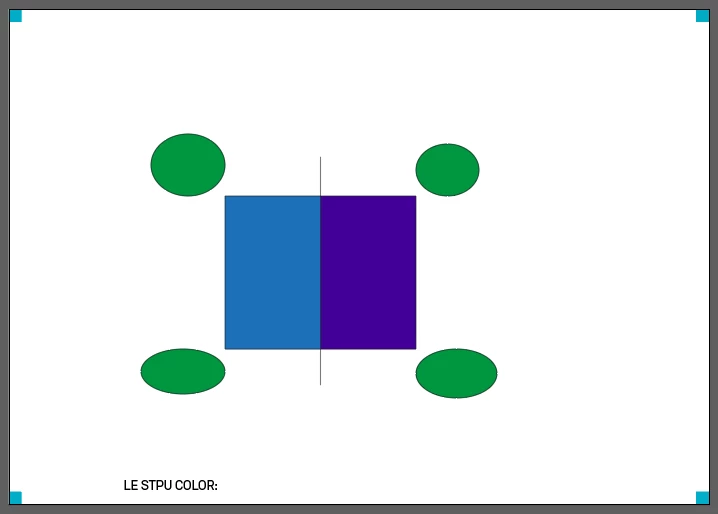
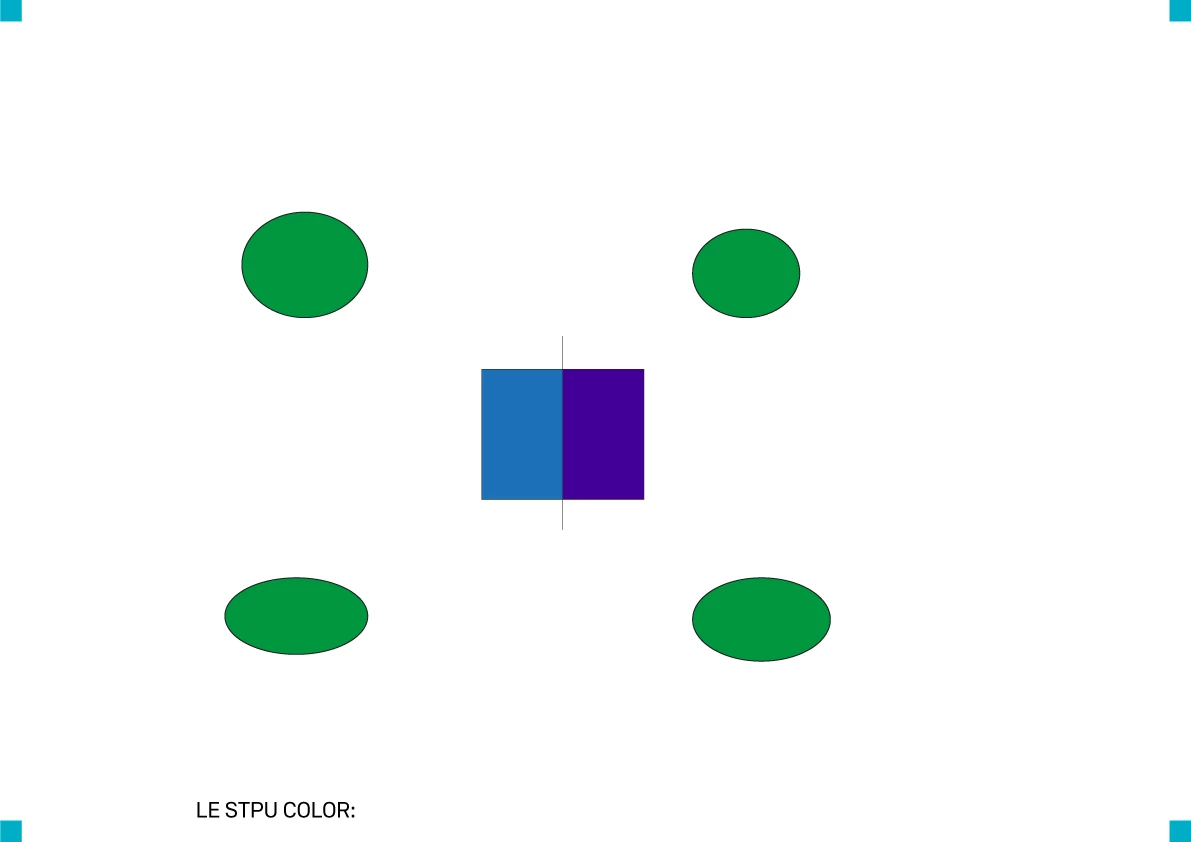
There is only one problem, one object is a live paint and it is causing some problems. Everything looks perfect until You take a look at the exported png. The live paint object remains in original size in the export even though in illustrator it is scaled correctly with other objects. 
But when I run the script secont time withouth the scale function it exports as it shoulds. Do you Guys have any idea?
var docRef = app.activeDocument;

var myDocumentsFolder = Folder.myDocuments;
var path1 = myDocumentsFolder;


function saveAsPNG(newPath,doc) {
    var pngFile = new File(newPath + doc.name.split("_")[0]+".png" );
    var resolution = 72;
    var opts = new ImageCaptureOptions();
    opts.resolution = resolution;
    opts.antiAliasing = true;
    opts.transparency = false;
    try {
        doc.imageCapture(pngFile, doc.geometricBounds, opts);
    } catch (e) {

    }
}

function scale(docRef)
{
    docRef.layers.add().name = "temp";
    docRef.selectObjectsOnActiveArtboard();
    app.executeMenuCommand("copy");
    docRef.layers.getByName("temp");
    app.executeMenuCommand("pasteInPlace");
    app.executeMenuCommand("group");
    var selected = app.selection[0];
    var layer = docRef.layers.getByName("temp");
    selected.move(layer,ElementPlacement.PLACEATBEGINNING);
    selected.resize(200, 200, true, true, true, true, 200);
       
    //docRef.layers.getByName("temp").remove
}
scale(docRef);
alert("about to export");
app.doScript
saveAsPNG(path1, docRef);
This topic has been closed for replies.
Correct answer m1b

Hi @Mikolaj35128644esj9, try adding a line:

app.redraw();

after the scaling. That can sometimes help in cases like this.

- Mark

1 reply

m1b
Community Expert
m1bCommunity ExpertCorrect answer
Community Expert
October 22, 2024

Hi @Mikolaj35128644esj9, try adding a line:

app.redraw();

after the scaling. That can sometimes help in cases like this.

- Mark

Participating Frequently
October 22, 2024

Thank you! I tired for 2 days to solve it with different workarounds but apparently just this one line was all i needed. 

Thank you again!

m1b
Community Expert
Community Expert
October 22, 2024

Great! I'm happy to help. The reason that the app.redraw() worked is because you are using the Document.imageCapture() method to do the exporting. It seems that ImageCapture depends closely on the state of the screen updating.


Just for learning, here is an alternative way, using Document.exportForScreens:


(function () {

    var doc = app.activeDocument;

    // keep track of the visible layers
    var visibleLayers = [];
    for (var i = 0; i < doc.layers.length; i++) {
        if (doc.layers[i].visible)
            visibleLayers.push(doc.layers[i]);
    }

    // stop export from creating sub-folders
    app.preferences.setBooleanPreference('plugin/SmartExportUI/CreateFoldersPreference', false);

    var tempLayer = scaleToTempLayer(doc);

    // hide all layers except tempLayer
    setVisibleLayers(doc, [tempLayer]);

    exportAsPNG(Folder.myDocuments, doc);
    // imageCaptureAsPNG(Folder.myDocuments, doc);

    // clean up
    tempLayer.remove();

    // show original visible layers
    setVisibleLayers(doc, visibleLayers);


    function exportAsPNG(path, doc) {

        var fileName = doc.name.replace(/\.[^\.]+/, ".png"),
            file = new File(path + '/' + fileName);

        var options = new ExportForScreensOptionsPNG24();
        options.antiAliasing = AntiAliasingMethod.ARTOPTIMIZED;
        options.scaleType = ExportForScreensScaleType.SCALEBYWIDTH;
        options.scaleTypeValue = 400;
        options.transparency = true;

        var itemToExport = new ExportForScreensItemToExport();
        itemToExport.artboards = '';
        itemToExport.document = true;
        doc.exportForScreens(file, ExportForScreensType.SE_PNG24, options, itemToExport);

    };

    function scaleToTempLayer(doc) {
        var layer = doc.layers.add();
        layer.name = "temp";
        var group = layer.groupItems.add();
        doc.selectObjectsOnActiveArtboard();
        app.redraw();
        var items = doc.selection;
        for (var i = items.length - 1; i >= 0; i--) {
            var tempItem = items[i].duplicate();
            tempItem.move(group, ElementPlacement.PLACEATEND);
        }
        group.resize(200, 200, true, true, true, true, 200);

        return layer;
    };

    // make supplied layers visible, but no other
    function setVisibleLayers(doc, layers) {
        allLayersLoop:
        for (var i = 0; i < doc.layers.length; i++) {
            visibleLayersLoop:
            for (var j = 0; j < layers.length; j++) {
                if (doc.layers[i] === layers[j]) {
                    doc.layers[i].visible = true;
                    continue allLayersLoop;
                }
            }
            doc.layers[i].visible = false;
        }
    };

})();


I added in some extra complications including hiding the layers during the export so we can't see them. But you can see that there is no app.redraw() needed.

- Mark


EDIT 2024-11-16: as per @sttk3's excellent comment, I've added a line that shop stop unwanted sub-folders being created. @Mikolaj35128644esj9 please try this version and see if it fixed your issue.