
What am I doing wrong - color with printing
I can't seem to get color right with printed artwork. I am using a MacBook Pro, my display is supposed to reflect the colors pretty accurately but somehow every time I print the colors are off. I'm going to detail my whole process here, maybe someone can let me know what I'm doing wrong.
1) I downloaded this file - https://www.freepik.com/premium-psd/moodboard-polaroid-photo-mockup_14636836.htm and opened it in Photoshop. I then adjusted the color of the leaf and background
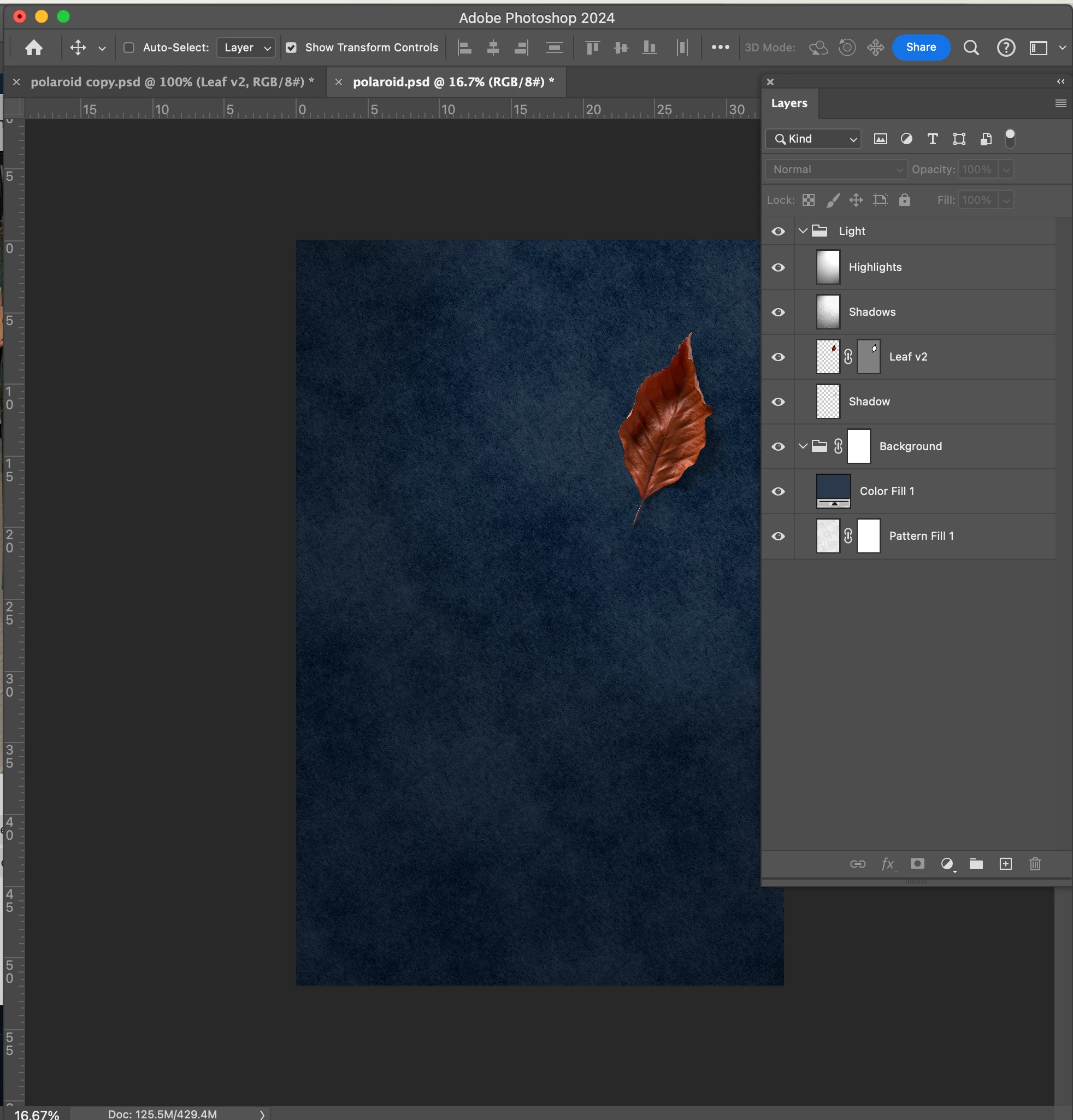
2) I exported the image using 'quick export as png'
3) I dragged the image into my already open Illustrator artboard. My color settings were on CYMK. I then added some more graphics.
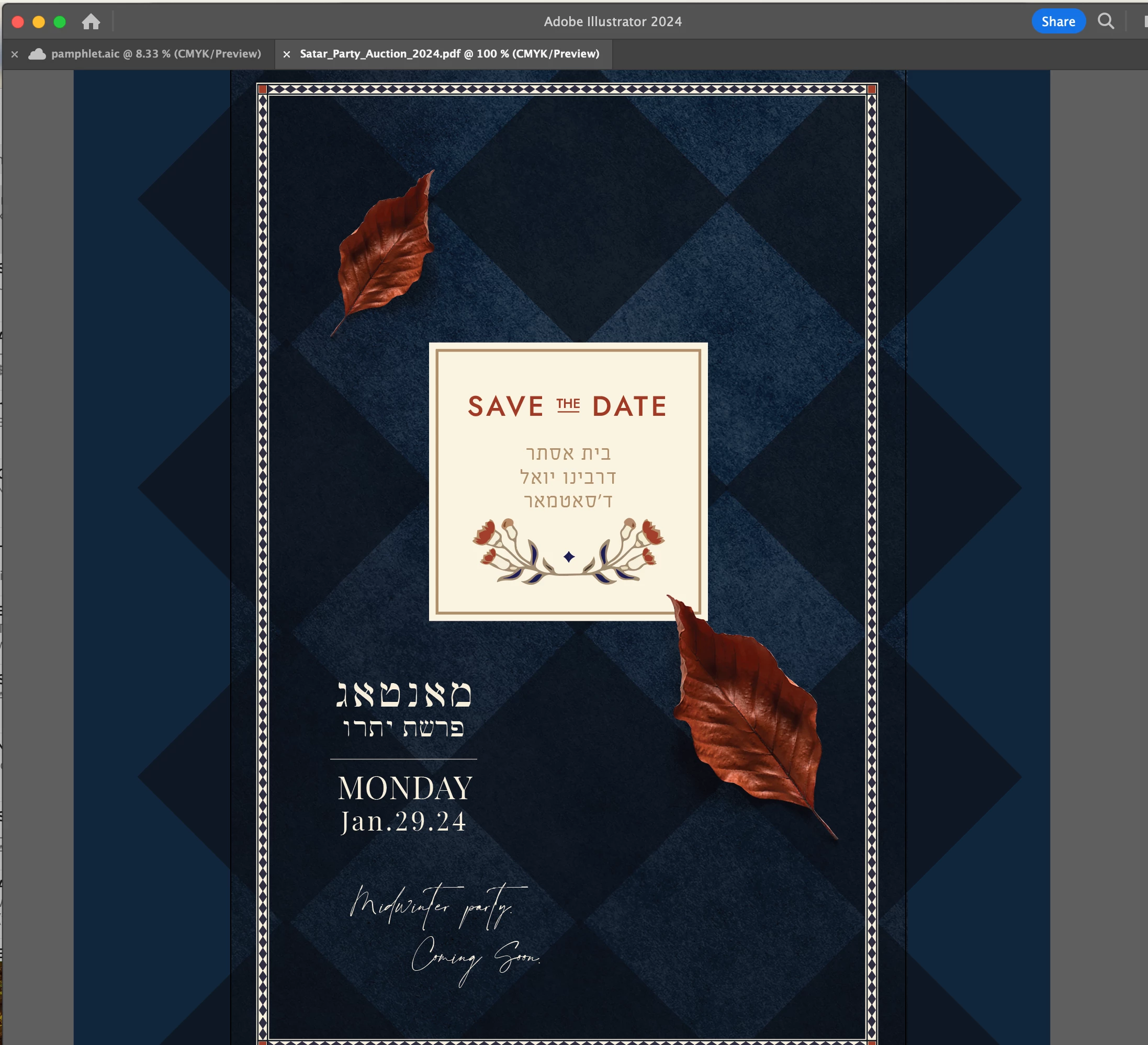
4) I saved the file as a pdf - press quality > no color conversion. and sent it to print
5) the print came out much darker and very dull - something like the image below.

What can I do differently to fix this??
 AdChoices