
Overground555
Known Participant
November 13, 2018
Answered

What is causing these rogue lines when I 'join' all lines in an image?

  • November 13, 2018
  • 2 replies
  • 3368 views

I am working on a logo design, as can be seen in image 1, and I have finished several of the lines I want to bring into the design, so now I want to combine them and start filling them with color and adjusting the border colors. When I try to 'join' all the lines together, it creates these odd lines, as can be seen in image 2.
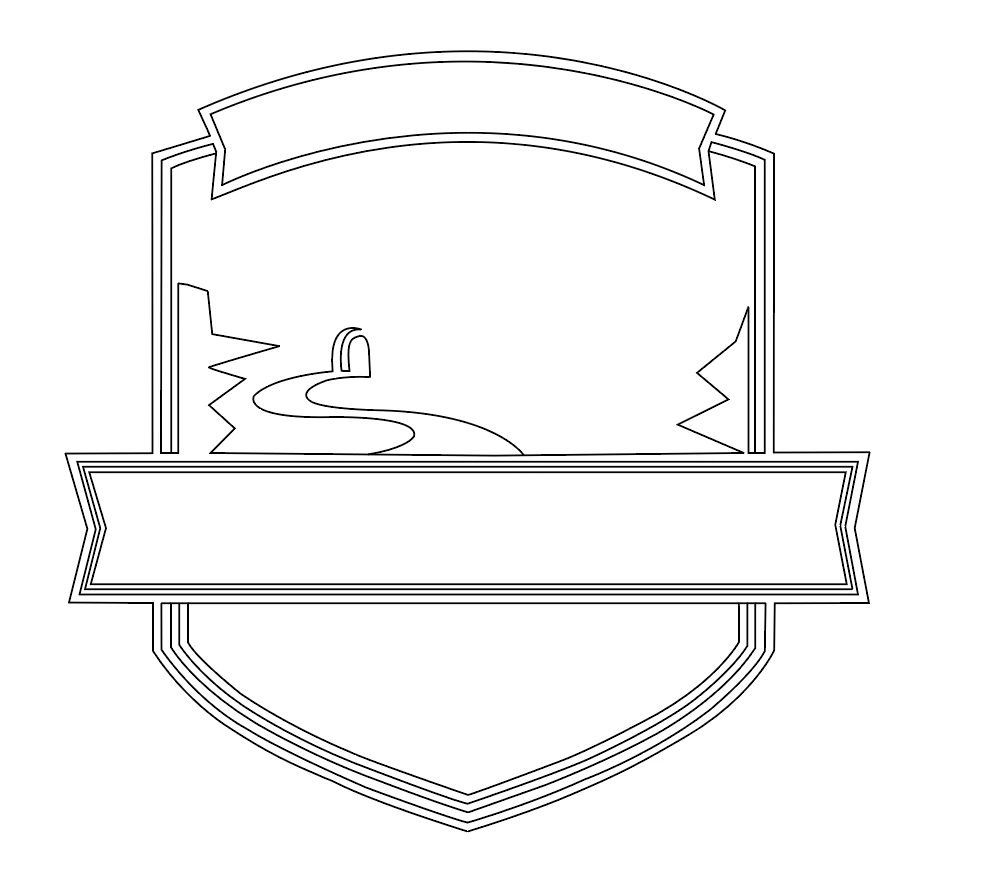
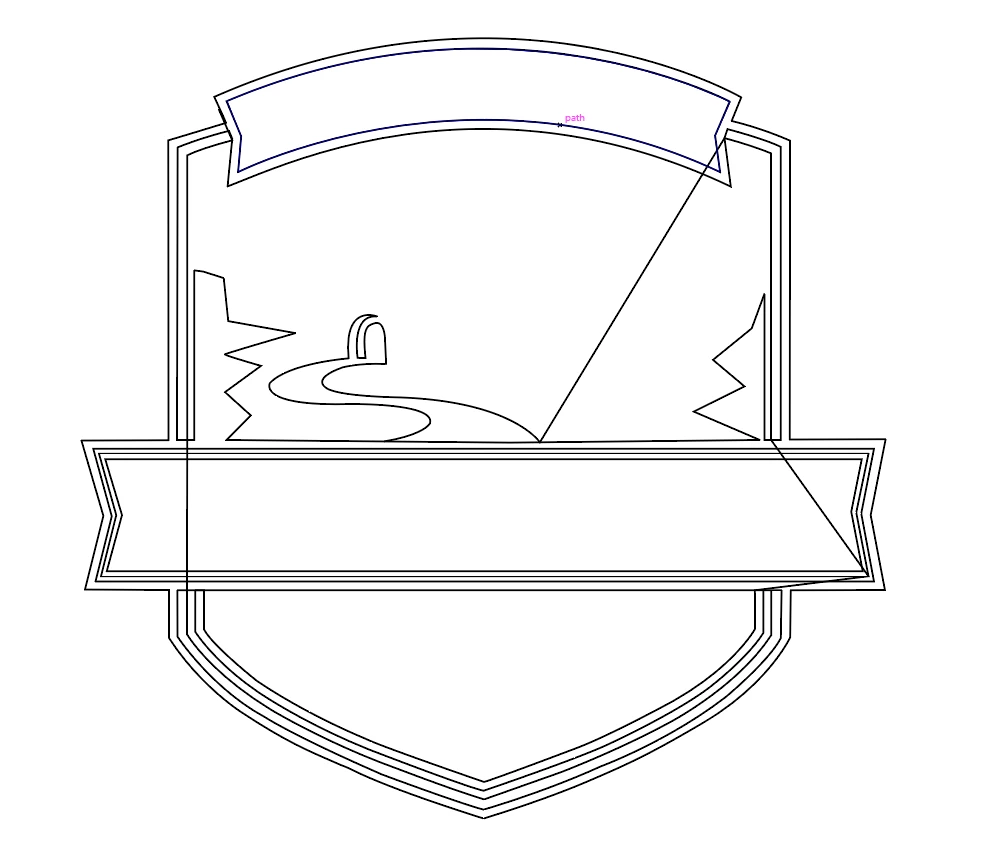
what is causing this, and is there a better way of doing what I am trying to do? Thank you all for your help.

    This topic has been closed for replies.
    Correct answer Doug A Roberts

    nathane49939165  wrote

    Thanks for the response Myra.

    I'm still confused as to why I'm seeing those strange lines that develop when I join everything? Do you know what causes them?

    You have a number of open paths in your design. When you join all, any open ends will be joined to the nearest other open end. This means illustrator will draw connecting paths between those points.

    2 replies

    Myra Ferguson
    Community Expert
    Community Expert
    November 13, 2018

    You can drag over the various segments you want to connect with the Join Tool to connect them.

    Overground555
    Known Participant
    November 13, 2018

    Thanks for the response Myra.

    I'm still confused as to why I'm seeing those strange lines that develop when I join everything? Do you know what causes them?

    I wanted to join everything because I have many lines, and I don't know what should be joined with what, in order to fill this design in.

    Monika Gause
    Community Expert
    Community Expert
    November 13, 2018

    You don't need to join anything. Just use Live paint.

    Monika Gause
    Community Expert
    Community Expert
    November 13, 2018

    This is happening because joing all lines at once sometimes is not done cleverly. Or because it can't work.

    Use the live paint tool. Read about it in the documentation.