Inspiring
July 23, 2018
Answered

What is the best way to break up a big path

  • July 23, 2018
  • 5 replies
  • 688 views

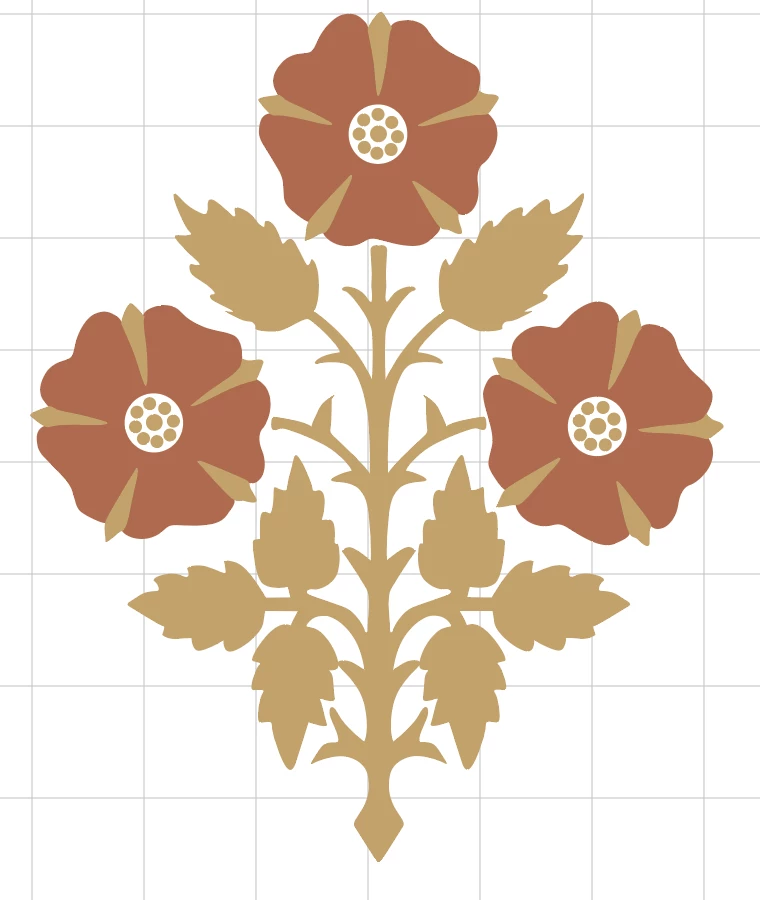
This is a screenshot of my vector, here is a link to it. Dropbox - Rose.ai

The leaf/stem/thorns portion is all one path. I'd like to break it up by making the leaves their own individual paths so that I can introduce another color.

Whats the best way to do this?
    This topic has been closed for replies.
    Correct answer tonyharmer

    Hey Marie

    You could get the Scissors Tool (tap C on your keyboard) and cut at the points where the leaves become stems.

    5 replies

    Inspiring
    July 23, 2018

    I'll add a discovery I just made, in case anyone ever reads this thread because they have the same issue: it is important to join the paths at the "wound" before going onto making a second set of cuts!

    c.pfaffenbichler
    Community Expert
    Community Expert
    July 23, 2018

    The Knife Tool (a secondary of the Scissors Tool) might also provide an option.

    Inspiring
    July 23, 2018

    I gave the Knife Tool a try - its operation is a bit mysterious to me.

    c.pfaffenbichler
    Community Expert
    Community Expert
    July 23, 2018

    With the Knife Tool one can click outside of a closed shape, drag across it and release to create two closed shapes.

    It may not be what you are looking for, ofd course …

    Inspiring
    July 23, 2018

    Perfect, thank you both!

    JonathanArias
    Legend
    July 23, 2018

    Adding to Tony, if there are no points in the area you can add points with the pen tool.

    tonyharmer
    Community Expert
    tonyharmerCommunity ExpertCorrect answer
    Community Expert
    July 23, 2018

    Hey Marie

    You could get the Scissors Tool (tap C on your keyboard) and cut at the points where the leaves become stems.