
What is the difference between type opacity and characters opacity setting?
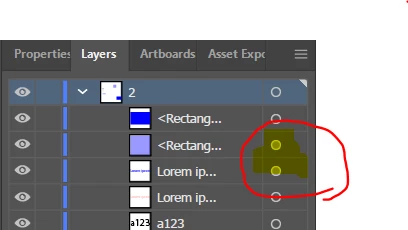
I often use the layer labeled "solid circle" to find some object elements with effect or opacity
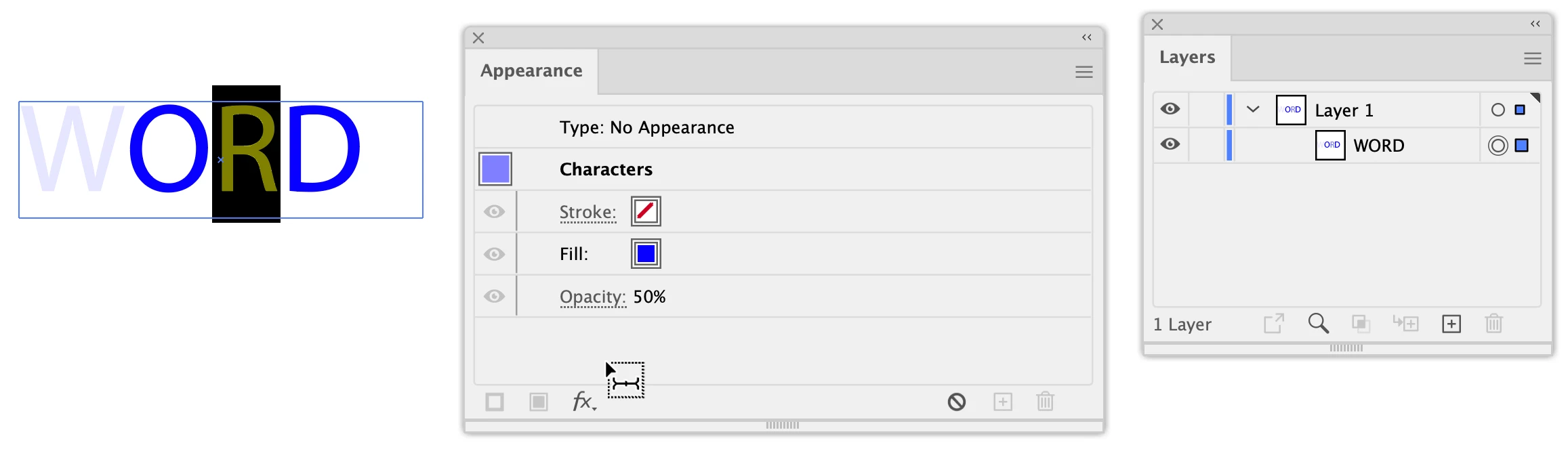
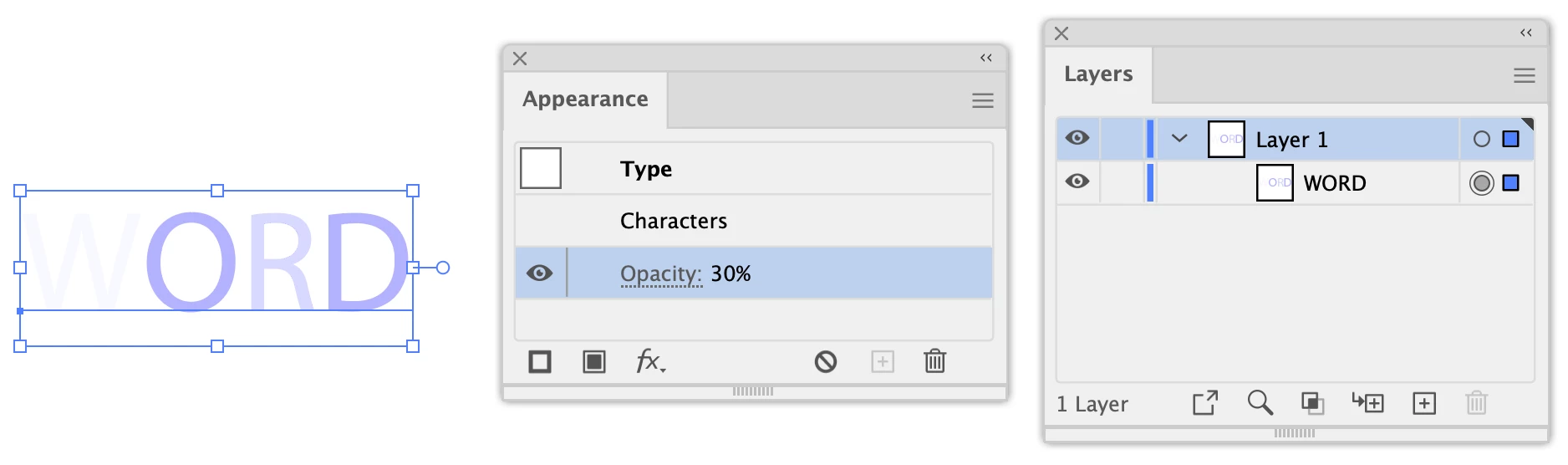
However, I found that the opacity setting of characters < 100 will not be marked as "solid circle" on the layer, but it will be marked as "solid circle" only when it is set to < 100 on the opacity of type, so what is the difference between the two opacity? Characters should be a subtype of type. Their display effect looks the same. For example, I set the opacity of type to 50, which looks the same as setting the opacity of characters to 50. I don't know why it should be set in two places and why it not be marked as "solid circle" when characters opacity< 100?
"solid circle" to show object elements with effect or opacity in layers:
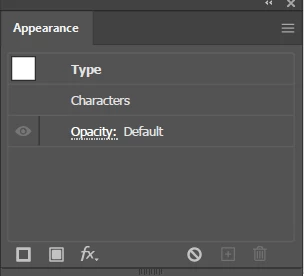
Type opacity:
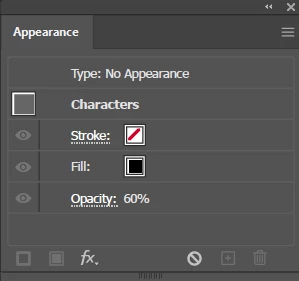
Characters opacity(< 100 will not be marked as "solid circle" on the layer)
 AdChoices