Participating Frequently
December 9, 2024
Answered

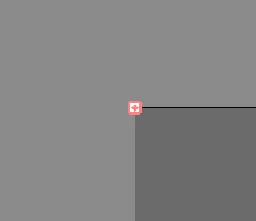
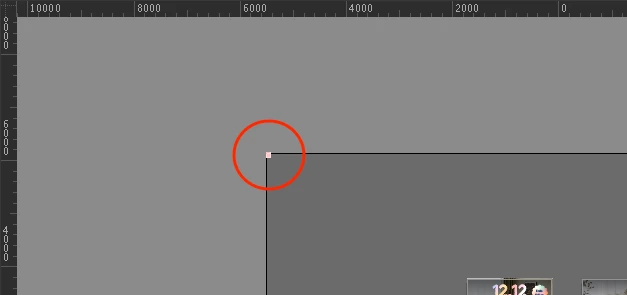
What is this red plus icon at the top left corner of the working space?

At first I thought it was the hidden text box and I tried to select all but it can't be selected for some reason.

It's not a slice either.


My Illustrator version is 28.7.1.


Anyone knows what kind of bug is this and can it be removed?
 

This topic is closed to new replies. Start a new post to keep the conversation going.
Brad @ Roaring Mouse
Brad @ Roaring MouseCorrect answer
Community Expert
December 10, 2024

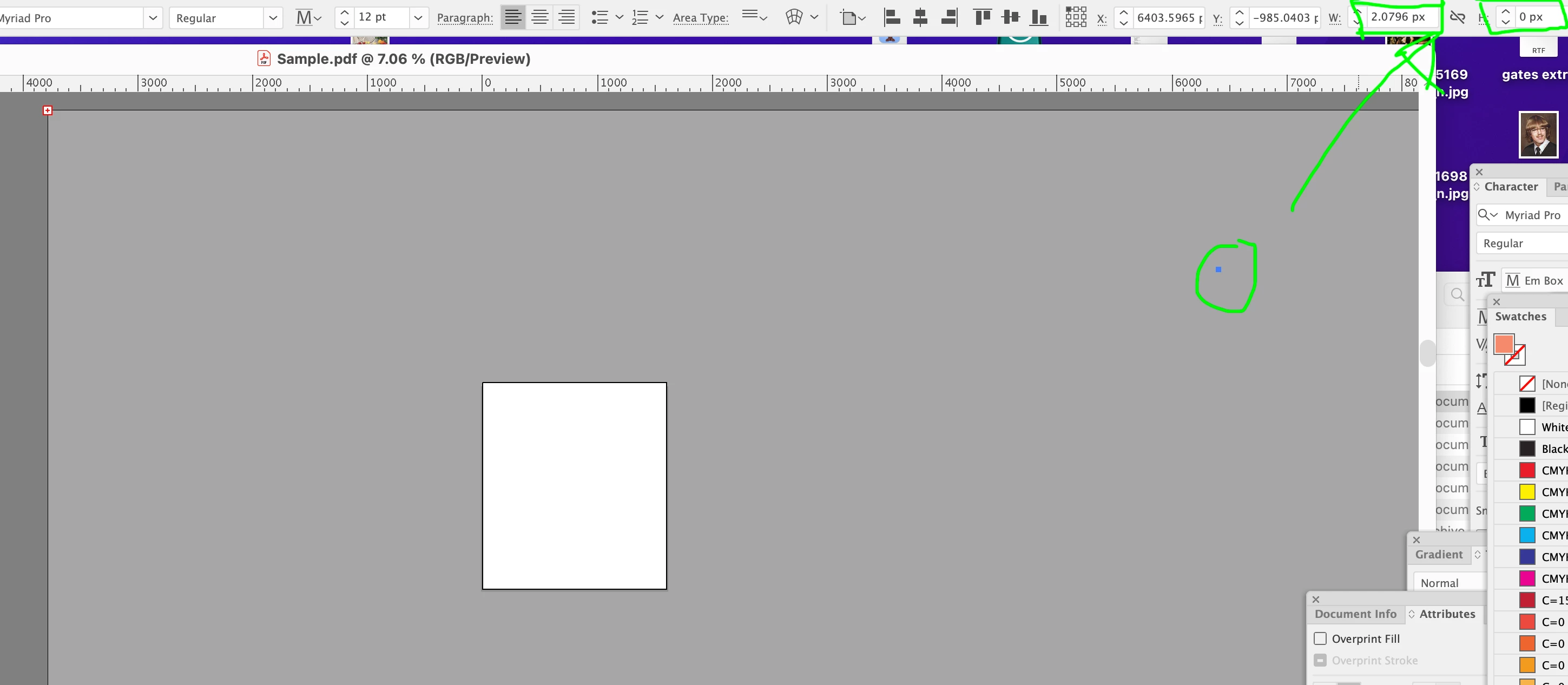
Yep, you have a tiny tiny tiny text box, with overset text (actually just a paragraph return, but your box is only 2 pixels wide by 0 pixels tall.

If you Select All, you will see it over to the right on the pasteboard. You could increase the size by putting larger numbers on the measurements at top right, but as I said it's just a paragraph return, so you should just be able to Select All and Delete.

OR

Object > Path > Clean Up. That should get rid of it.


12 replies

John Waller
Community Expert
Community Expert
December 10, 2024

To eliminate guesswork, can you upload the file and post a link so we can examine the document on our systems?

Translate
Participating Frequently
December 10, 2024

Sure, here you go!

Translate
John Waller
Community Expert
Community Expert
December 10, 2024

I mean upload the Illustrator AI file which displays the red plus icon.

Translate
Monika Gause
Community Expert
Community Expert
December 9, 2024

Looks like some very tiny area text object.

Translate
Participating Frequently
December 10, 2024

That's what I thought, but can't be selected unfortunately.

Translate
Monika Gause
Community Expert
Community Expert
December 10, 2024

It's probably on a locked layer.

What does the layers panel say?

Select > Object > Text?

Translate
Mohammad.Harb
Community Expert
Community Expert
December 9, 2024

Have you tried to unlock all objects then select and delete the object

Translate
Participating Frequently
December 10, 2024

I have checked - no locked layers or objects.

Translate