Inspiring
Oct 30, 2026 3:34 PM UTC
Answered

What's wrong with the Blend tool?

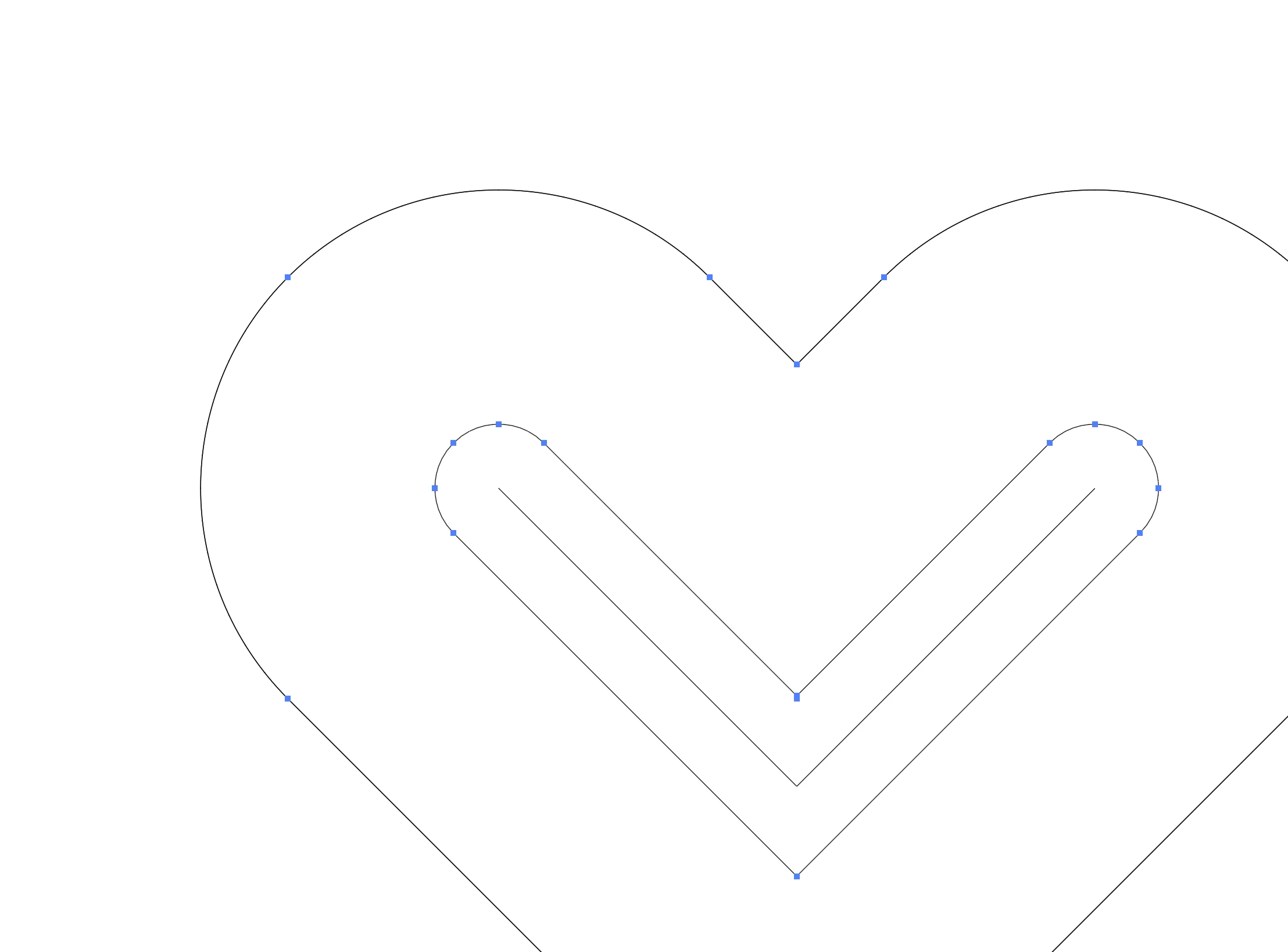
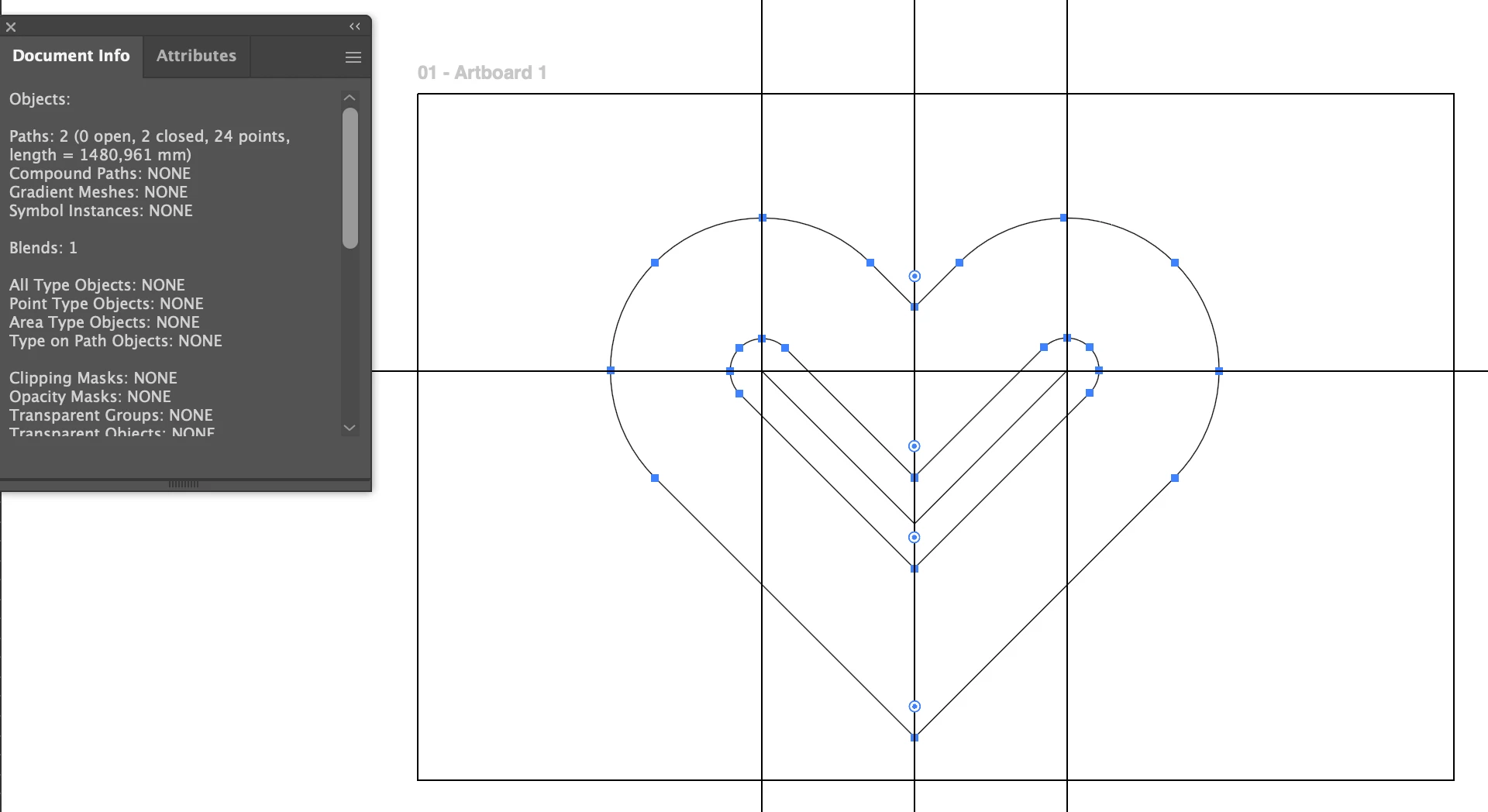
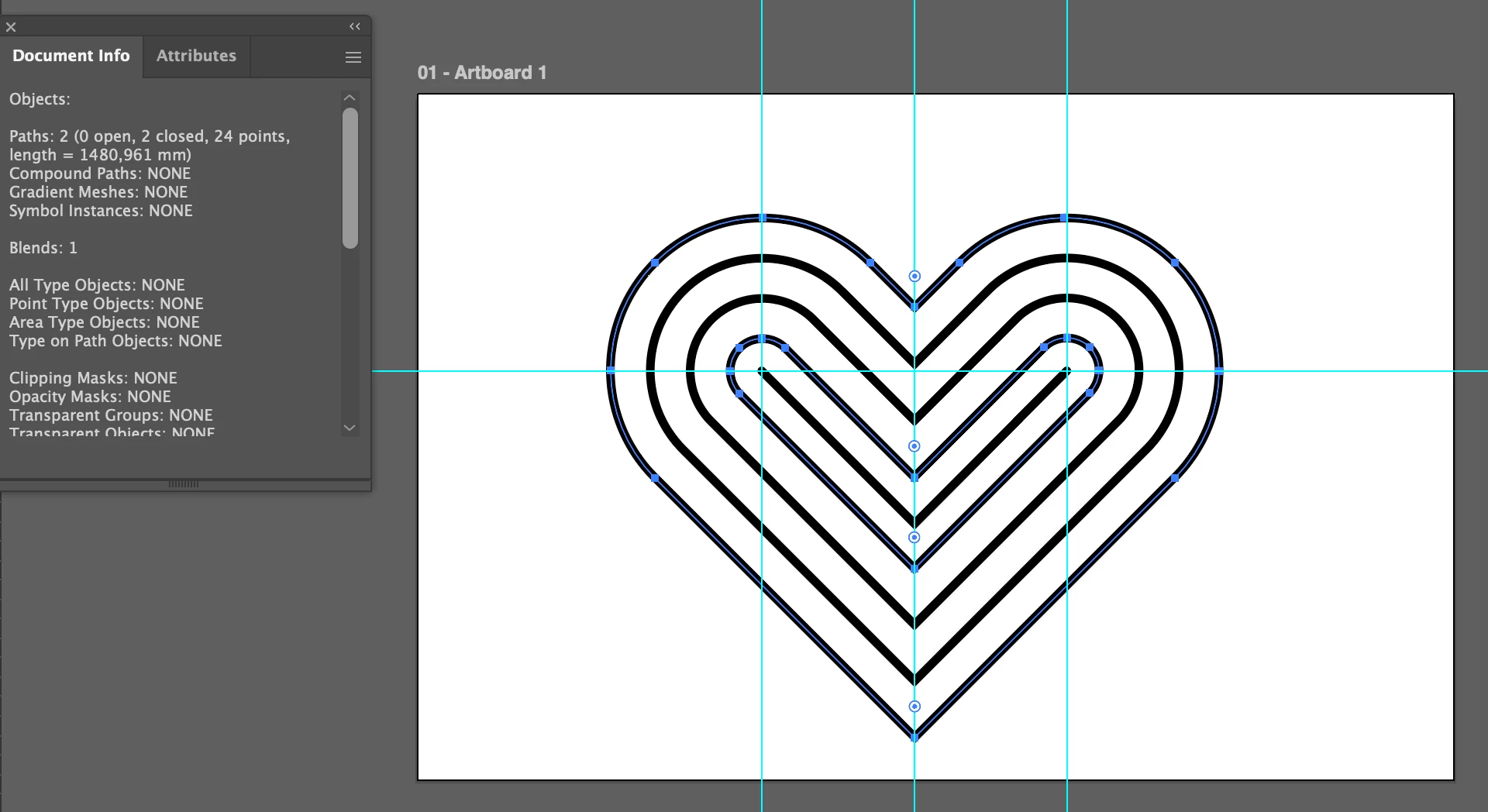
I mean, these are perfectly clean shapes, what is the Blend tool rendering in between? Wtf

 

    Ton Frederiks
    Ton FrederiksCorrect answer
    Community Expert
    Oct 30, 2026 4:59 PM UTC

    ​@wnwka Make sure the number of points on both shapes are the same (in this case each 12, you need to add some to the outer shape) and manually click the two bottom points to blend.


    6 replies

    Monika Gause
    Community Expert
    Community Expert
    Oct 30, 2026 5:09 PM UTC

    Here are some tips for fixing erratic blends: 


    Translate
    wnwkaAuthor
    Inspiring
    Oct 30, 2026 6:18 PM UTC

    Has nothing to do with my issue but thank you

    Translate
    Ton Frederiks
    Community Expert
    Ton FrederiksCommunity ExpertCorrect answer
    Community Expert
    Oct 30, 2026 4:59 PM UTC

    ​@wnwka Make sure the number of points on both shapes are the same (in this case each 12, you need to add some to the outer shape) and manually click the two bottom points to blend.


    Translate
    wnwkaAuthor
    Inspiring
    Oct 30, 2026 6:20 PM UTC

    You can’t be serious

    Translate