
Participant
September 5, 2024
Question

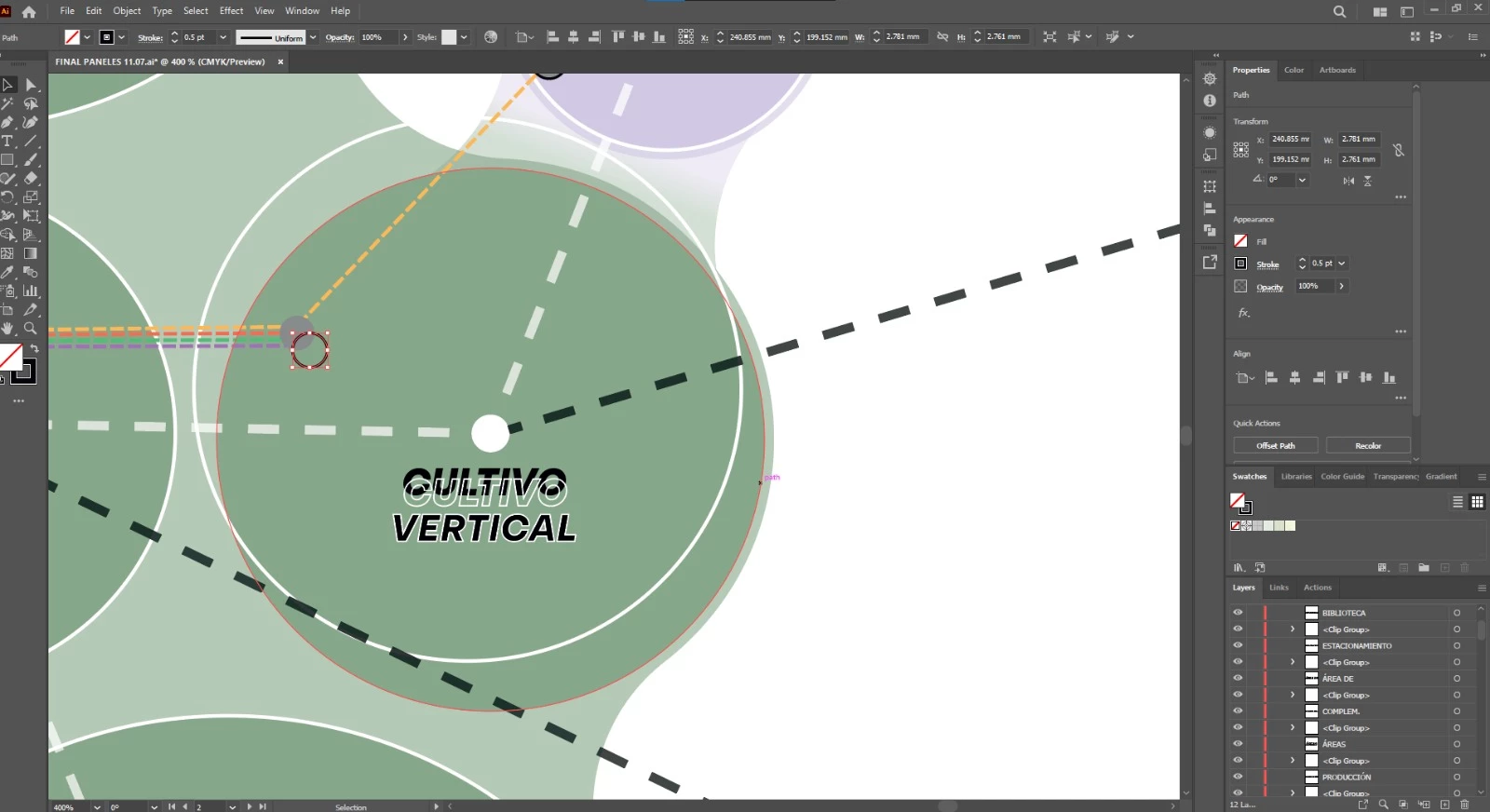
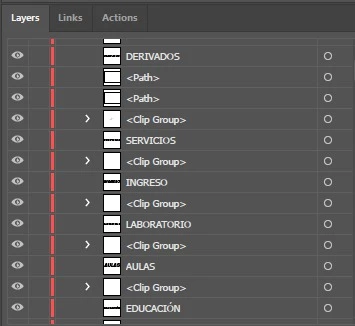
when i open my Ai file everything are separed including letters and shapes

  • September 5, 2024
  • 2 replies
  • 171 views

Hi, i having a problem with all my Ai files, i'm using 2024 version and every time when i save and open again everything in the file are separed including letters and shapes, the file creates "clips groups" and "paths" , i try with diferents version of Ai and the same problem happens, i dont know how to fix it.

I always save with "save as" and open the ".ai" file. 
This topic has been closed for replies.

2 replies

Monika Gause
Community Expert
Community Expert
September 5, 2024

Do you save to your local disk? If not, try that first.

Also: turn off "Save in background" in the Illustrator preferences.

Anubhav M
Community Manager
Community Manager
September 5, 2024

Hello @Valeriaveced,

I am sorry to hear about your experience. Would you mind sharing some more details, like the exact version of the OS/Illustrator, a public link to a sample file after uploading it to Dropbox/Google Drive/etc., and a screen recording of your workflow and the problem (https://adobe.ly/3ZewMCP), so we can investigate this further?


Looking forward to hearing from you.


Thanks,

Anubhav