
Question
When I rearrange the Artboard, some art doesn't follow the artboard
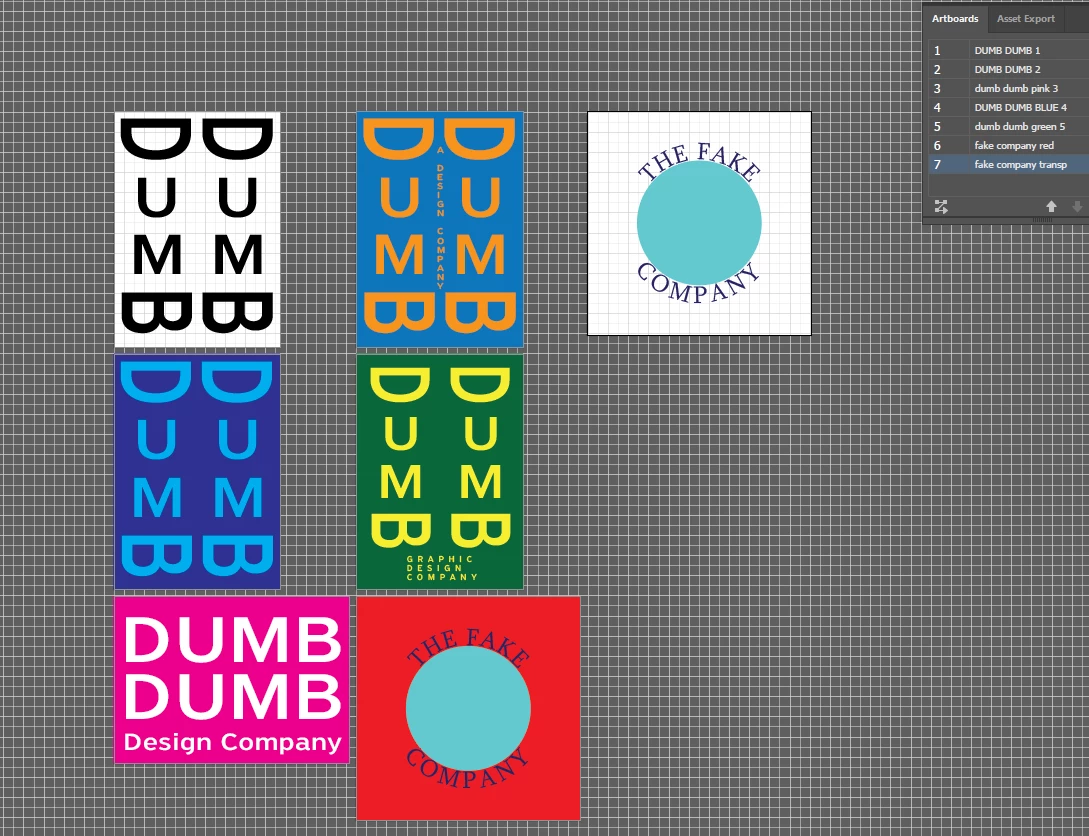
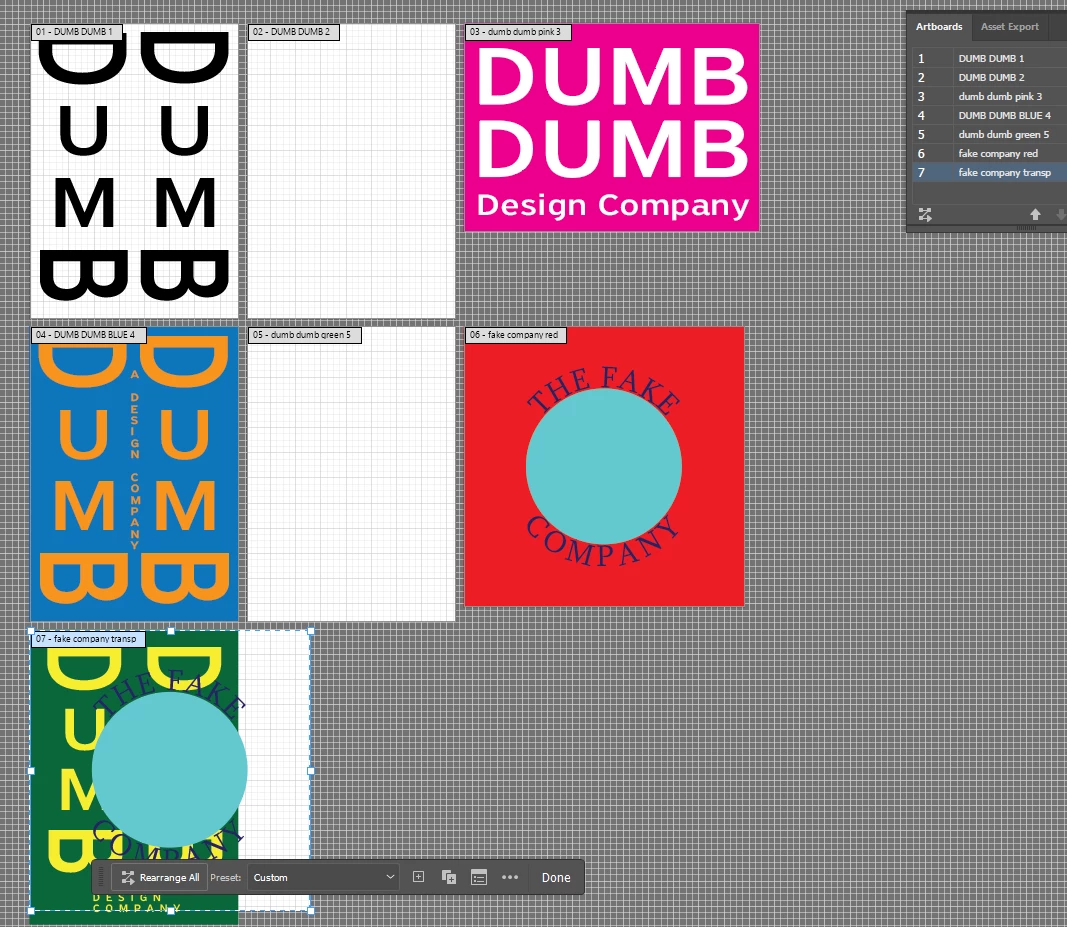
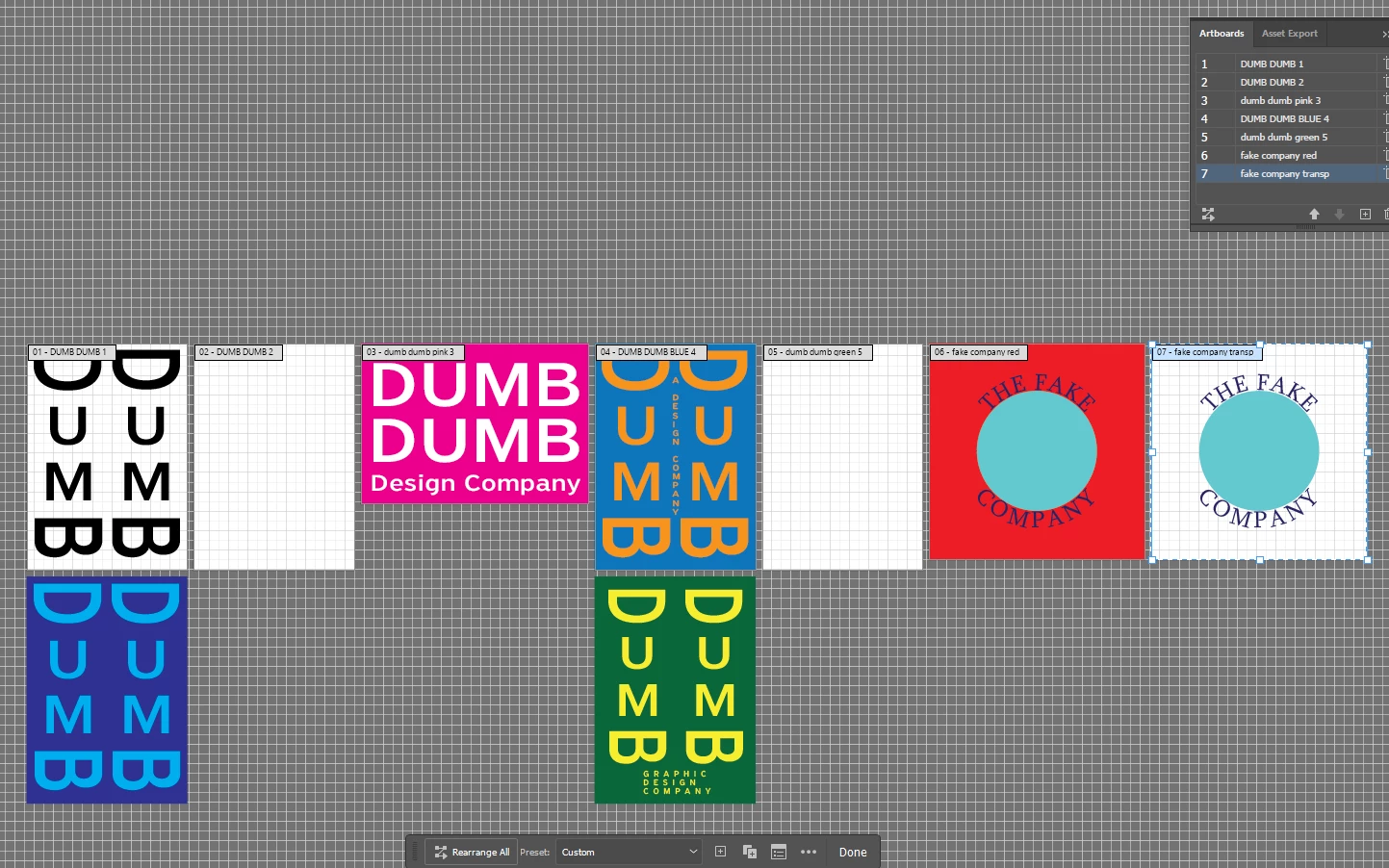
As you can tell, the screenshots below show what happens when I attempt to rearrange the artboard.
I believe I was able to rearrange it once, but I had to reorganize the pieces so the first screenshot after the first rearrange looks ok.
I was able to resolve some of the problem by "grouping" the artwork on each artboard as a workaround. Now, I can just move the entire artwork if it goes off the board. But before it was worse because a few elements would go off the artboard but some of the artwork would move along with it.
"Move artwork with Artboard" is checked on all of the properties.
I believe this might have to do with "Alt + Moving" to duplicate an artboard might be part of the culprit, but not quite sure.


 AdChoices