Participant
May 4, 2018
Question

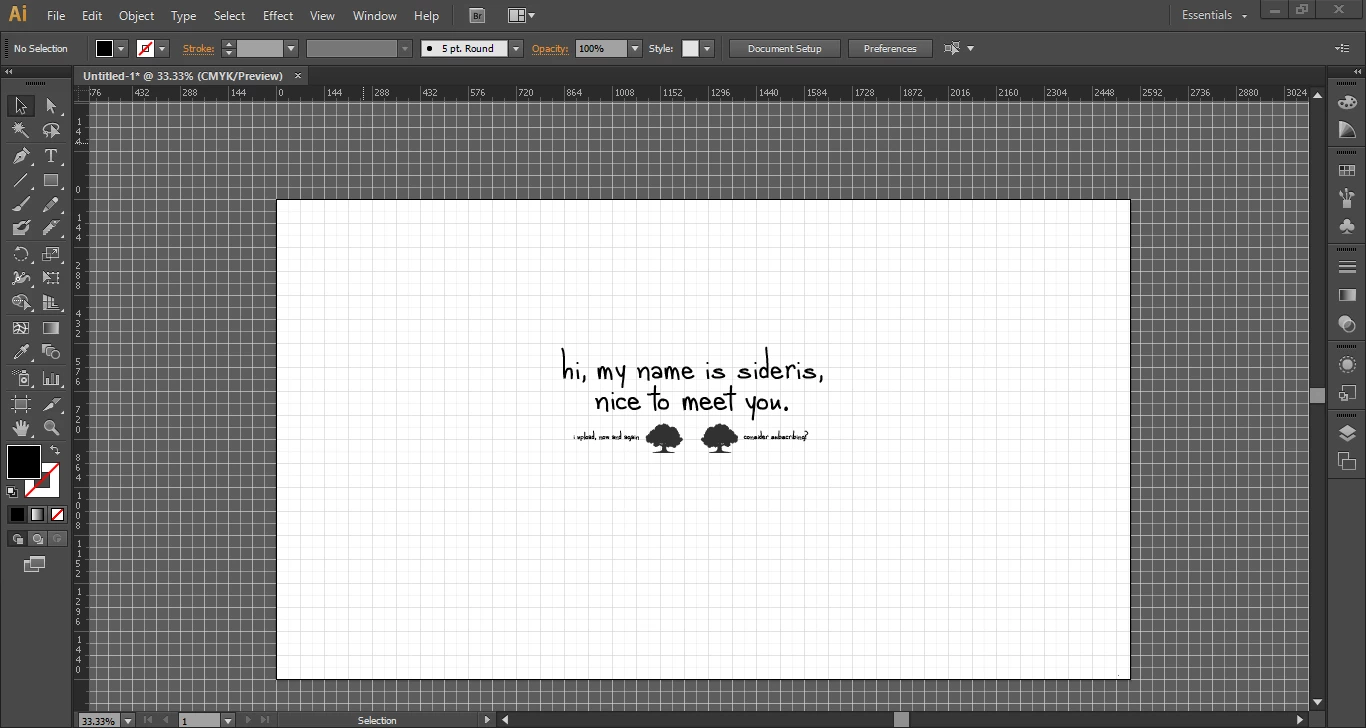
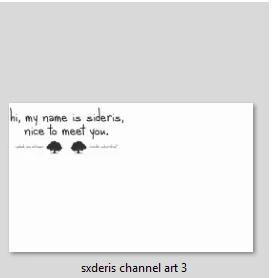
When I save a file, the contents are moved to the top-left corner. How do I stop this?

  • May 4, 2018
  • 3 replies
  • 213 views

I'm currently trying to make a YouTube channel banner, and the artboard consists of text and two vectors. I've placed these objects in the MIDDLE of the artboard, but when I save, the file shows that they have been moved to the top corner. Because of this, I am not able to scale it to fit my banner. How do I turn this off?
This topic has been closed for replies.

3 replies

Ray Yorkshire
Participating Frequently
May 17, 2018

Please provide the steps you took.

Adobe Spark might be an alternative way to complete your project

Eg

YouTube Channel Art Maker: Create Channel Art for Free | Adobe Spark

Srishti_Bali
Legend
May 17, 2018

Hi Joshua,

We have been waiting for your response to this query.

Kindly update the discussion if the issue is resolved or you need further assistance with it.

Thanks,

Srishti

Mylenium
Legend
May 5, 2018

without some specific info about your artwork and export settings nobody can tell you much. That aside, CMYK files for a YouTube banner? RLY? It seems you need to start with the basics.

Mylenium