


Question
When moving selection from one sublayer to another, the whole sublayer is moved
I have selected a single element inside a sublayer, <path> in the sublayer "grønn2":
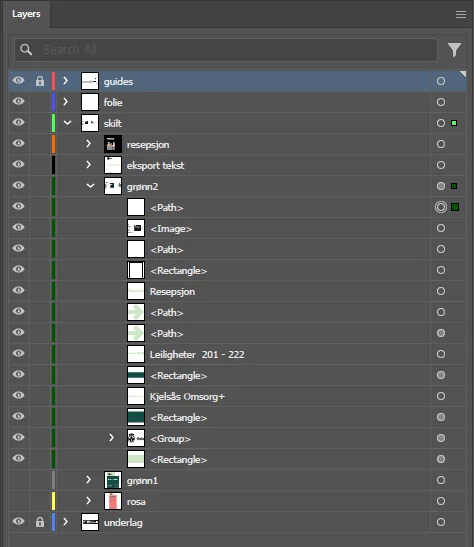
With the top layer "guides" selected, I move to the viewport, right-click > Arrange > Send to current layer
When I do this, not only does the selected <path> object move to the guides layer, but the whole "grønn2" layer is moved to "guides":
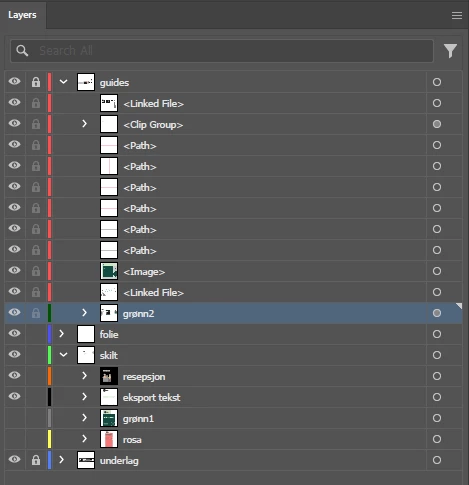
Does anyone know why this happens, and how I can move only the selected objects without physically dragging them onto the layer?
 AdChoices