leticiak74315499
Participant
January 4, 2023
Answered

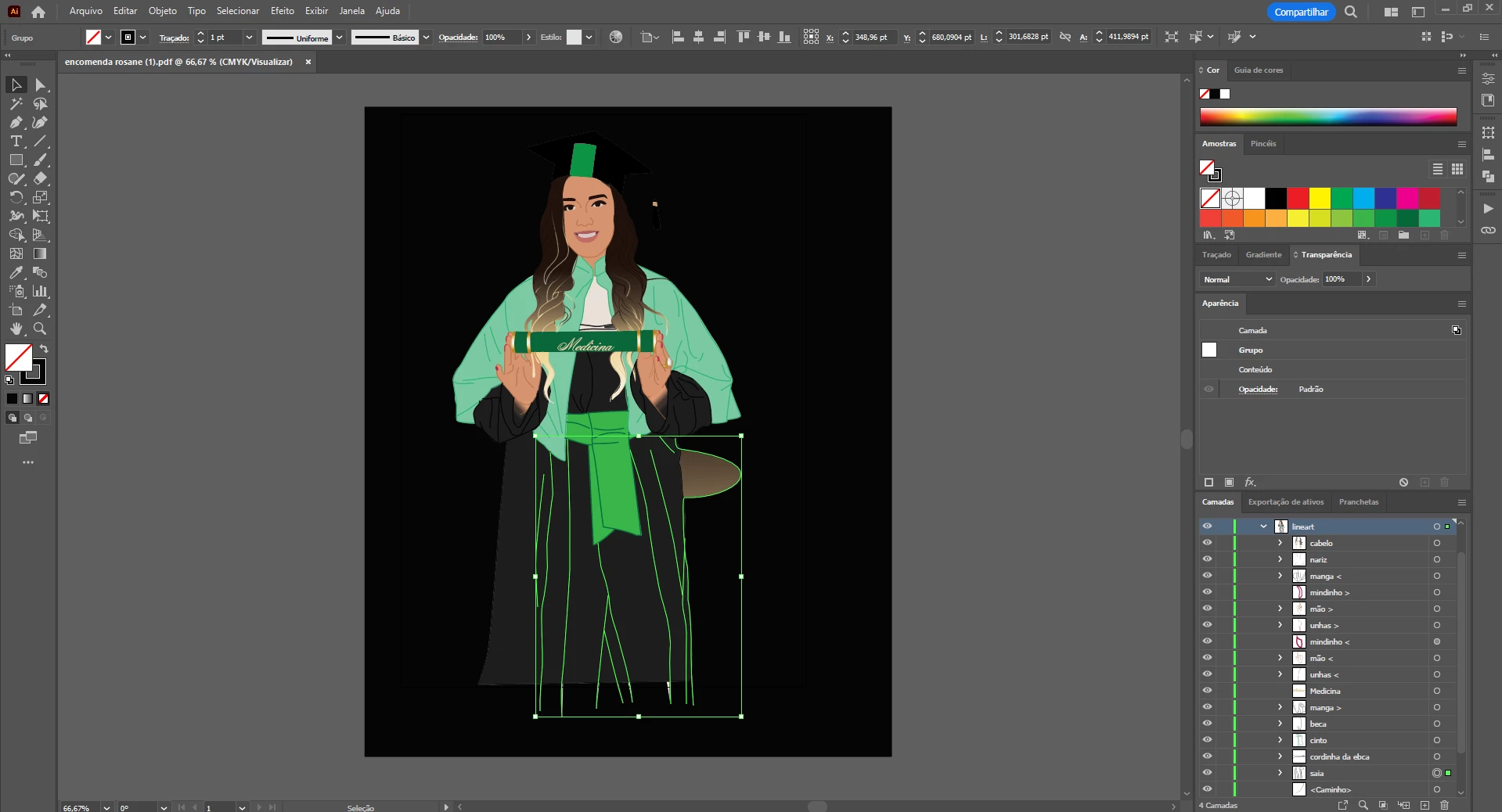
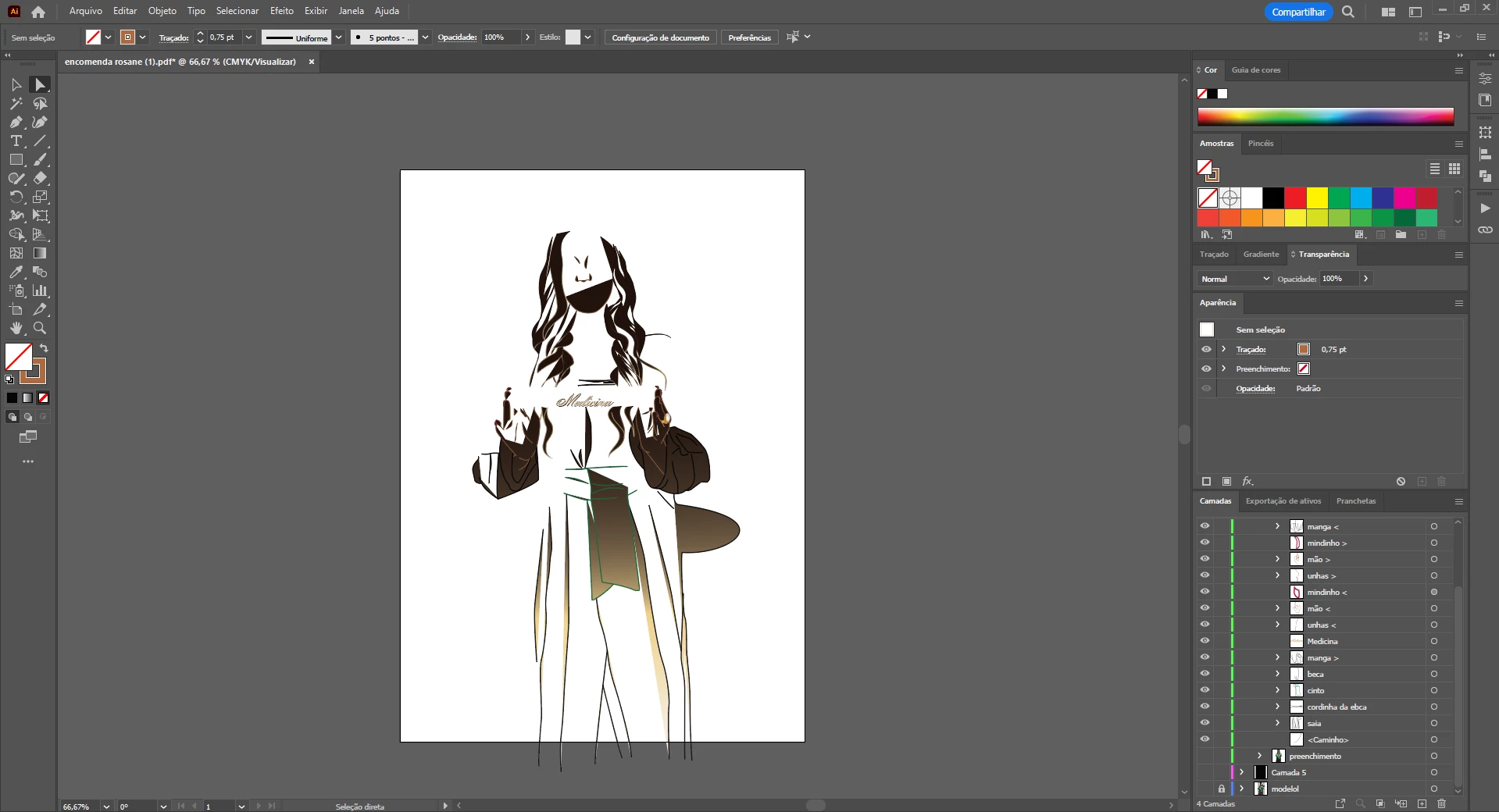
Whenever my fill color is none it shows a gradient, even when I save the archive

  • January 4, 2023
  • 1 reply
  • 457 views

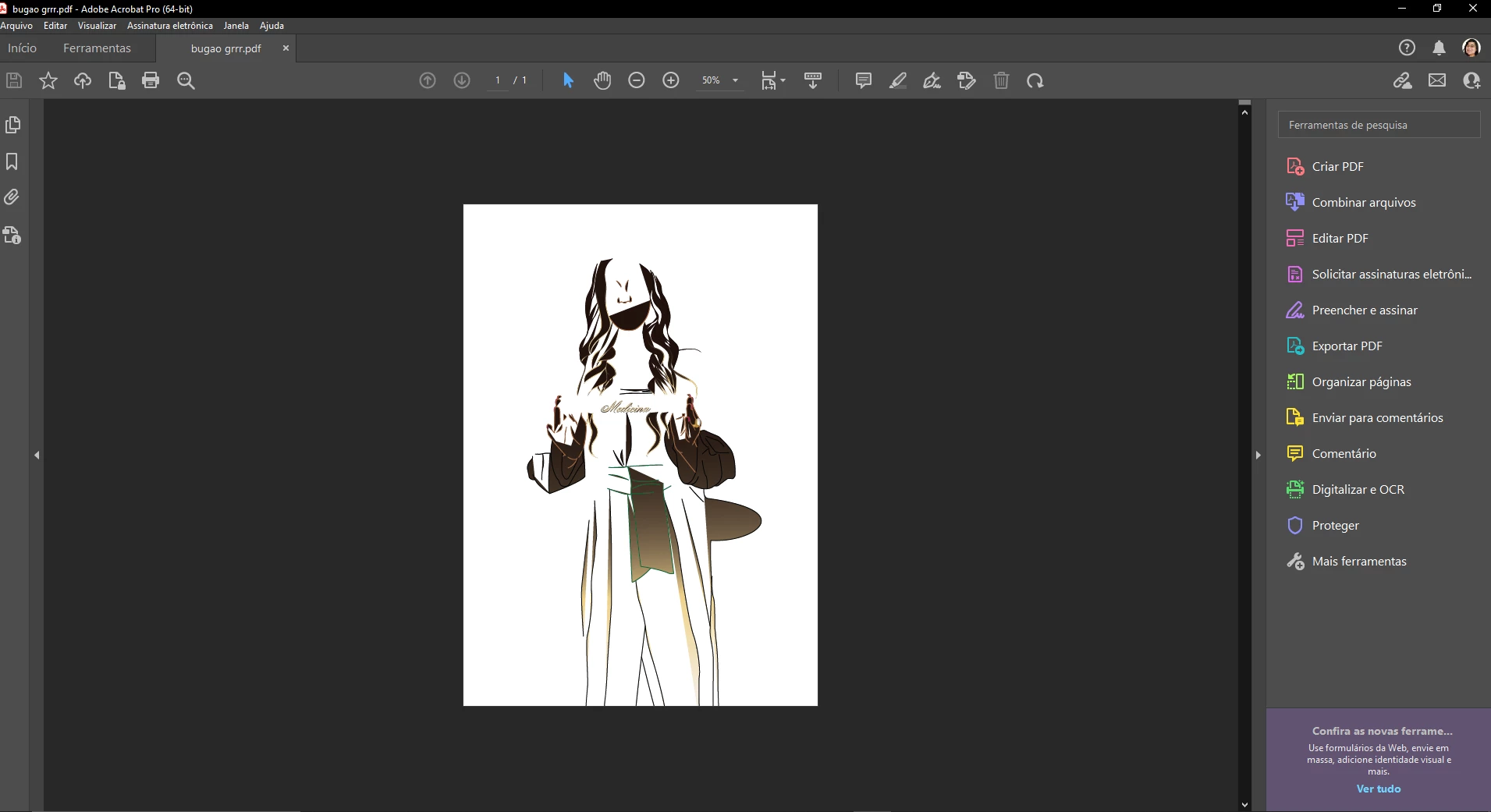
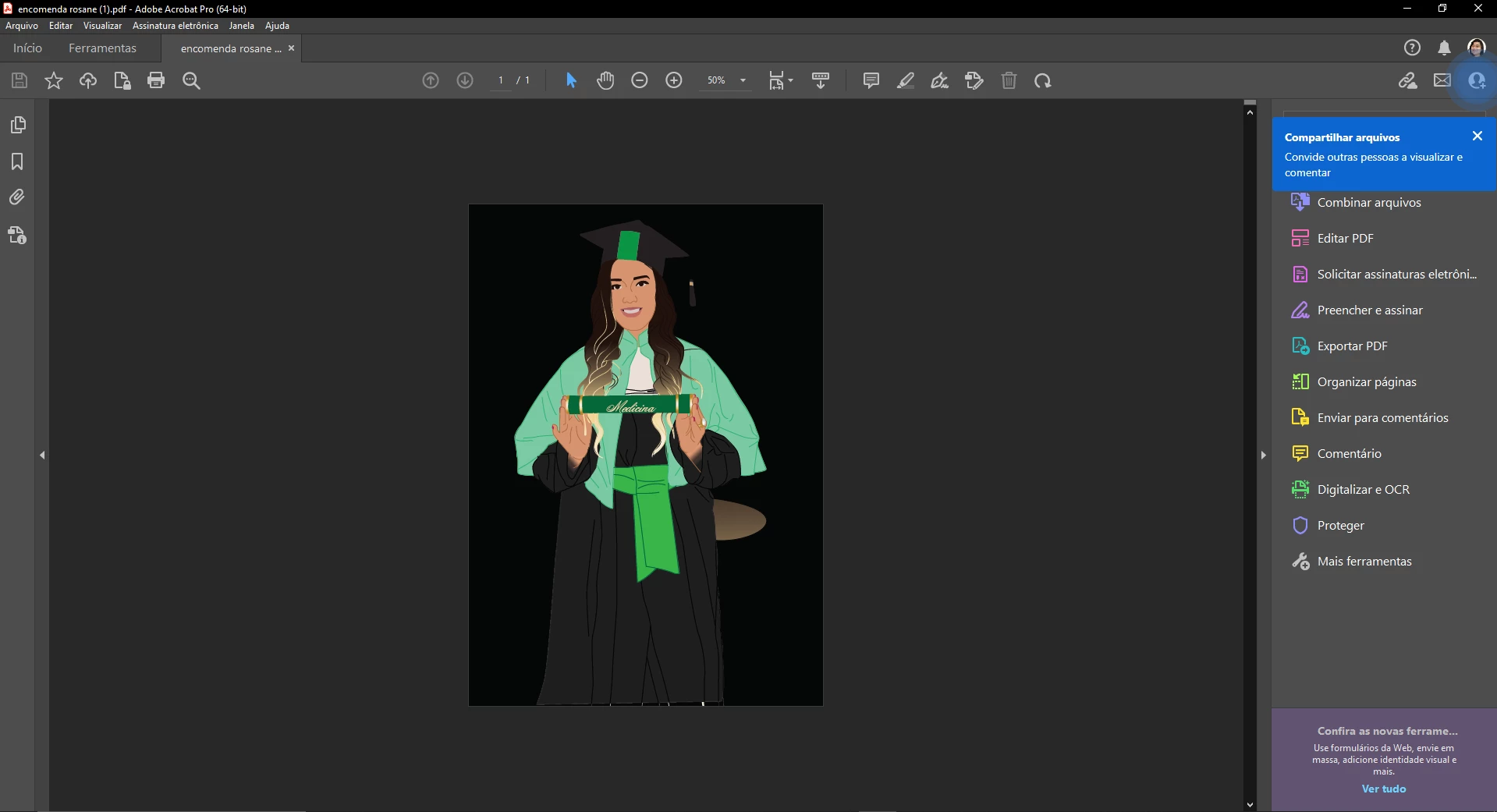
Basically the title. I have Illustrator CC 2023. It happened before but fixed itself, but now I can't fix it. Basically whenever I set my fill color to "none" it fills in with a gradient, even if on the display ot shows as no fill. It's not a display issue because when I tested saving as a PDF it still shows the fill.


So far I tried:

- Restarting the app

- Resetting the preferences

- Setting as View in CPU

This topic has been closed for replies.
Correct answer leticiak74315499

ok, I solved the issue and it wasn't clipping masks, the entire layer was set to have filling, that's why it was filling all the shapes. Thanks a lot for the help though, have a great one!

1 reply

Monika Gause
Community Expert
Community Expert
January 4, 2023

THose are clipping masks and there is a path filled with a gradient inside the mask. Do you know how to handle clipping masks?

You could try and with the direct selection tool. select the gradient filled object and then delete. This would not release the clipping mask, which might or might not matter for your workflow.

leticiak74315499
Participant
January 4, 2023

I know how clipping masks work but I am not using any. Anytime I delete the form and create another one with no fill it still shows the gradient 😕😕