
February 6, 2017
Answered

Where are the corner widgets?!

  • February 6, 2017
  • 1 reply
  • 26819 views

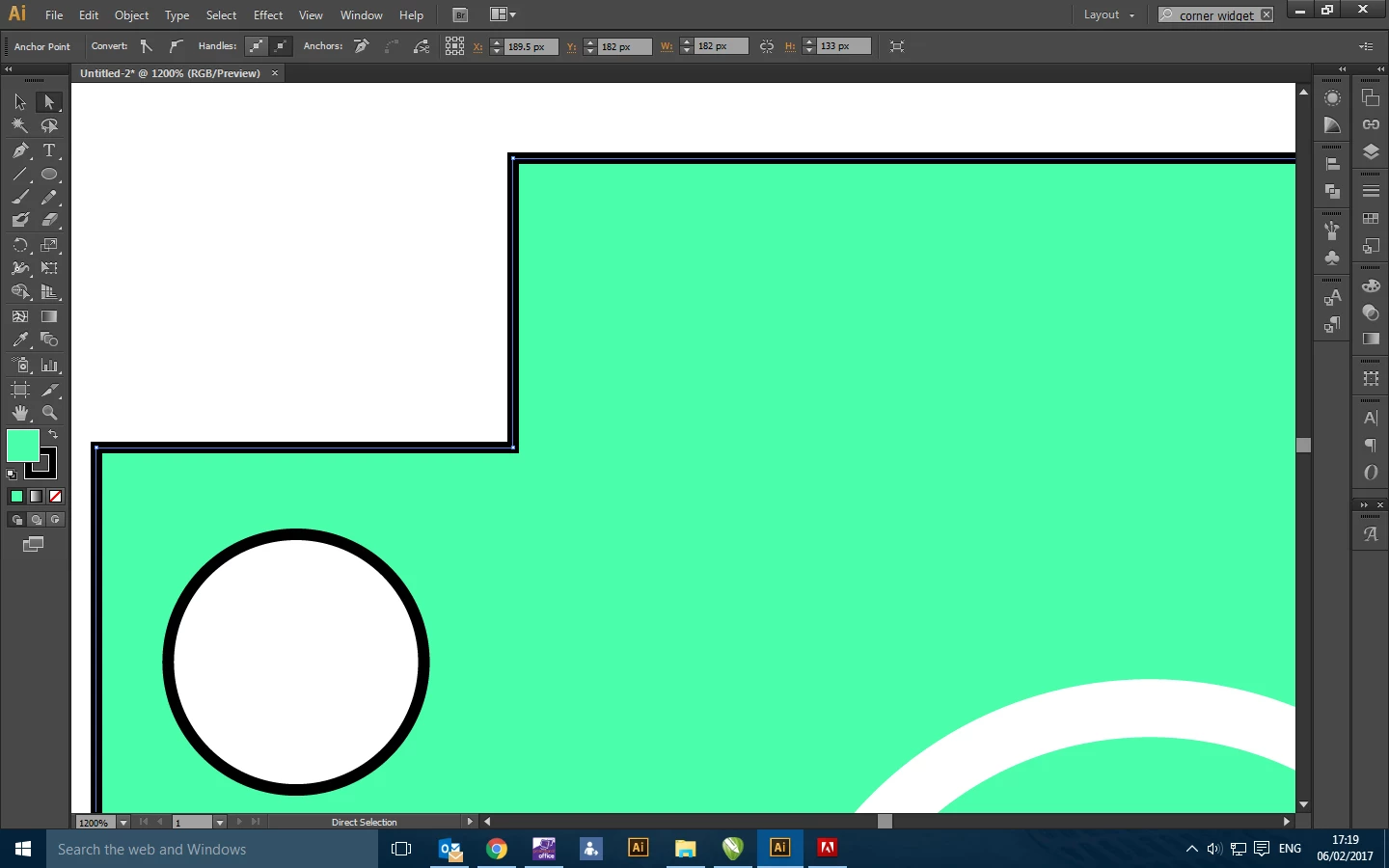
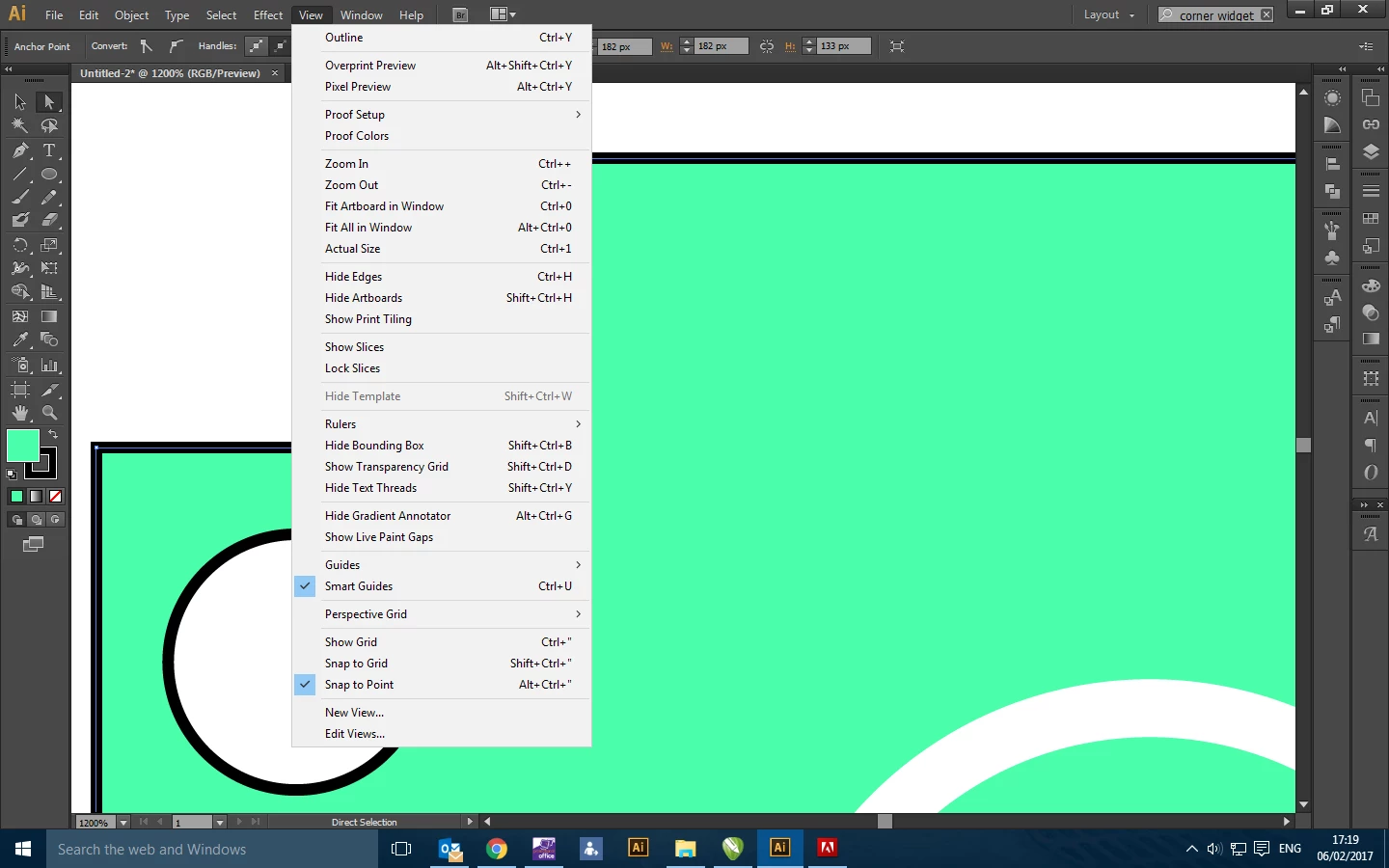
For some reason, my corner widgets have disappeared from Illustrator, as I have used them before. With the direct selection tool selecting a shape, they don't show up. This happens no matter what shape I use, just drawing a rectangle using basic shapes tool for example.

The bounding box is showing and also i can't find anywhere these can be reactivated...can anyone help???
This topic has been closed for replies.
Correct answer Ton Frederiks

CS6 never had any corner widgets. Maybe you are referring to the Round Coners effect?

1 reply

Om Nath Jha
Legend
February 6, 2017

Hi Darren,

Please check Anchor and Handle Display in the preferences. It should be as shown below :

If it still behaves the same, I would suggest you to reset the Illustrator preferences and then check.

Regards,

Om

February 7, 2017

Hi Ohmnath

Unfortunately that option isn't on mine, I'm using CS6, and all the updates are up to date. I tried resetting the preferences and it has just stayed the same. Very strange as I've definitely used the tool before, only a few months ago??

Regards

Marc

Ton Frederiks
Community Expert
Ton FrederiksCommunity ExpertCorrect answer
Community Expert
February 7, 2017

CS6 never had any corner widgets. Maybe you are referring to the Round Coners effect?