


Known Participant
June 12, 2026
Question

Where does Ai store prefs files in Mac OS Tahoe?
  • June 12, 2026
  • 1 reply
  • 0 views

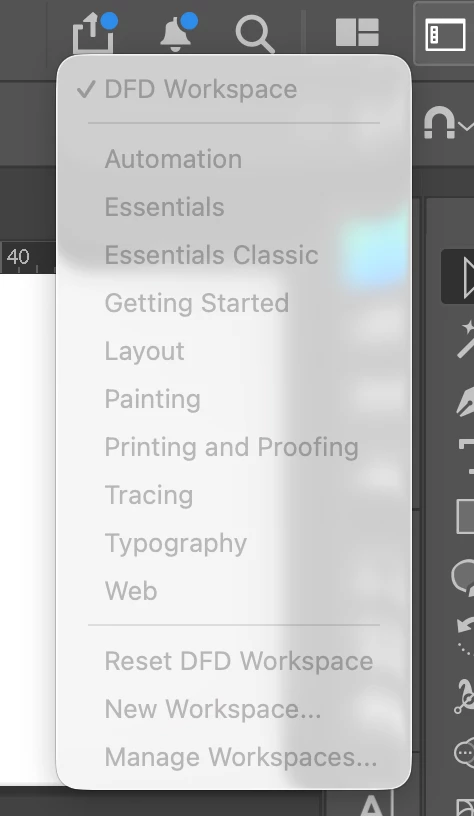
My workspace preferences are all grayed out, including the defaults. I’d prefer to not reset all prefs. Can I just delete the workspace prefs? Where do I find them? 

1 reply

Ton Frederiks
Community Expert
Community Expert
June 12, 2026

You can find them here: Username > Library > Preferences > Adobe Illustrator … Settings > Workspaces an Modified Workspaces

But I doubt if that will help. Did you already restart your machine?

dunazeeAuthor
Known Participant
June 12, 2026

Well, just quitting and restarting Ai fixed it. Hadn’t had a chance to quit all afternoon, in the thick of it trying to figure things out on this project I’m working on … Once I get everything backed up to the server I’m going to shut down the computer for the weekend. We shall see how it does next week. Thanks so much, Ton, for the quick response!! 

Ton Frederiks
Community Expert
Community Expert
June 12, 2026

@dunazee good to hear you’ve got it working.