

Participant
September 18, 2025
Question

Where is the Photoshop Effects group?

I need urgent help. I am currently using Illustrator 2021 and I cannot find the blur effect in the Effect tab. The Photoshop Effects group has also disappeared.

6 replies

nak250Author
Participant
September 18, 2025

Translate
Ares Hovhannesyan
Community Expert
Community Expert
September 18, 2025

Try to reset your preferences from Preferences Panel. May be that can help.

Translate
justlearn
Community Expert
Community Expert
September 18, 2025

@nak250 you need to tab one over, and it should be under 'Effects' as per your screenshot. The menu is divided into two main categories: "Illustrator Effects" and "Photoshop Effects." The Blur effects, such as Gaussian Blur, are found within the "Photoshop Effects" category. 

I don't have 2021 version, so you may need to refresh your workspace

Translate
m
nak250Author
Participant
September 18, 2025

I don't have Photoshop Effects. That's the problem.


Translate
Doug A Roberts
Community Expert
Community Expert
September 18, 2025

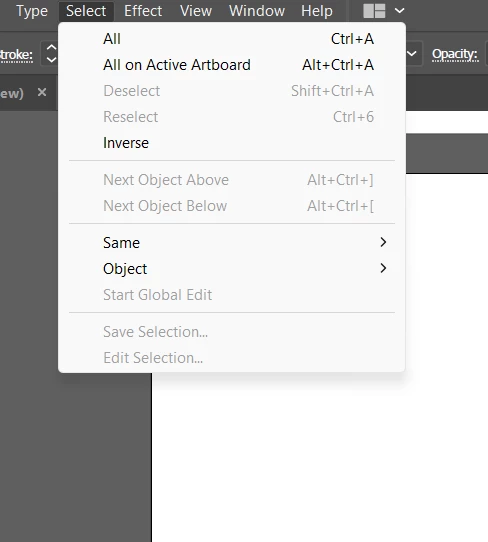
That's the Select menu. Can you show the Effects?

Translate
nak250Author
Participant
September 18, 2025

I'm sorry, I made a mistake.

Translate