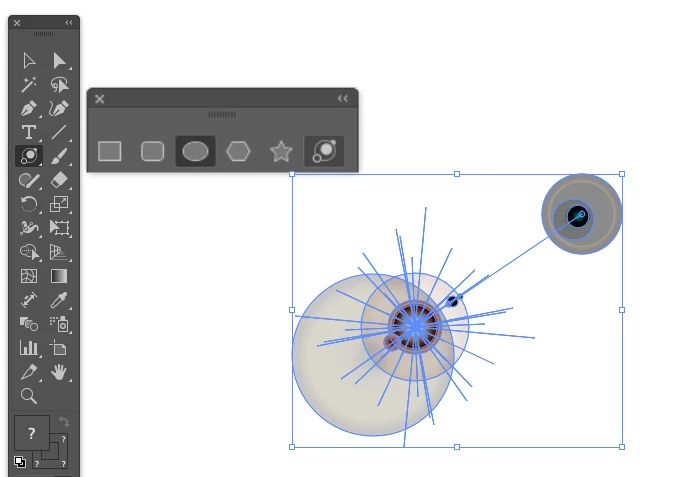
@Ghulam Mohyuddin the 'Flare' tool can be found with the 'Geometric Shapes' in addition to what @renél80416020 is also explaining the definition of the halos as well!
@Ghulam Mohyuddin the 'Flare' tool can be found with the 'Geometric Shapes' in addition to what @renél80416020 is also explaining the definition of the halos as well!
L’outil Halo crée des objets halo contenant un centre clair, un anneau, des rayons et des auréoles. Utilisez cet outil pour créer un effet semblable au halo d’objectif d’une photographie. Les halos incluent une poignée centrale et une poignée d’extrémité. Positionnez le halo et ses auréoles à l’aide de ces poignées. La poignée centrale est située dans le centre clair du halo : le tracé du halo commence à ce point-là.
Composants d’un halo A. Poignée centrale B. Poignée d’extrémité C. Rayons (affichés en noir pour plus de clarté) D. Anneau E. Auréoles





 AdChoices