reeced495077
Participant
April 10, 2019
Question

White border on sides of image when exporting an svg file

  • April 10, 2019
  • 3 replies
  • 4788 views

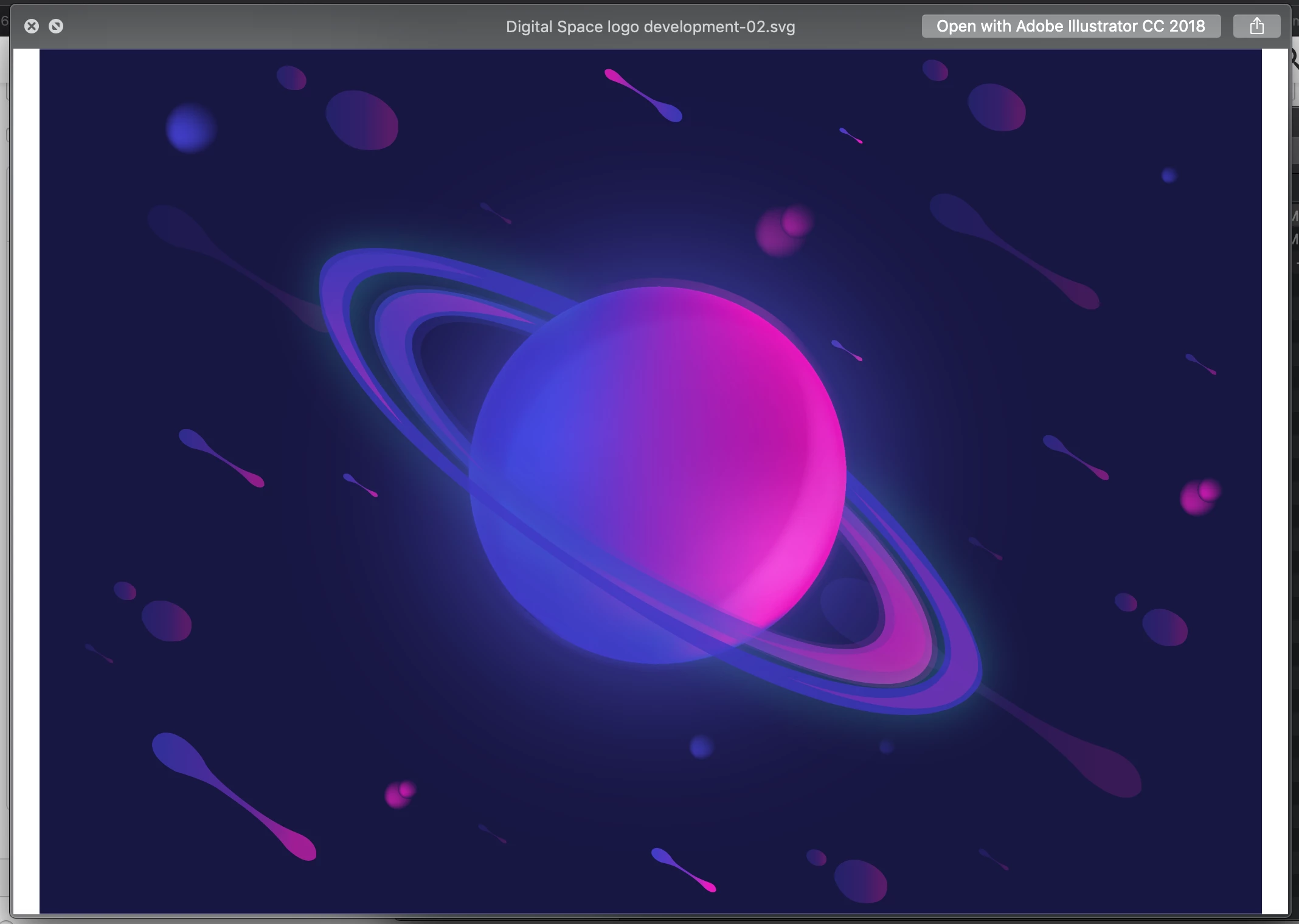
When I try to export a vector based logo from Illustrator as an sag file for web use, I am getting a white block either side of the image. I am exporting the artwork as individual dartboards, and have set the art board options to fit to the selected artwork. There are no elements that are off of the art board so I think the issue is happening when exporting to an svg, as the same image is fine as a png or jpg.

Thanks in advance!
This topic has been closed for replies.

3 replies

Participant
August 29, 2023

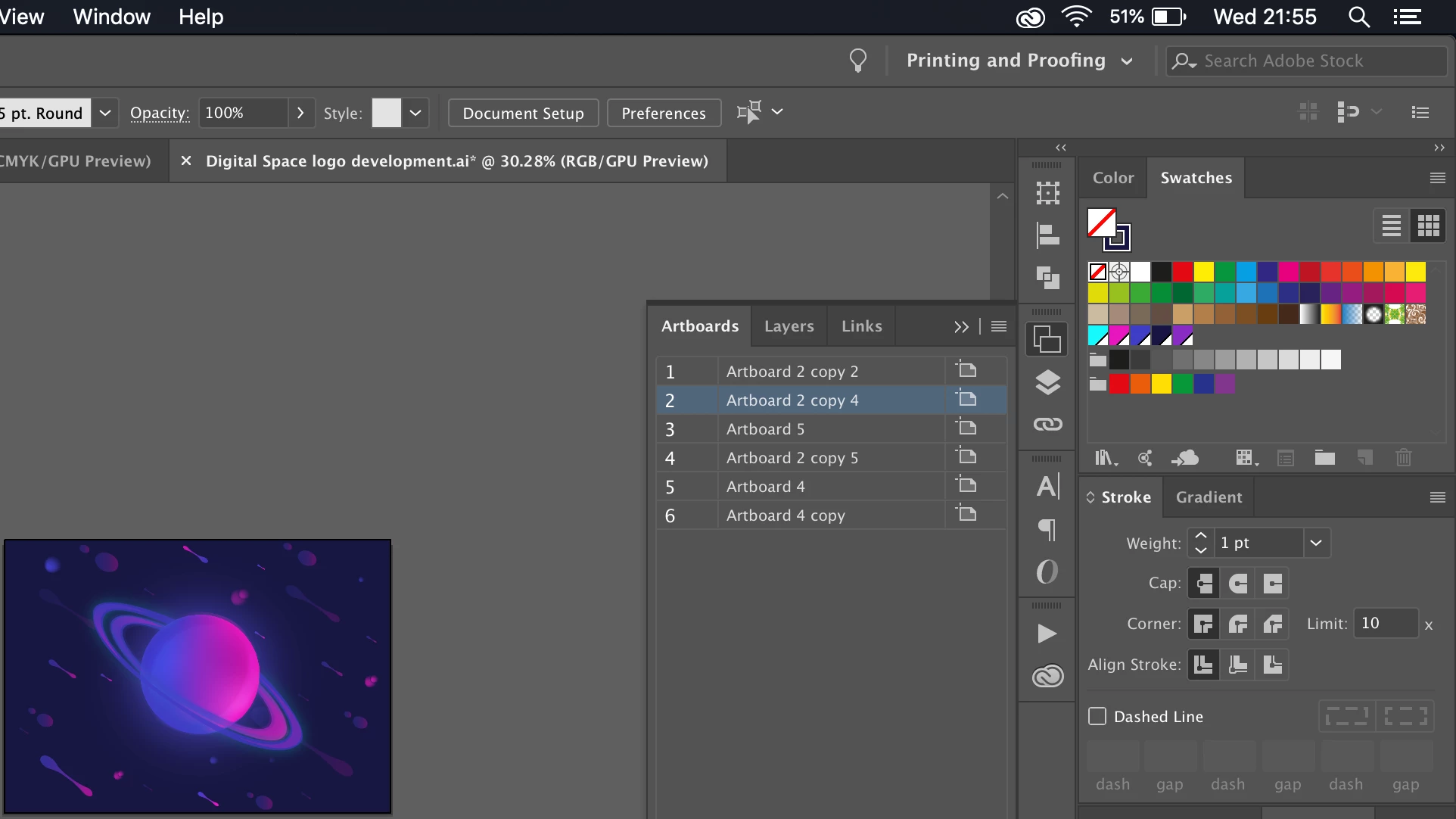
Step 1 - 

Click on the Artbord editor Icon 
go to the Custom Drop down right under the FILE tab in the menu

Select "Fit to Selected Art"


then 


Step 2-


Export from the Top Menu Bar
Select Save as > SVG

when a pop up comes .. select SVG 1.1 from the top drop down 

in the Fonts - Type > select SVG

in the Options: Embed


i just solved it today .. had similar issue when uploading to the website .. i hope it helps .. 🙂 

meganchi
Legend
April 10, 2019

Check for stray vectors and if anything is hanging out over the edge of the artboard, try using the Pathfinder tool to manually crop to the artboard.

reeced495077
Participant
April 16, 2019

Just gave that a go, still no luck

meganchi
Legend
April 16, 2019

Can you share a screenshot of your artwork in outline preview mode?

tromboniator
Community Expert
Community Expert
April 10, 2019

What application are you viewing the image in? Are you sure that the white spaces are part of the image, and not just empty space in the window because the image is not proportional to it?

Peter

reeced495077
Participant
April 10, 2019

Thanks so much for the reply,

I've looked at it in both preview, and chrome and it has the white space there, that would make sense for it to not be proportional and cause the issue but doesn't seem to be the case unfortunately.

Reece

Monika Gause
Community Expert
Community Expert
April 10, 2019

The size of it adjusts to the window, right?