sara_hab
Participant
June 15, 2017
Answered

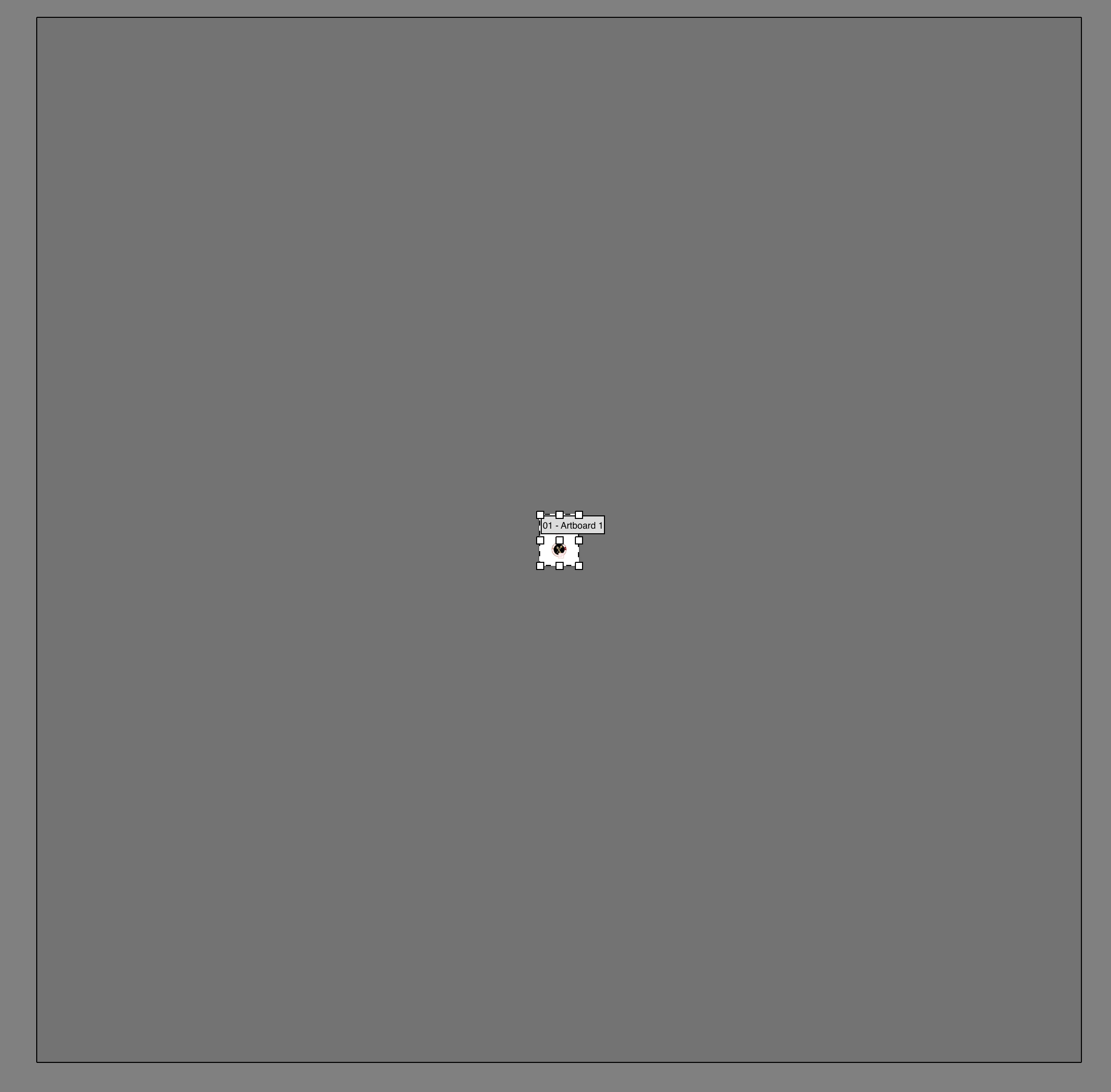
White box around my artboard, what is it?

  • June 15, 2017
  • 4 replies
  • 7058 views

I'm working on an illustration, and when I came back to it one morning (saved but didn't close the software), this white box appeared around my artboard. I've been doing research but to no avail. How do I get rid of it, and for the life of me, what is it called?

In Artboard Tool:
This topic has been closed for replies.
Correct answer Doug A Roberts

also, are artboards hidden? (view > show artboards)

4 replies

Participant
June 14, 2020

you da real goat bruh, thanks!

Doug A Roberts
Community Expert
Doug A RobertsCommunity ExpertCorrect answer
Community Expert
June 15, 2017

also, are artboards hidden? (view > show artboards)

sara_hab
sara_habAuthor
Participant
June 15, 2017

That was it! I must have hit the shortcut by accident. Thank you!

PrepressPro1
Legend
June 15, 2017

I think you are just noticing the boundary of the paste board which you may have never looked at before. Zoom back into your art board and continue working. All is as it should be.

sara_hab
sara_habAuthor
Participant
June 15, 2017

I prefer being able to see the edges of my artboard when I work, which I was able to before something happened (it never has before this). I just want to know if I can change the pasteboard colour to grey again?

Doug A Roberts
Community Expert
Community Expert
June 15, 2017

are you massively zoomed out? i think it's just the pasteboard area.

sara_hab
sara_habAuthor
Participant
June 15, 2017

I am, yes. Could I have changed the colour of my pasteboard by mistake? How do I revert to grey?

Doug A Roberts
Community Expert
Community Expert
June 15, 2017

check this setting in prefs:

if not that, is overprint preview on?