Known Participant
April 26, 2019
Question

white is exporting weird

  • April 26, 2019
  • 2 replies
  • 1718 views

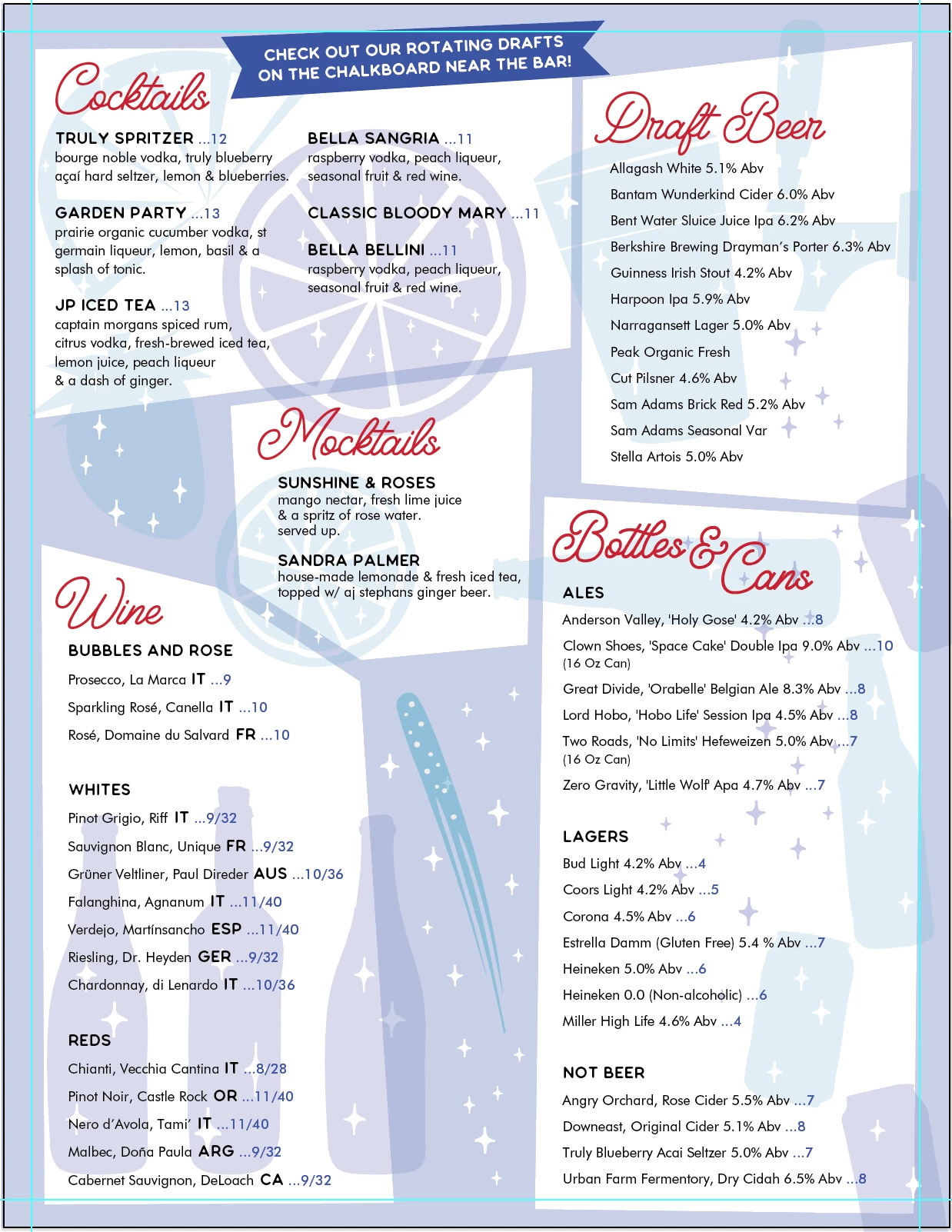
this image is the design in illustrator
and this is the design when exported as jpg/png
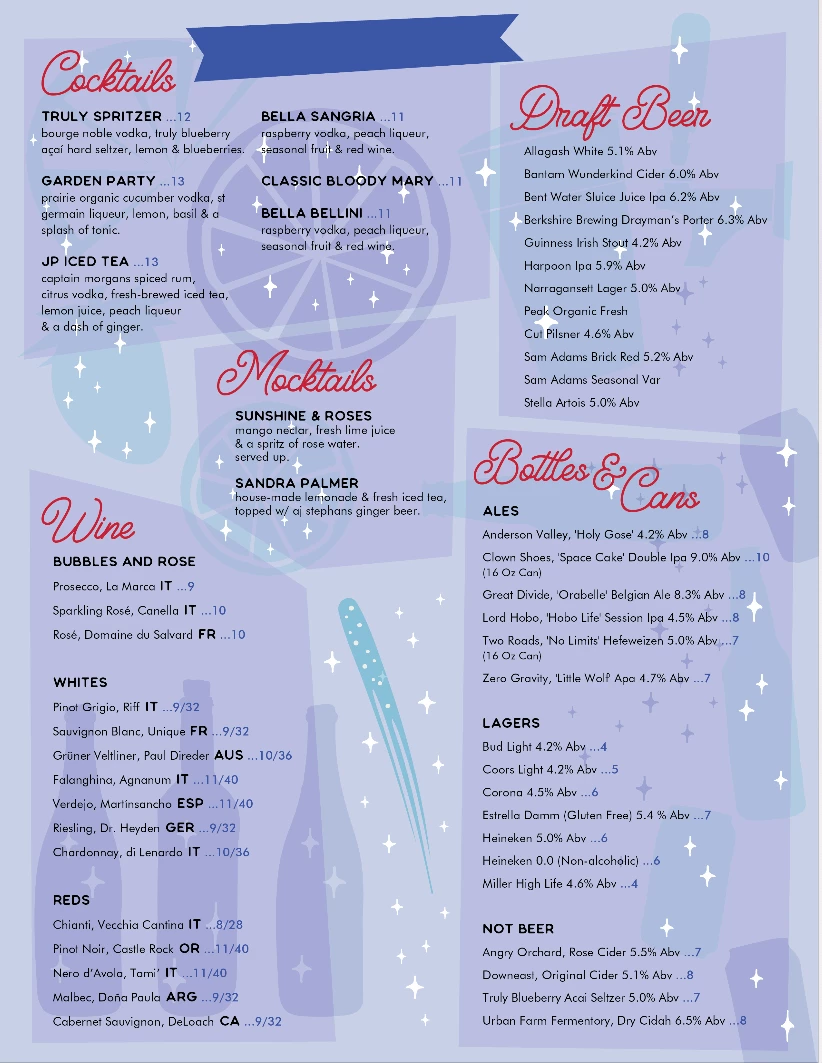
does anyone know why?

im using an imac 10.14.4 with illustrator 23.0.2 and have not had this problem before

thank you!

This topic has been closed for replies.

2 replies

Vishu_Aggarwal
Participating Frequently
April 26, 2019

As Scott mentioned it can be the issue of Overprint preview to check this In Illustrator go to the main menu > View > Overprint Preview or use the shortcut Shift + Alt (Opt) + CMD(Ctrl) + Y. Then check how whites are rendering in Illustrator..so if you see the same result as an exported image then objects have overprint applied.

Vishu AggarwalAdobe Certified Instructor, Professional and Expert
Known Participant
April 26, 2019

yes overprint fill is checked, what does that mean?

the overprint preview looks no different, whether or not it is selected but if it is not selected it exports correctly

how did that get selected and how have i never had this problem before?

thank you!

Luke Jennings
Inspiring
April 26, 2019

Overprint means the selected object will print on top of whatever is below it, e.g a 30% black box set to overprint on top of a 100% yellow background will print as 0,0,100,30. It is comparable to the transparency effect multiply. The opposite of overprint is called knock out (the 30% black box will KO the yellow background and print as 0,0,0,30.

Overprinting white is almost never used, except as a spot color white, so Illustrator warns you when you try to do it, it even prevents you from doing it by default, in the document set up (see the bottom of the attached screen shot.) Saving as a PDF, or placing the .ai file into InDesign will remove the overprinting white. I don't know how it became active in your document, although it's possible the white objects were grouped with other objects that were set to overprint, then un-grouped.

Also, turning on overprint preview should show the overprinting white (it will vanish). Can you double check this, if it's not working, there could be other issues with your file.

Scott Falkner
Community Expert
Community Expert
April 26, 2019

Look in the Attributes panel for those white objects. Are they set to overprint fill? Also, what is the transparency setting for them?