Participant
March 2, 2021
Answered

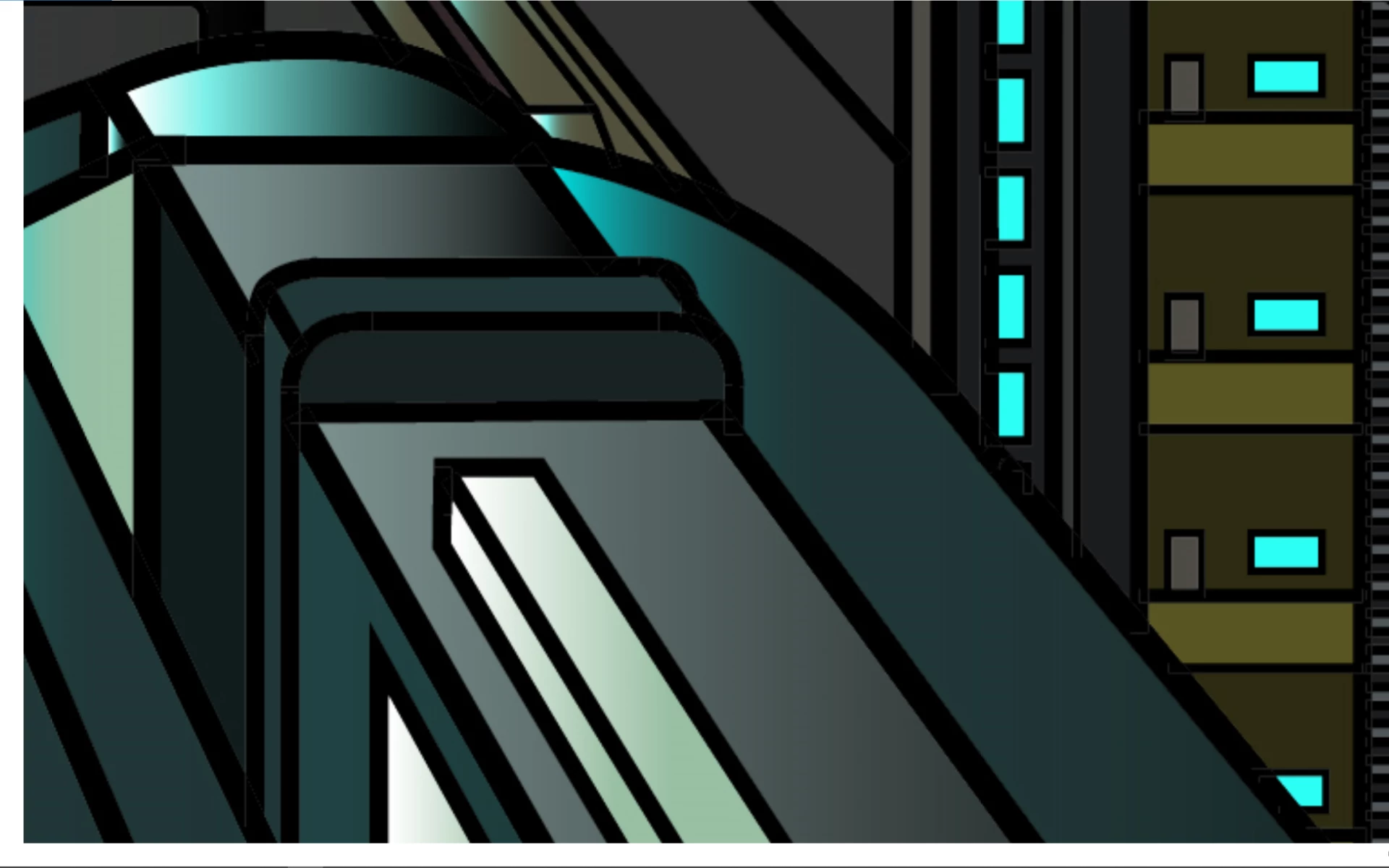
White Lines arround the contour Bug?
  • March 2, 2021
  • 2 replies
  • 394 views

This topic has been closed for replies.
Correct answer Dan Rodney

If you're using File > Save for Web, in the Image Size panel on the right, below Percent there's a menu. Try switching between Art Optimized versus Type Optimized and see if that makes any difference.

2 replies

Monika Gause
Community Expert
Community Expert
March 2, 2021

If this is a CMYK file, then this happens because of a rendering issue with 100% black.

Doesn't matter when printing.

Participant
March 2, 2021

I have Created this Picture with Illustrator and with the interactive Draw Tool. In Illustrator looks fine, but if i export to pdf, jpg, png or something looks horrible. Show on the picture. Pls Help me.

Dan Rodney
Community Expert
Dan RodneyCommunity ExpertCorrect answer
Community Expert
March 3, 2021

If you're using File > Save for Web, in the Image Size panel on the right, below Percent there's a menu. Try switching between Art Optimized versus Type Optimized and see if that makes any difference.

— Adobe Certified Expert & Instructor at Noble Desktop | Web Developer, Designer, InDesign Scriptor
Participant
March 5, 2021

Thank you Mr. Rodney. That was the Correct Answer.