F23158784
Participating Frequently
March 9, 2018
Answered

White lines in pattern

  • March 9, 2018
  • 2 replies
  • 5010 views

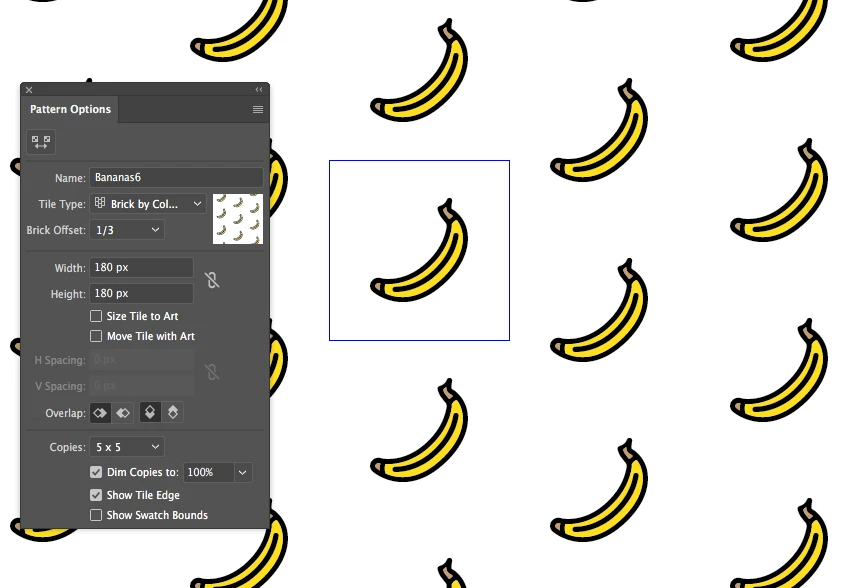
I'm getting white lines when making a pattern. I'm using whole pixel units for the height/width, as advised in other threads. The image has no background. Any suggestions?
    This topic has been closed for replies.
    Correct answer Ton Frederiks

    At what resolution do you export or import the pattern?

    Resolutions other than a multiple of 72 can also cause anti aliasing.

    So 150 and 300 ppi can be problematic, but 72, 144 and 288 should be good.

    If that fails, try to use Object > Rasterize in Illustrator.

    2 replies

    Ton Frederiks
    Community Expert
    Ton FrederiksCommunity ExpertCorrect answer
    Community Expert
    March 10, 2018

    At what resolution do you export or import the pattern?

    Resolutions other than a multiple of 72 can also cause anti aliasing.

    So 150 and 300 ppi can be problematic, but 72, 144 and 288 should be good.

    If that fails, try to use Object > Rasterize in Illustrator.

    F23158784
    F23158784Author
    Participating Frequently
    March 10, 2018

    Thank you!! Exporting as a PSD at 288 ppi worked! I was previously exporting at 300.

    Ton Frederiks
    Community Expert
    Community Expert
    March 10, 2018

    Good to hear that worked.

    Monika Gause
    Community Expert
    Community Expert
    March 10, 2018

    That just happens in patterns. It's an anti-aliasing issue usually only in screen display.

    But can appear in certain printers as well and can appear when using the pattern in raster images.

    What exactly do you want to do with this?

    How will it be printed or exported?

    That will determine what to do about this.

    F23158784
    F23158784Author
    Participating Frequently
    March 10, 2018

    I'm saving it as an .ai file, and importing to Photoshop. I've also tried saving as a .psd, and importing, but the lines show up either way.

    Monika Gause
    Community Expert
    Community Expert
    March 10, 2018

    When exporting to PSD try and select the antialiasing method "Supersampling"