
Answered
White overlay is hiding the edits I’ve made to a vector/png
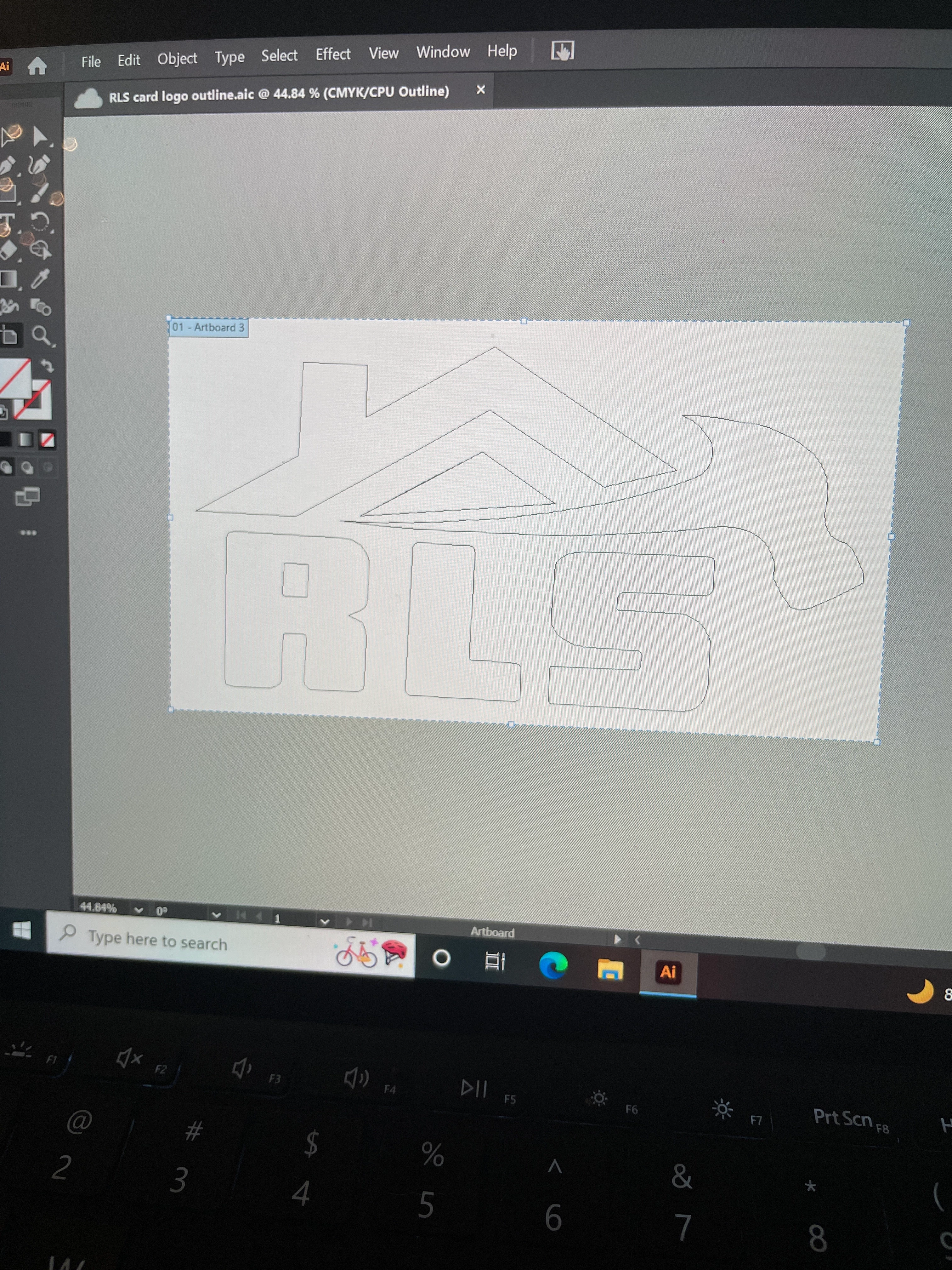
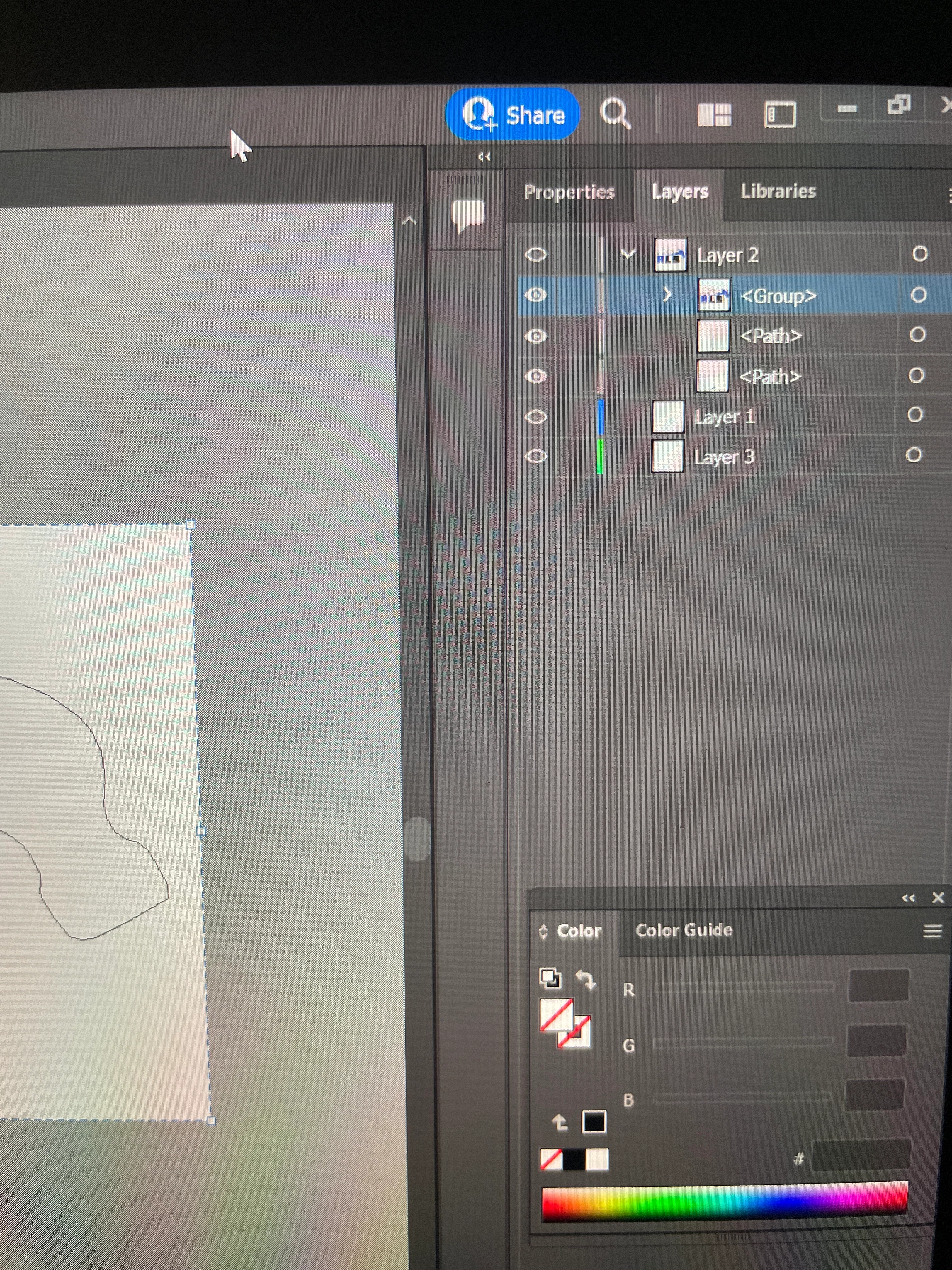
Hi all, I've been stuck on this all day and can't seem to find any tutorials or answers online. I converted this image into a vector but forgot to ignore the white. I did the outline with the pen tool and everything and was able to save it into a png. However, I can't see any of the edits on illustrator (color fills and what not). It's just all white. I'm still very new to illustrator so I apologize if this is such an obvious fix that I can't figure out. Here are some pics of what I'm seeing.
On the second pic you can kinda see that I've blindly been adding color without even knowing. I didn't find out until after I saved it as a PNG and was able to see the color and transparency.


 AdChoices