
Participating Frequently
December 21, 2019
Question

White space after exporting as .jpeg and checking "use artboards"

  • December 21, 2019
  • 3 replies
  • 974 views

Ran into an annoying issue though I am not sure if it is something I am unaware of or or it is a bug. I am getting white space around my exported .jpeg. I am following through on the traditional ritual of using artboards while exporting. I am surmising that it's using previous artboard dimensions since these dimensions look identical to the ones I had set for this document at an earlier time while editing this, Hope there is an answer. Thanks!
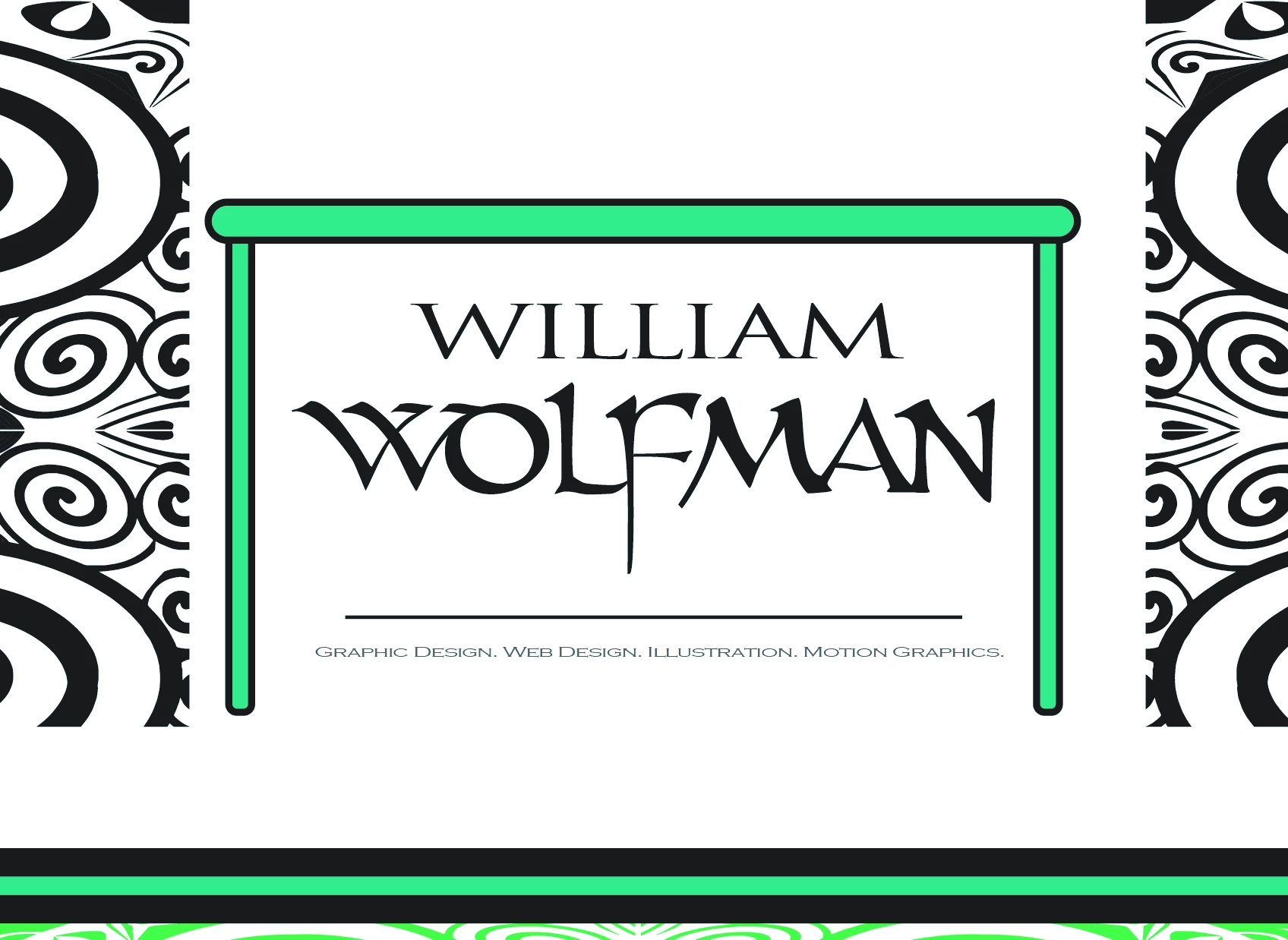


checked the box "use artboards" in Illustrator.

This topic has been closed for replies.

3 replies

Ton Frederiks
Community Expert
Community Expert
December 22, 2019

How big is the white space? If it is only a few pixels it is caused by anti-aliasing (your measurements in inches cannot be converted to whole pizels and fractional pixels do not exist in an image).

Inspiring
December 22, 2019

Check for stray anchor points outside the artboard.  If there are any, they will add to the size of the artboard.  Do a Command/Control - Y ( view > outlines ) and then select all. 

Ton Frederiks
Community Expert
Community Expert
December 22, 2019

"Check for stray anchor points outside the artboard.  If there are any, they will add to the size of the artboard."

When "Use Artboards" is checked, only the content of the artboard is exported.

Participating Frequently
December 22, 2019

Right. ^I've always done "Use Artboards" and always found success with it. There are anchor points, i.e. paths outside my artboard but, that shouldn't be the problem if "Use Artboards" is checked when exporting my artwork within artboard dimensions. Attached are several screenshots showing my artboard settings.


Ton Frederiks
Community Expert
Community Expert
December 21, 2019

It is not very clear what you are showing in your screendump.

Did you check the Artboard dimensions in the Artboard panel?

Maybe you have multiple artboards on top of each other.

And white backgrounds are to be expected, jpeg does not support transparency.