Participant
October 27, 2018
Answered

Why are my exports showing up bigger than it should be?

  • October 27, 2018
  • 2 replies
  • 408 views

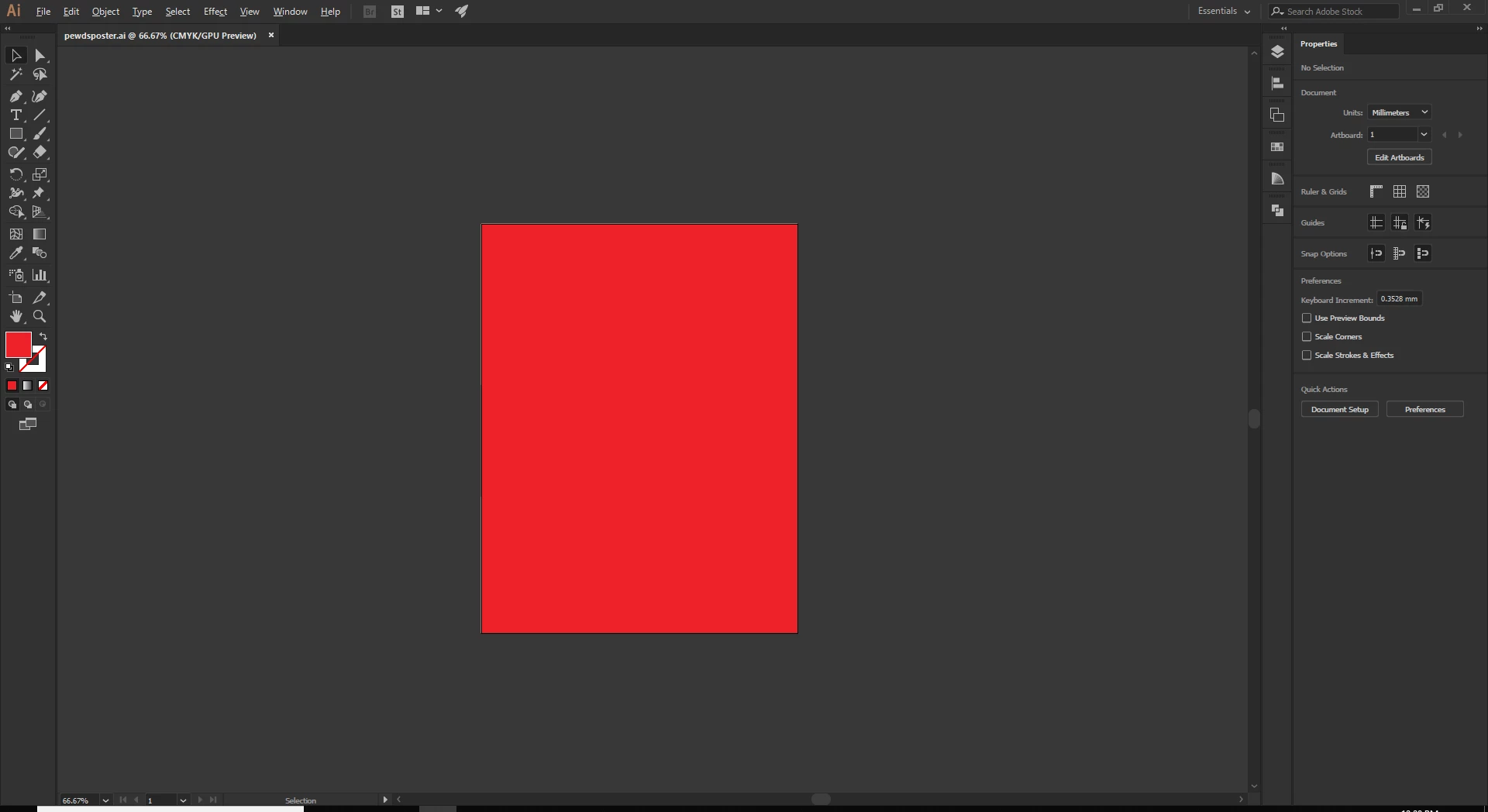
Hi, so basically I have this portrait sized rectangle over here (Picture 2) and when I do Export > Export As > and save it as a .JPG file and then upload that picture somewhere, the picture enlarges with extra white space (Picture 1) . Why does it do that? Thanks.

    This topic has been closed for replies.
    Correct answer Doug A Roberts

    Are you exporting with Use Artboards checked? If you select all, is there some object outside your artboard?

    2 replies

    Monika Gause
    Community Expert
    Community Expert
    October 27, 2018

    "When you upload the picture somewhere" - can you give us details on that?

    Joash218Author
    Participant
    October 27, 2018

    i mean the picture saved itself expands for some reason

    Monika Gause
    Community Expert
    Community Expert
    October 27, 2018

    Can you please explain step by step what you are doing exactly?

    Doug A Roberts
    Community Expert
    Doug A RobertsCommunity ExpertCorrect answer
    Community Expert
    October 27, 2018

    Are you exporting with Use Artboards checked? If you select all, is there some object outside your artboard?

    Joash218Author
    Participant
    October 27, 2018

    Nevermind, turns out there was an object I turned sight off that went outside of the artboard. Thanks for your help anyways.