omer47
Inspiring
May 26, 2018
Answered

Why are my shapes closed ?

  • May 26, 2018
  • 3 replies
  • 1412 views

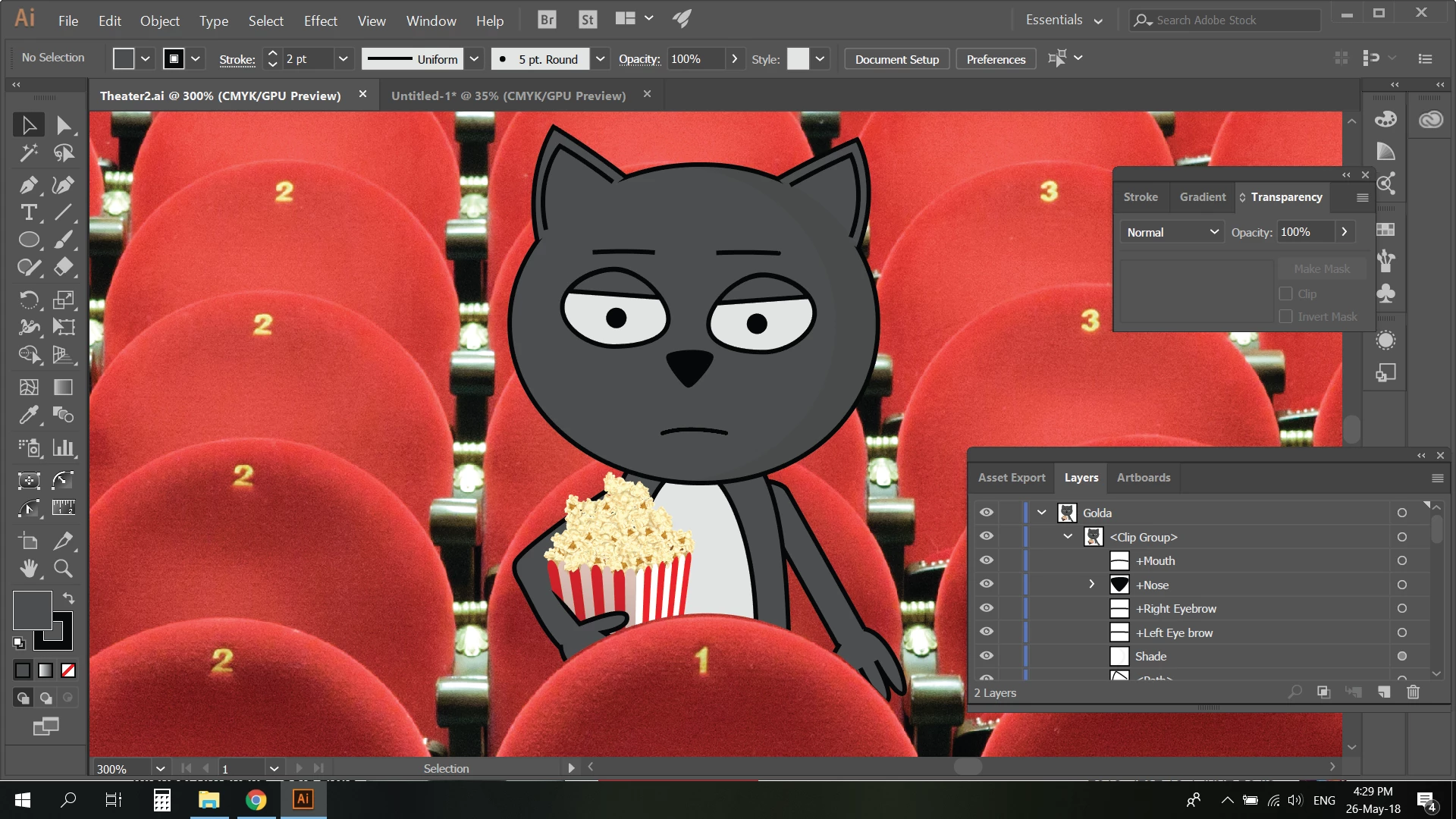
hello ! I drew a shape at the bottom of my character and used the "shape builder tool" to cut this lines out.

As you can see, the out line of the cut has a black line closing every shape (hands, belly,) Is there a way to leave the line cut beforehand transparent ? why is this black ?

ty !
    This topic has been closed for replies.
    Correct answer omer47

    Group the cat elements as one, then add your masked area over the top then select mask.

    Edit:

    You should see the cat in the mask area. :-)


    I didnt manage to do it. All was left is the line I dont want. but I did something else. Instead of drawing what I want to "cut out" I drew a shape of what I want to preserve. So, I created a shape around my puppet not including the bottom lines. now it looks as I wanted it to be.

    3 replies

    Community Expert
    May 26, 2018

    why you not to try remove your strokes, in color because when you crope your shape it autoatically filling your shape with black stroke

    omer47
    omer47Author
    Inspiring
    May 26, 2018

    I didnt try because I wanted the rest of the shape to stay outlined.

    Ton Frederiks
    Community Expert
    Community Expert
    May 26, 2018

    If you use the Shape builder to subtract a path from another path that has a stroke, the result will have also have stroke.

    You can use Live Paint instead to avoid that.

    Live Paint makes separate groups for Fills and Strokes.

    omer47
    omer47Author
    Inspiring
    May 26, 2018

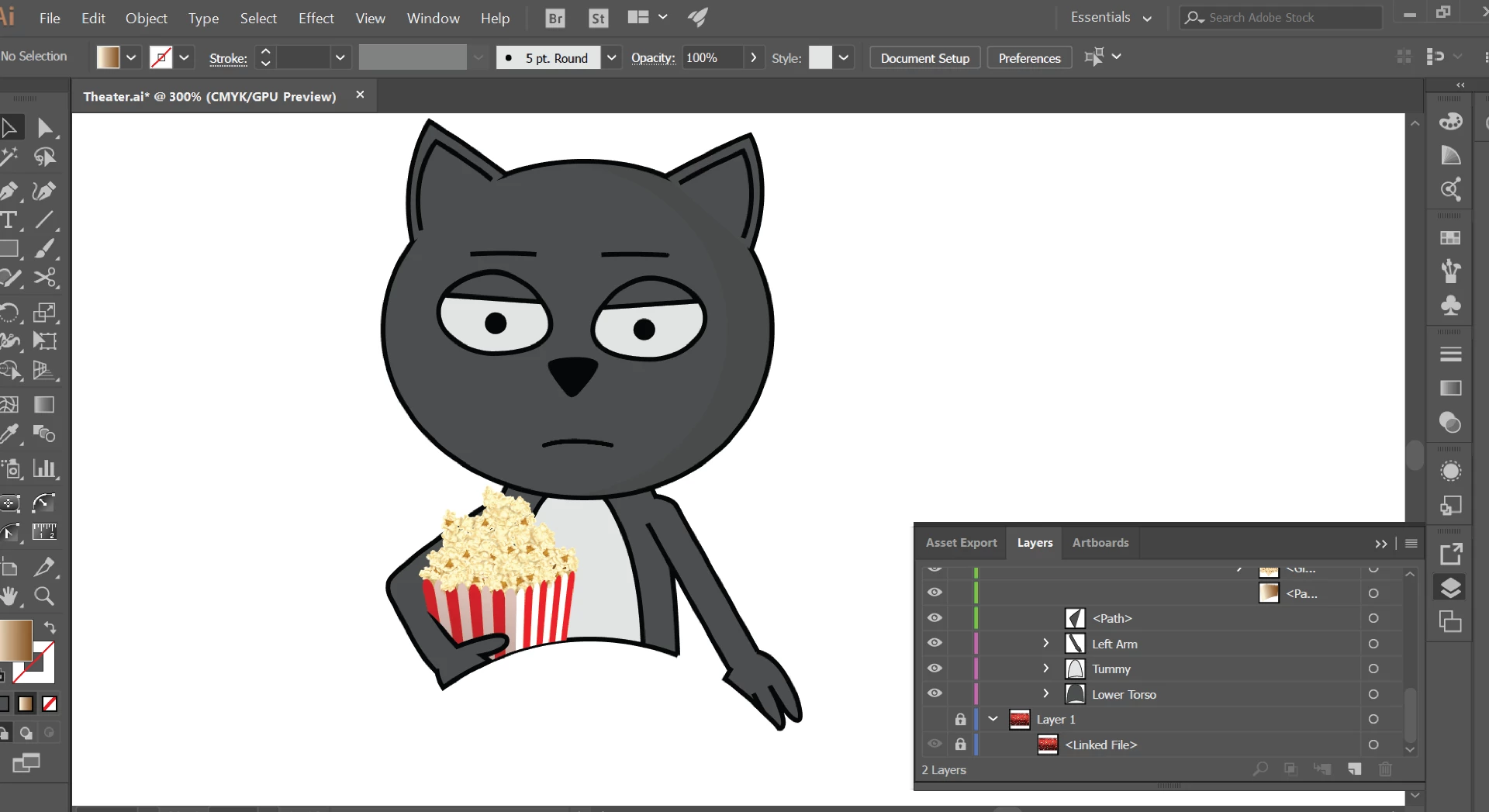
    hi ty ! So, is there a good way of taking this bottom stroke out ? I tried to use the scissors tool to do it, but it created an open line which doesnt save my original shape as in here:

    Is there a better way to do it ? keep the round cut at the bottom yet not outline ?

    Ton Frederiks
    Community Expert
    Community Expert
    May 26, 2018

    I tried the Live Paint method, but your file is too complex for that.

    With isolating and hiding parts it is possible, but a lot of work.

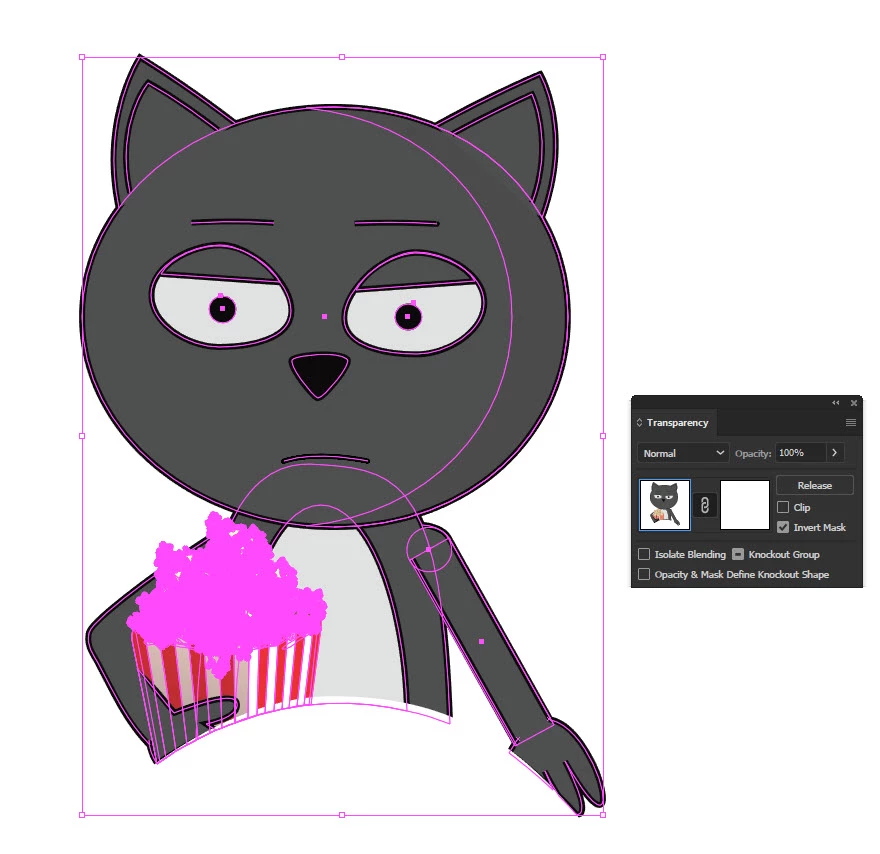
    Maybe you could simply use a white shape on top and use it as a mask:

    sishamIAGD
    Community Expert
    Community Expert
    May 26, 2018

    We would need to see the make up of the paths to see what to suggest, it may be as simple as setting the stroke to none..?

    Can you share the file to see if we can help?

    omer47
    omer47Author
    Inspiring
    May 26, 2018

    Hi ! this is the file:

    Theater.ai - Google Drive