kellyh64639046
Participant
January 21, 2018
Answered

Why can't I create a new document?

  • January 21, 2018
  • 1 reply
  • 874 views

It's a simple task. I'm trying to create a new document in Illustrator but nothing happens.

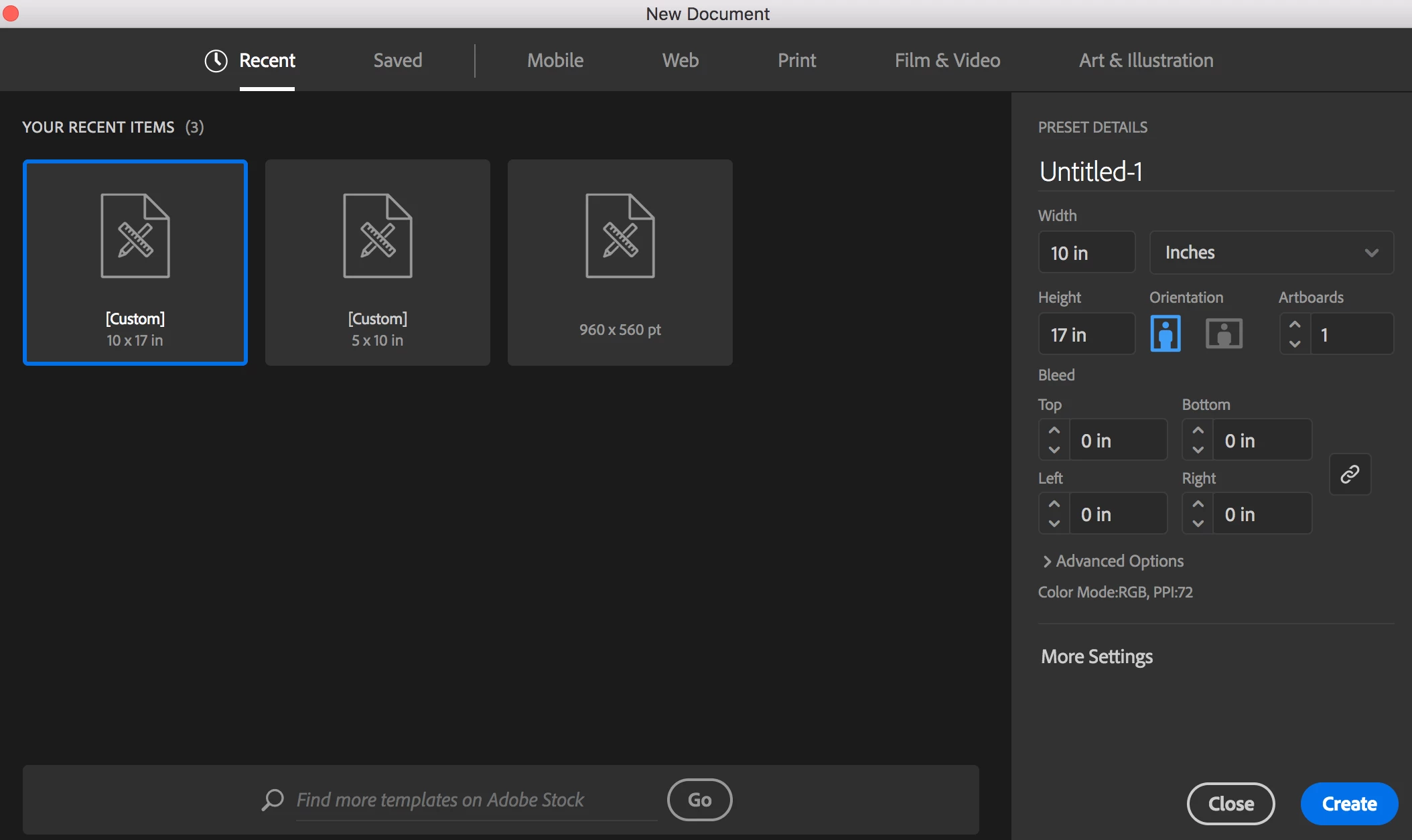
Once I'm inside the program, I click on the "create new" button to the left which brings up a popup where I can input document settings. After putting in settings, I click on OK but nothing happens. I also have tried the other way by choosing "file" at the top bar and "new." Again nothing happens! I've restarted my computer and restarted Illustrator multiple times.

Also followed a recommendation to go to Preferences --> General --> make sure "Use legacy File New interface" is checked. Still nothing.

Please help!
This topic has been closed for replies.
Correct answer Monika Gause

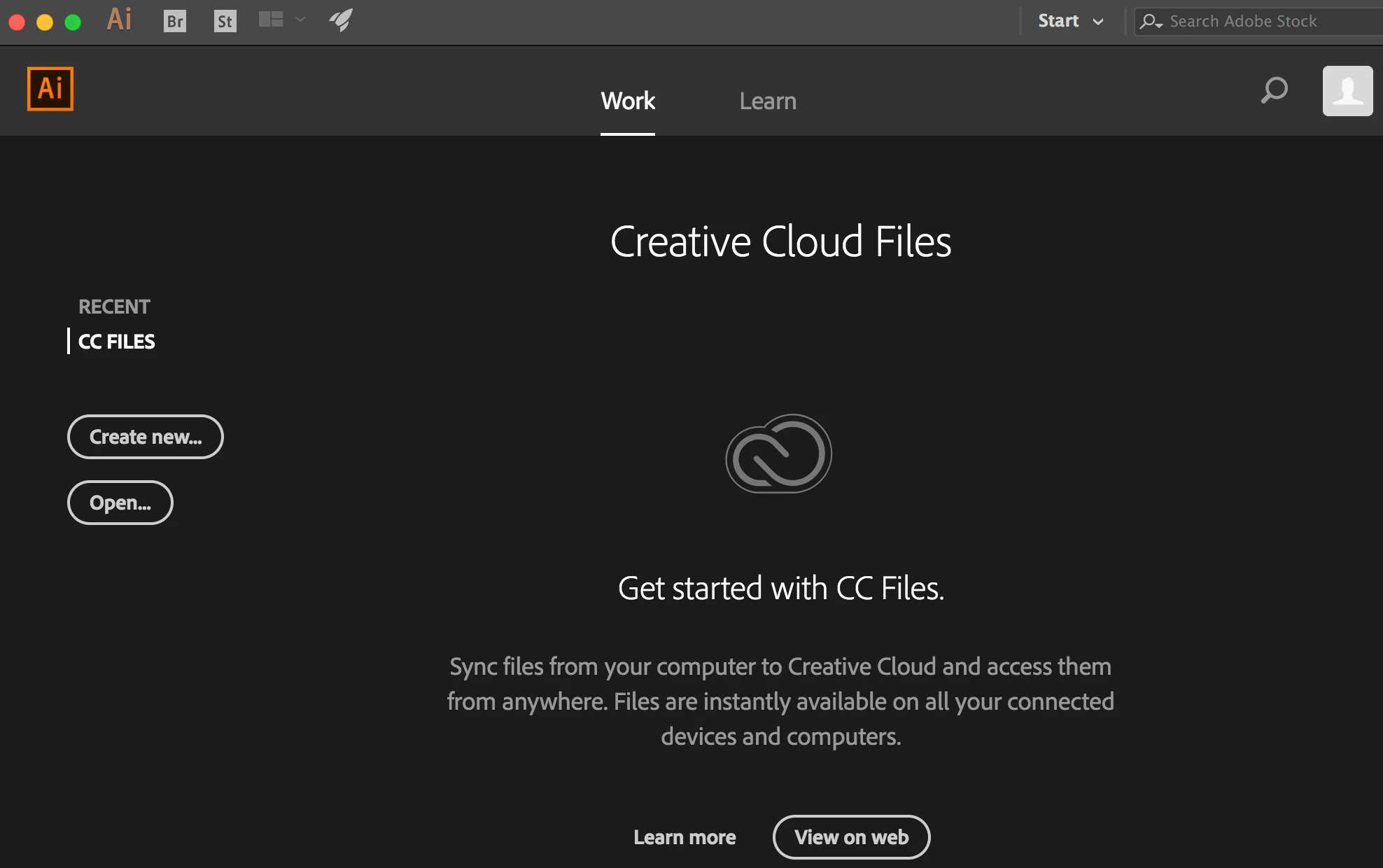
You can see from the screenshot below the two custom files I created. I can't open them though. When I double click on them, nothing happens. It takes me back to the homepage (see second screenshot). It's just a constant loop.

Also, I turned to the community forums because I am unable to find tech support to reach out to. It seems that I can only reach out if it's for Premiere: Contact Customer Care​. Anybody know how to talk to somebody at Adobe directly?


In order to contact Customer Care, use the link to that contact page. You need to be logged into your Adobe ID. If it doesn't work, try a different browser.

Or try Twitter if you have an account.

Adobe Customer Care (@AdobeCare) | Twitter

1 reply

Bill Silbert
Community Expert
Community Expert
January 21, 2018

What operating system are you on and what version of Illustrator are you using? Have you tried trashing your preferences?

kellyh64639046
Participant
January 22, 2018

I am on MacOS High Sierra and I checked that my software is all updated.

How do I trash my preferences? I only recently started using Illustrator for my class so there shouldn't be any preferences set, only what was there by default when I downloaded Illustrator.

Bill Silbert
Community Expert
Community Expert
January 22, 2018

Try holding down the shift, option, command and control keys when you launch Illustrator. You should get a dialogue that asks if you want to reset. Answer in the affirmative. The dialogues comes and goes very quickly so be alert. There have been some recent reports that the dialog didn’t appear but that it reset the preferences anyway. So if you don’t see the dialog try seeing if there was any affect anyway.