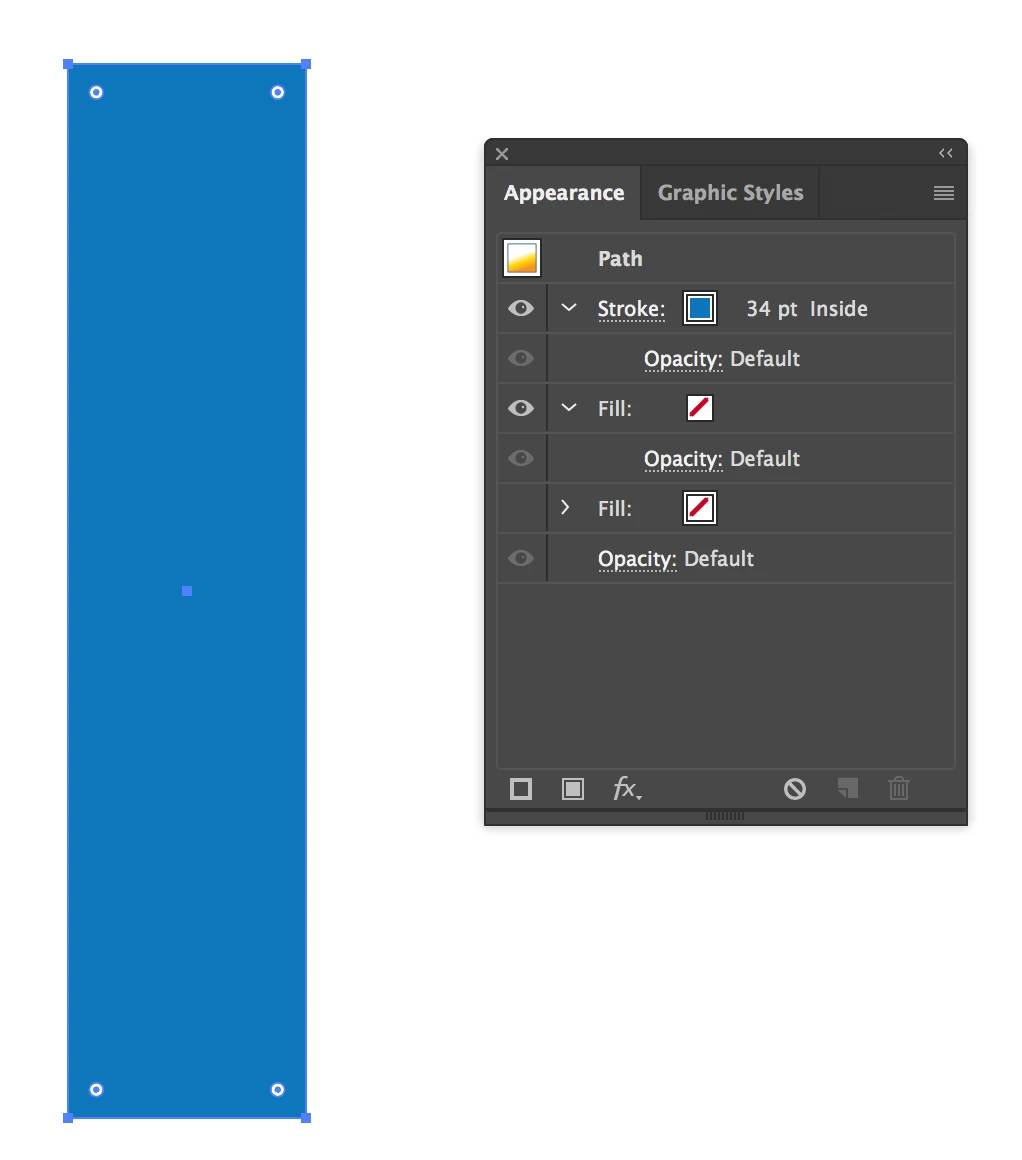
Known Participant
February 15, 2018
Answered

Why can't I get rid of the fill?

  • February 15, 2018
  • 3 replies
  • 5753 views

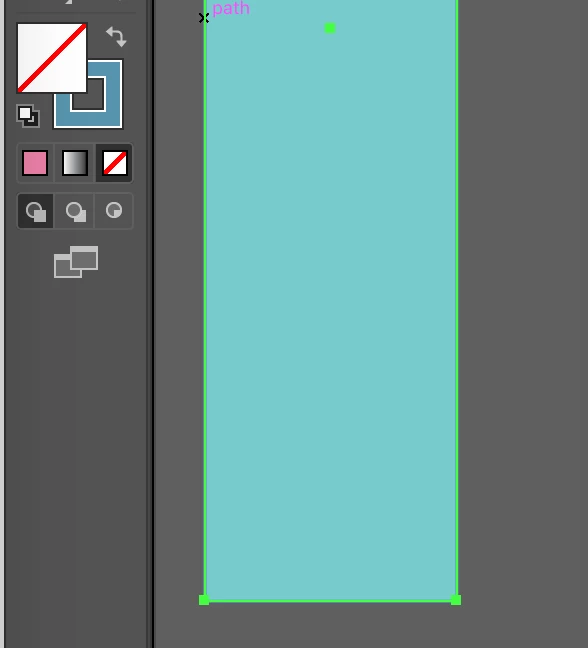
As you can see here, I have the shape selected and the side bar shows a blue outline with no fill but the shape has a fill. I did not knowingly fill this shape and now I can't un-fill it. It is not grouped or clipped or compounded. Help would be much appreciated!
Correct answer SJRiegel

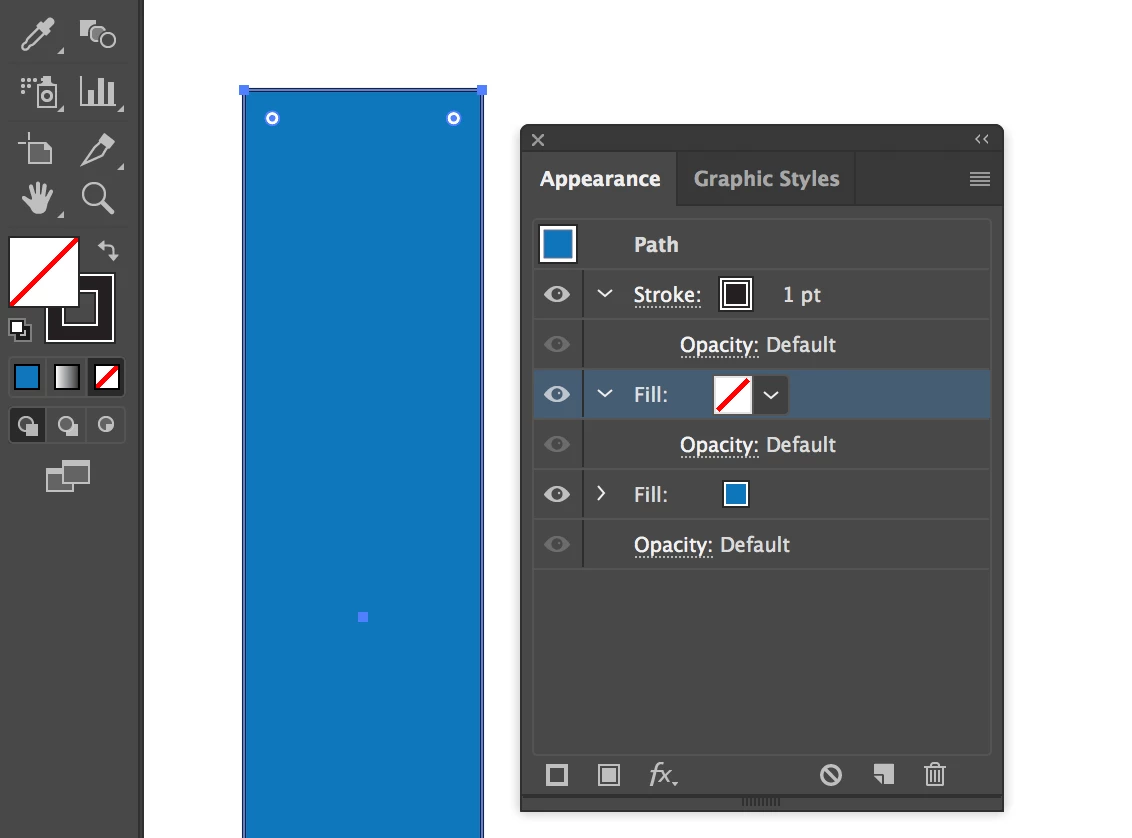
Have you checked your appearance pallet? The fill may have been added there. In that case, your pallet could show no fill.

Another option it that you have a large stroke set to the inside, such that it completely fills the box.


3 replies

Inspiring
May 2, 2025

Having the same problem here.

Illustrator is the Mac version of the PC Word program. Every time I open it, there's always something that's out of order. I'm always wasting my time looking for tutorials to solve things that stop working or work differently. My good and infallible friend, InDesign! Intuitive, easy to use and always stable!

Doug A Roberts
Community Expert
Community Expert
May 2, 2025

Please show a screenshot of your workspace with the relevant object selected and the appearance panel visible.

SJRiegelCorrect answer
Legend
February 15, 2018

Have you checked your appearance pallet? The fill may have been added there. In that case, your pallet could show no fill.

Another option it that you have a large stroke set to the inside, such that it completely fills the box.


Known Participant
February 15, 2018

OK, this is freaky. The shape was still teal when I went to look at your e-mail and when I got back it was not. I did absolutely nothing. So it was actually not either of your suggestions but you still fixed it, as far as I am concerned. Thanks!

Known Participant
February 15, 2018

OK, I figured out a few things:

Any shape I draw on that layer will have a teal fill that can't be removed.

If I copy and paste that teal shape to another layer it will have no fill.

Jacob Bugge
Community Expert
Community Expert
February 15, 2018

Liz,

In addition to what Susan said, I believe you have the teal fill applied to the Layer. You should be able to select the Layer, then remove the unwanted fill in the Appearance palette.

Known Participant
February 15, 2018

No, that doesn't seem to be it. It fixed itself somehow but when I try to duplicate the problem any change I make in the appearance palette is reflected on the sidebar and I can add or remove the fill no problem. It is a mystery! Thank you for responding though!