Participating Frequently
January 19, 2017
Answered

Why can't I paste coppied text as my file name from Illustrator?

  • January 19, 2017
  • 5 replies
  • 5813 views

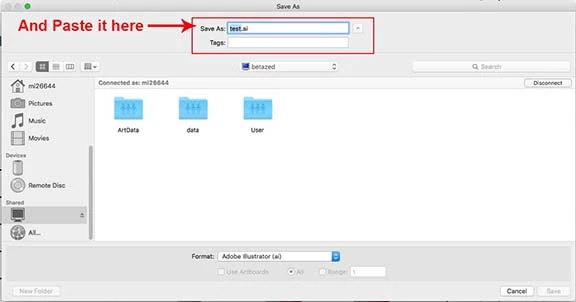
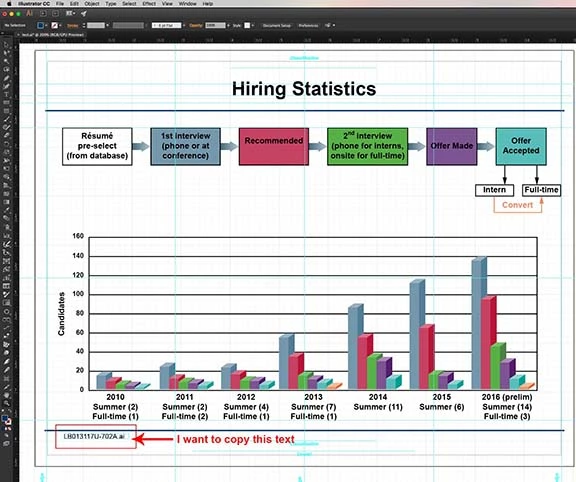
I’ve seen this question asked many times on different forums, and it gets misinterpreted all the time.  So I will try to be as specific as I can. Question: How can I copy a portion of text from a random source like (a word doc, an Illustrator file, Excel, or even the web) and paste it into the dialogue box as the file name when I save a file? “Command C” and “Command V” does not seem to work.   I have included a graphic to illustrate my point.
    This topic has been closed for replies.
    Correct answer jane-e

    I stand corrected. I answered for InDesign, and I have done this in many, many programs. It does not, does not work in Illustrator, at least not in the current version. Not even with a right-click and Paste.

    I can't tell you why, as this is a user forum. But here is the bug report / wish form, and the Illustrator team will read it if you post here. This is SOP with most (I thought all) software.

    Feature Request/Bug Report Form

    This should work (but it doesn't)!

    5 replies

    Known Participant
    July 18, 2017

    This is a recent upgrade bug, and worked ok from CS15 back to 88. Work-around:

    FILE> FILE INFO> (paste text anywhere in this menu), COPY TEXT and then can you paste into file name.

    Drives me nuts, I have to do this 10+ times a day. One of the cardinal truths that we will all have to live with... there is no-one working at Adobe that has ever worked like most of have, i.e. 12+ hours a day and always in a hurry trying to catch deadlines. Their interest in making work go faster is about the same as my interest in women's collegiate rowing in the midwest... zilch.

    Participant
    November 7, 2019

    Yeah, this is an annoying evolution of the app, in my case Photoshop CC. I like to paste the actual filename I intend to export with as the name of the layers in my master template psd files...


    What you can do is get your filename in the clipboard and when you get to the save as dialogue right-click on the file name and select paste from there... that will paste your filename.

    carlosgarro
    Community Expert
    Community Expert
    January 21, 2017

    Super weird!

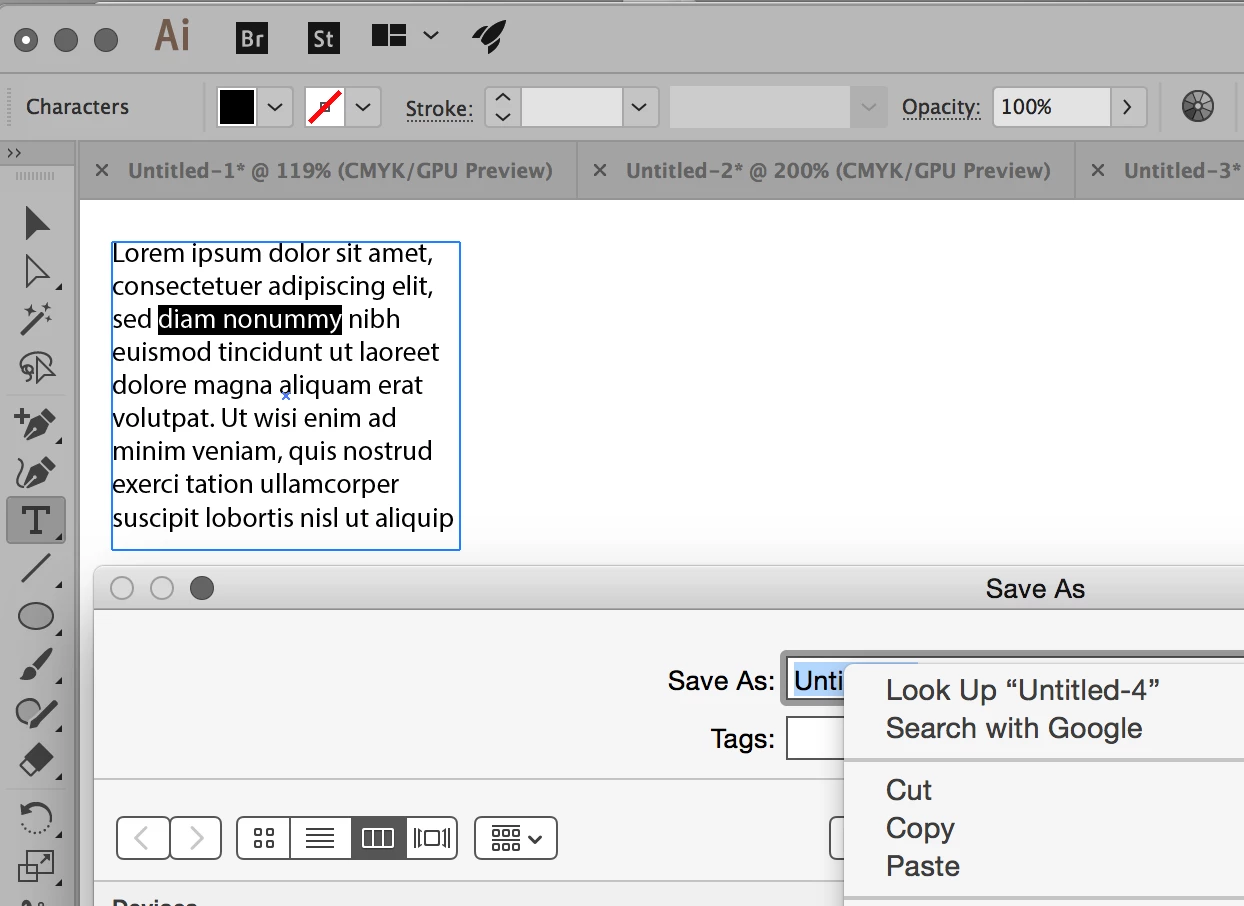
    It works for me, but if the copied text is "outside" Illustrator.

    If I copy from Illustrator text it did not works.

    Check a quick video >>

    https://www.dropbox.com/s/5yhmris79av719l/AI_Bug.mp4?dl=0

    My system:

    Mac OS Sierra 10.12.2

    Adobe Illustrator 2017.0.2 (21.0.2)

    Ton Frederiks
    Community Expert
    Community Expert
    January 21, 2017

    Yes, text copied from outside Illustrator works.

    Mike_Gondek10189183
    Community Expert
    Community Expert
    January 20, 2017

    Could be due to the universal clipboard added in Sierra, which can be disabled supposedly if you disable handoff.

    System Preferences > General > uncheck Allow Handoff

    Will try at home tonight as am on Yosemite at work, unless someone else can try.

    jane-e
    Community Expert
    Community Expert
    January 20, 2017

    I am on Yosemite

    It does not work in 2017

    It works in 2015 and 2014

    Ton Frederiks
    Community Expert
    Community Expert
    January 21, 2017

    I cannot get it to work in almost any Illustrator version I have installed; CS4, CS6 and CC

    The exceptions are Illustrator 1.1 and Illustrator 88, it works fine in those versions.

    jane-e
    Community Expert
    Community Expert
    January 19, 2017

    I do this all the time, and have been for over 25 years, both in Windows and Mac. I just tried it in InDesign with Cmd + C and Cmd + V.

    Be sure you select the text with your Type tool. That may be the missing step.

    jane-e
    Community Expert
    jane-eCommunity ExpertCorrect answer
    Community Expert
    January 19, 2017

    I stand corrected. I answered for InDesign, and I have done this in many, many programs. It does not, does not work in Illustrator, at least not in the current version. Not even with a right-click and Paste.

    I can't tell you why, as this is a user forum. But here is the bug report / wish form, and the Illustrator team will read it if you post here. This is SOP with most (I thought all) software.

    Feature Request/Bug Report Form

    This should work (but it doesn't)!

    rcraighead
    Legend
    January 19, 2017

    You are right. It doesn't work. Works fine in PSD. I find if paste the text into the "Attributes Panel" text field and copy it from there it works fine. Illustrator must not recognize the content in the clipboard as plain text.

    Larry G. Schneider
    Community Expert
    Community Expert
    January 19, 2017

    Can you be certain that the text in question is really text and not an image? Can you paste it into Notepad (or the like) and have it read as text? Can you post the graphic to Dropbox or similar for others to try and replicate your problem?

    Participating Frequently
    January 19, 2017

    Yes, it is text not an Image. I have always been able to do this command up until I upgraded to Mac OS Sierra 10.12.2.