
Inspiring
November 23, 2024
Answered

Why does placing a JPEG delete the target layer?

  • November 23, 2024
  • 1 reply
  • 434 views

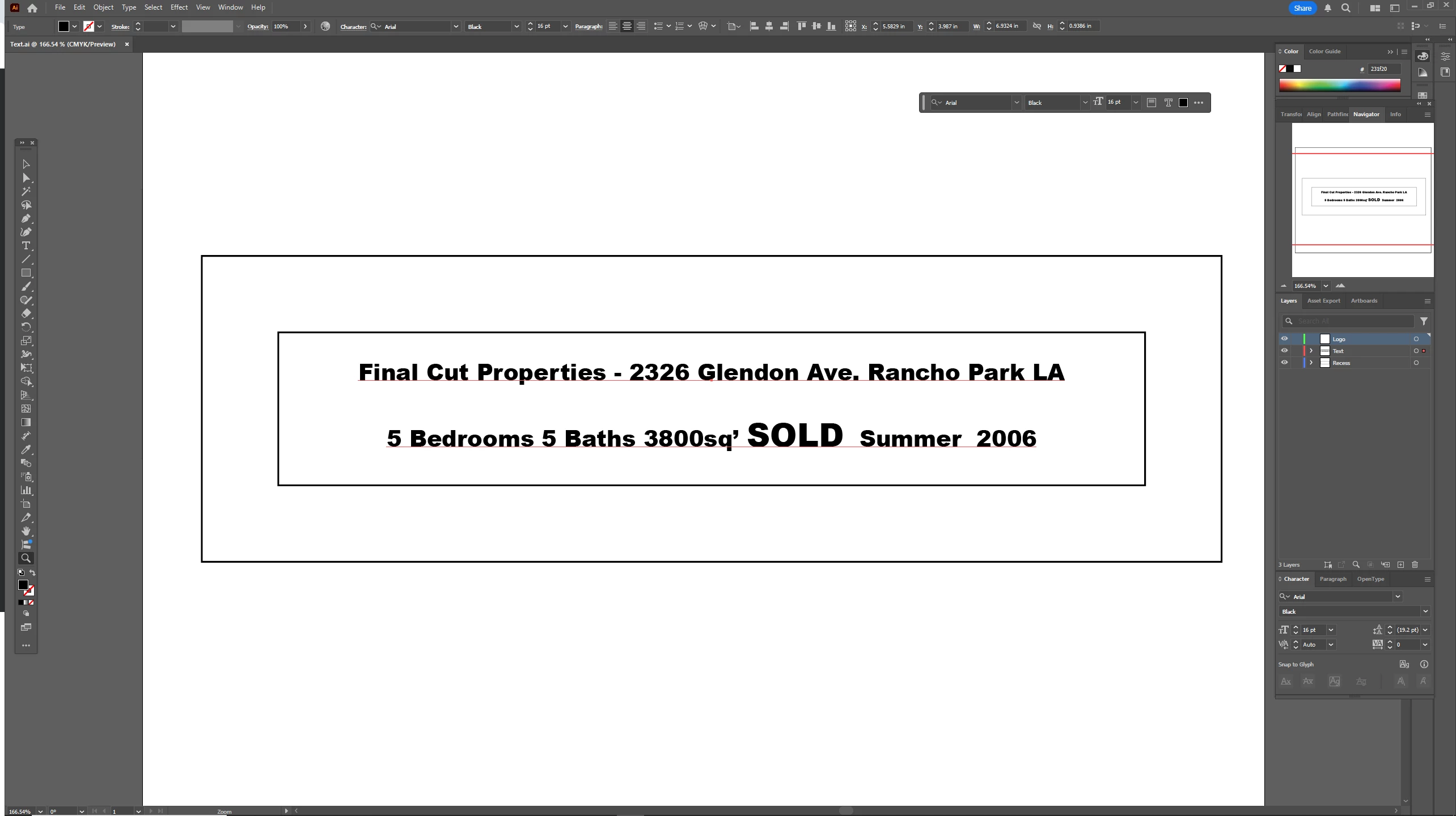
When I try to place a JPEG (3" x 3" black house icon) on the top (Logo) layer of the document shown below using the Place command, nothing is placed and the layer is deleted.  Any ideas why?  I've never had problems with Place before.  This is on Windows 10 x64.  Thanks for any tips.  I've also attached the image (since it's blurry in the preview) and a short screencap movie showing the behavior.
 

This topic has been closed for replies.
Correct answer Am_I_Lame?

I rebooted my machine and the problem went away.  Don't know if it was the reboot or the restart of AI, but I'm good now.

1 reply

Ton Frederiks
Community Expert
Community Expert
November 23, 2024

That looks strange indeed, hard to reproduce here.

Did you try the usual like restarting your machine, only running Illustrator without any other apps/utilities?

Am_I_Lame?AuthorCorrect answer
Inspiring
November 23, 2024

I rebooted my machine and the problem went away.  Don't know if it was the reboot or the restart of AI, but I'm good now.

Ton Frederiks
Community Expert
Community Expert
November 23, 2024

Good to hear that the reboot magic worked.