Participating Frequently
January 5, 2018
Question

Why does same image trace setting result in poorer outline, depending on file size?

  • January 5, 2018
  • 1 reply
  • 372 views

Hello,

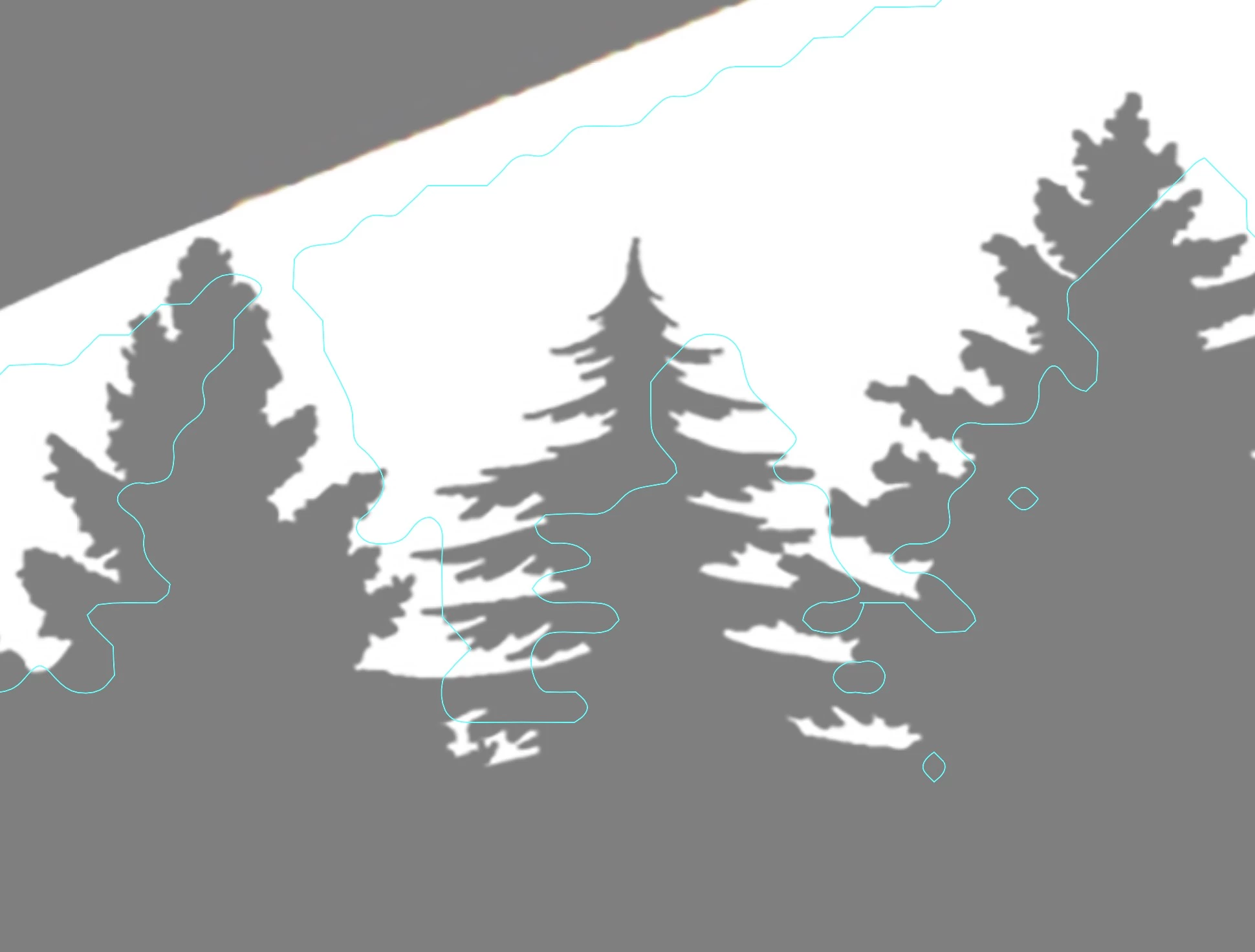
I'm relatively new to Illustrator and am wondering 1) the same setting for an image trace result in a wildly different result depending on file size, and 2) is there something I can do to force the outline in the larger file to result in the same trace?

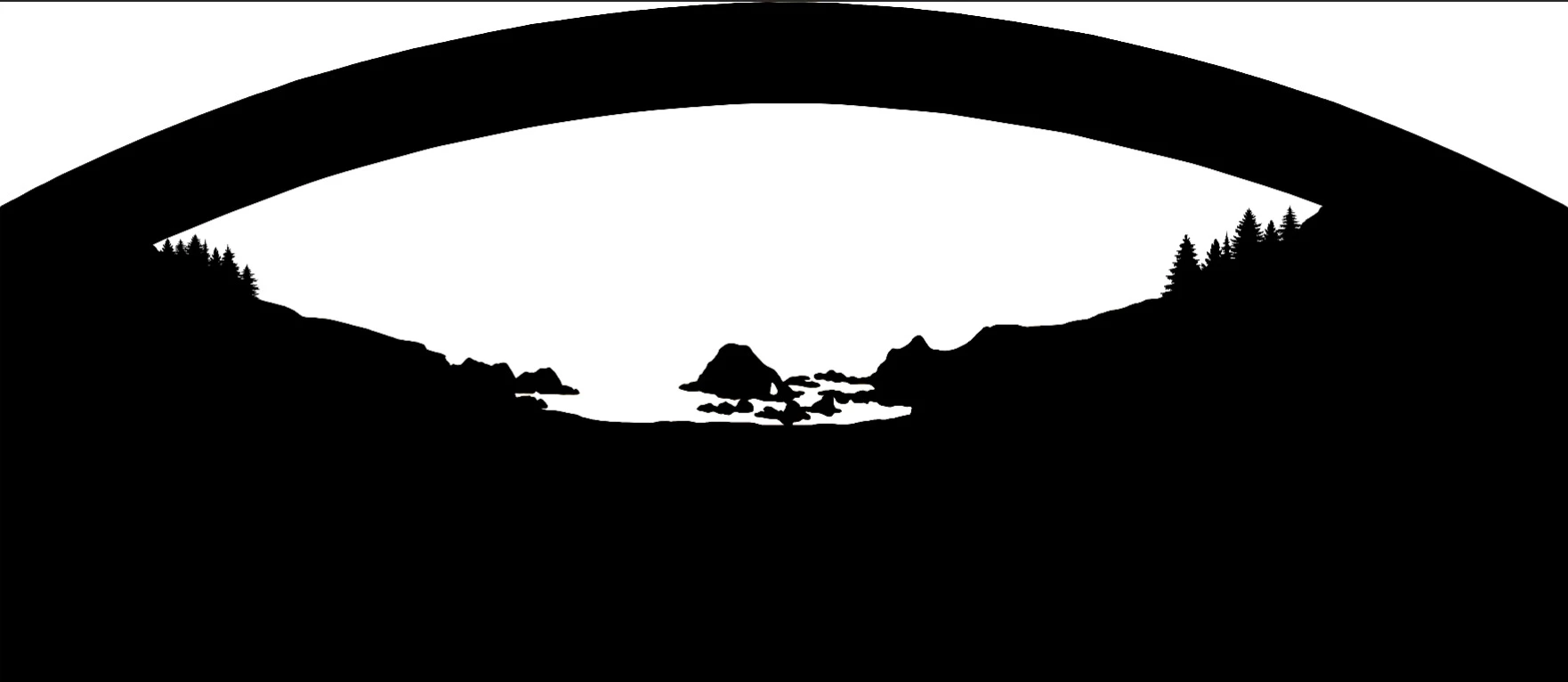
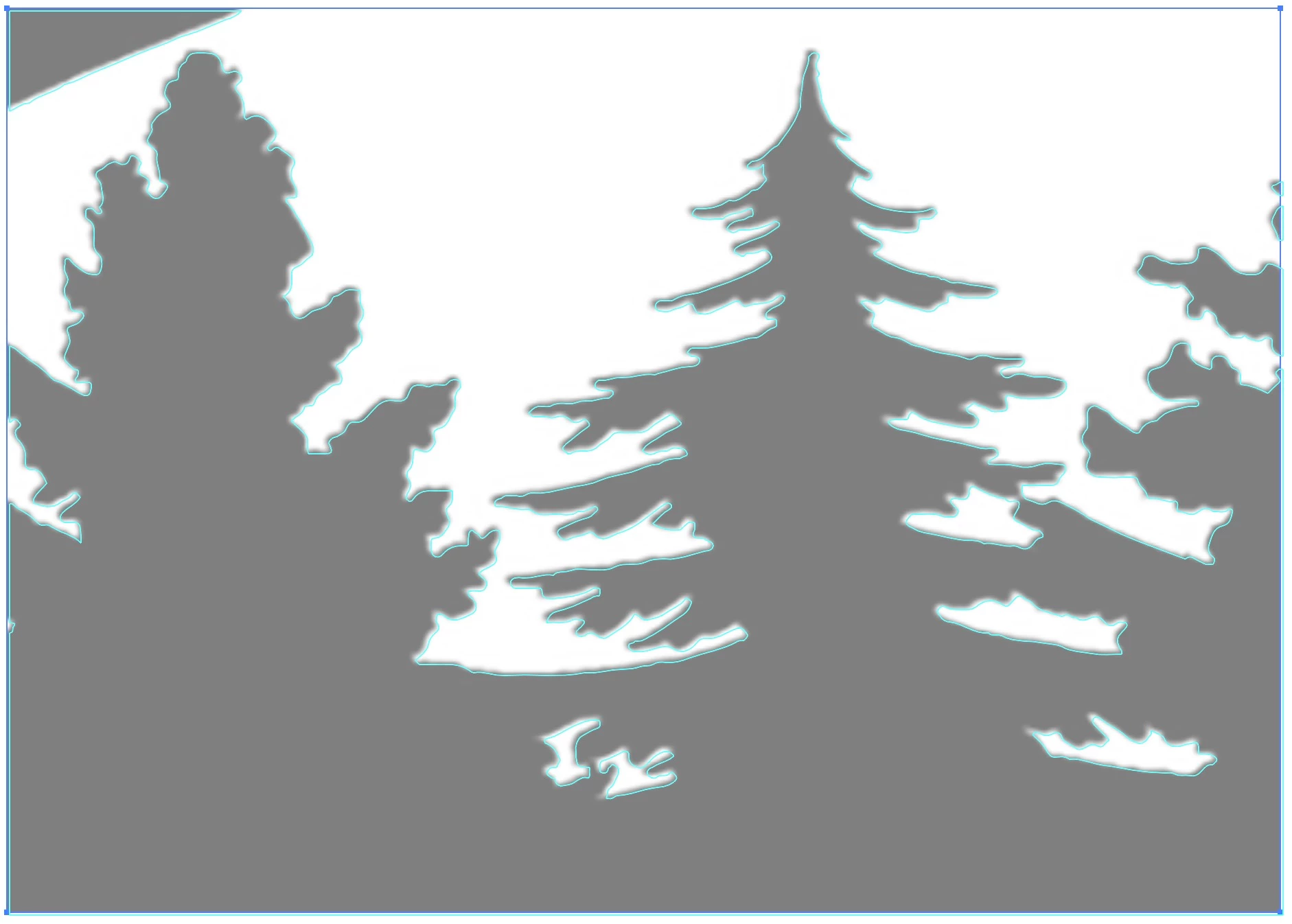
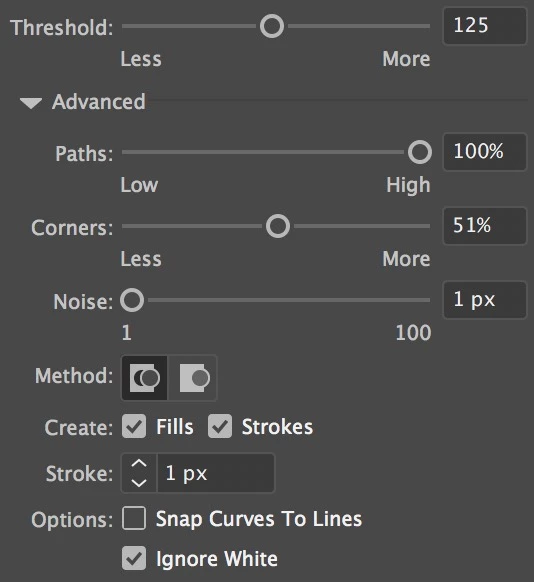
Images below: settings I've used; overall image; detail with trace outline (cut from larger image); and the same detail when part of the larger file.

My desire is to have the finer detail trace outline over the full image.

Any ideas?

Thanks,

Paul

(using Ai CC 2018, on a Mac)
    This topic has been closed for replies.

    1 reply

    Monika Gause
    Community Expert
    Community Expert
    January 5, 2018

    You can't force it.

    You could only cut your template image into smaller pieces and then put the paths togetherafter tracing.

    Participating Frequently
    January 7, 2018

    Of course, I didn't "force" Ai to more correctly trace the smaller file! Logically, it appears that Abobe simply fails at the same process on larger files (at least in the CC app).

    Participating Frequently
    January 8, 2018

    Anyone want to make $50 quick? I'll paypal anyone who can vectorize my file and keep the accuracy and clean line. I need this for exporting as dxf file (for lazycam, flame-cutting a steel plate, 94 x 41 inches).