Inspiring
December 25, 2024
Question

Why does the fill overflow the path?

  • December 25, 2024
  • 1 reply
  • 2323 views


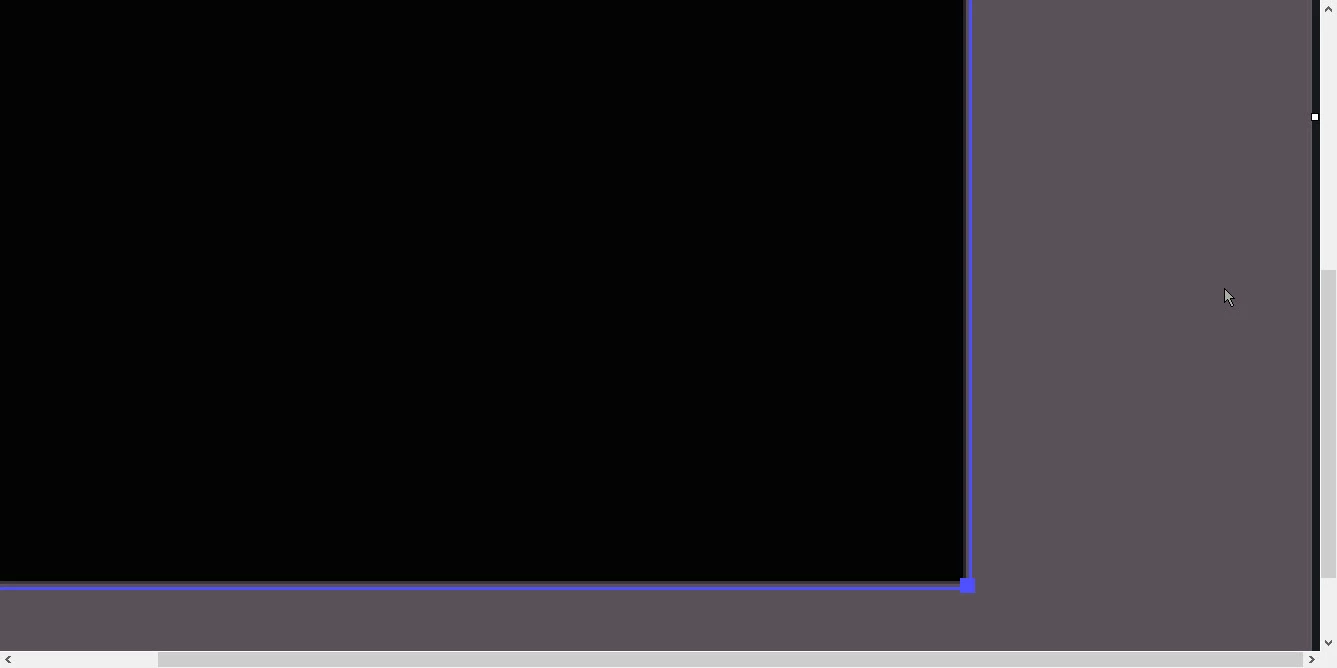
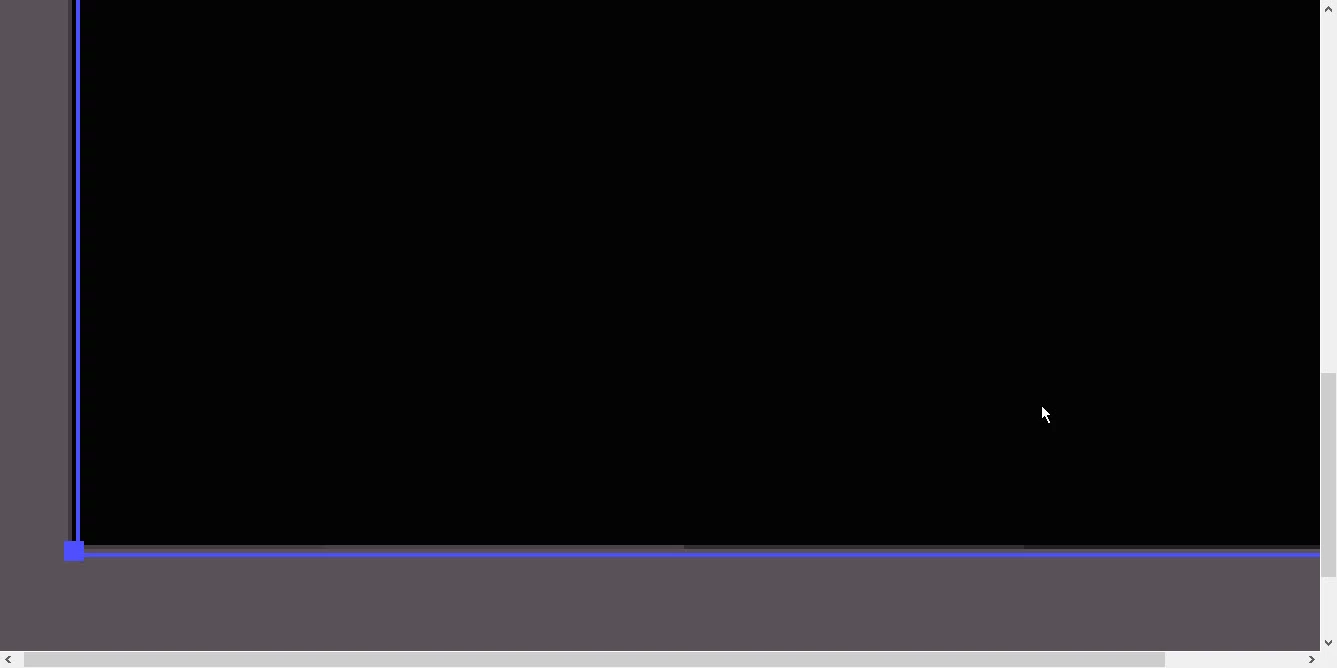
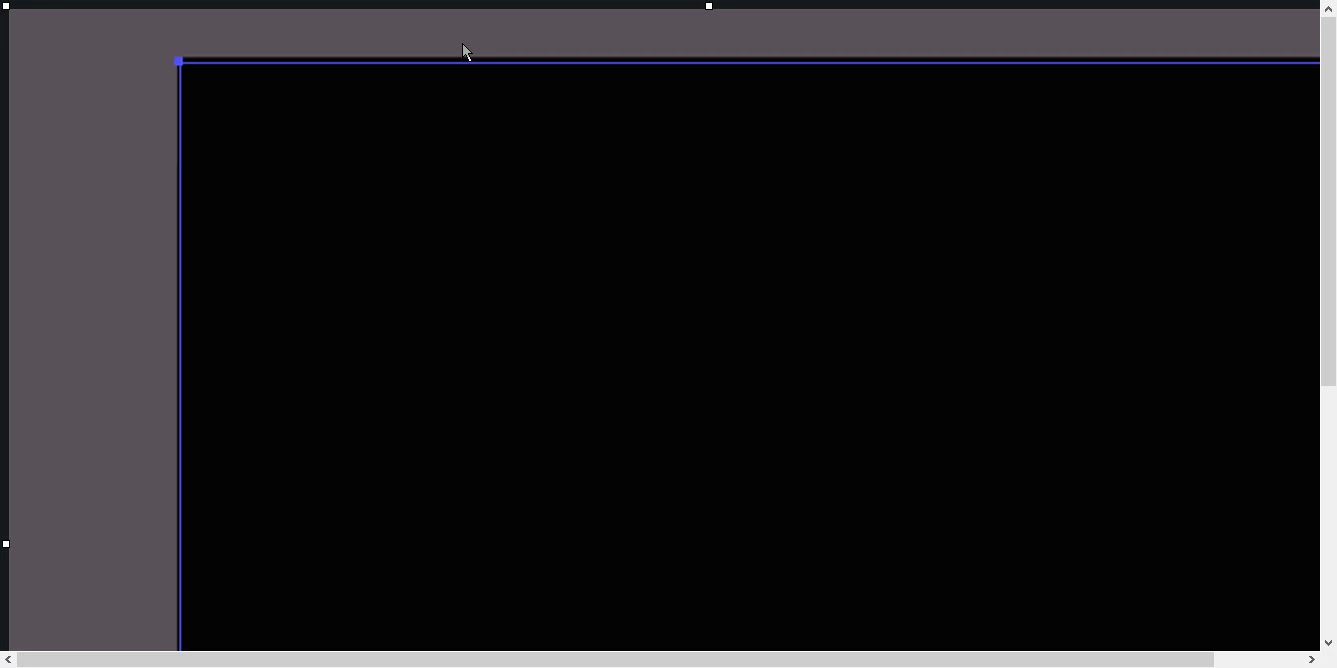
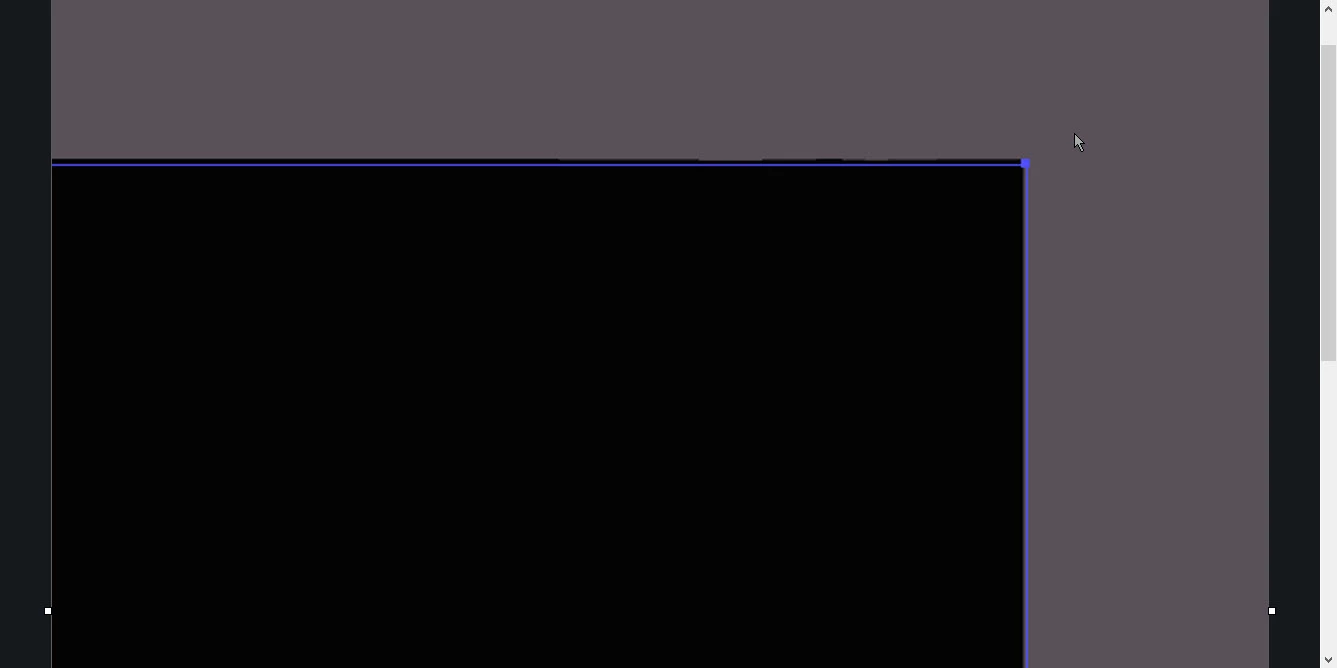
For this test I created a rectangle using the shapes tool. Even at full screen resolution you can see that 3 of the 4 sides, excluding the bottom right side, have anomalies. The other images show an enlargement of the individual sides.
This problem interferes with precision positioning when multiple objects intersect.

How can I fix this?
 

This topic has been closed for replies.

1 reply

Ton Frederiks
Community Expert
Community Expert
December 25, 2024

What is your Zoom percentage? Are you using CPU or GPU Preview?

For precise positioning, do you use Smart Guides?

Inspiring
December 25, 2024

Tom thanks for the feedback. I'm not sure I understand your questions.

"What is your Zoom percentage?" - The detail images were taken at the highest possible zoom level.


"Are you using CPU or GPU Preview?"Your question made me discover the View>View usin GPU option. I'm a beginner and I don't know many illustrator options. I tried to activate the option but I don't see any differences and unlike what happens with the other options, I don't see any flag or indicator to confirm that it has been activated.


"For precise positioning, do you use Smart Guides?" - Yes, smart guide is activated.

Ton Frederiks
Community Expert
Community Expert
December 25, 2024

Arturo, the highest zoom level 64000% does not give an accurate preview when the video card is used to accellerate the display; GPU Preview. CPU Preview does a better job. You can switch between them using Cmd (or Ctrl) E.