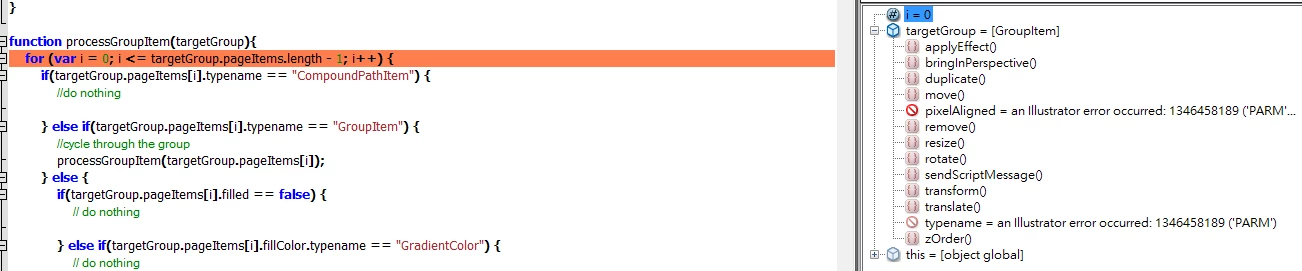
I have run into that same error too. Unfortunately I still don't know what causes it. Some ways to fix the problem that I've found are to select all, cut, and paste then try running the script again. This can be automated:
var done = false;
var firstTry = false;
while( !done ) {
try {
if( !firstTry ) {
app.activeDocument.selectObjectsOnActiveArtboard();
app.cut();
app.paste();
}
/* CODE TO PROCESS GROUPS */
done = true;
}
catch(err) {
firstTry = false;
}
}
This would all be inside of your function. You could also add code to auto quit after 5 or so tries, just add a 'count' variable.
Other fixes I have found are closing and reopening the file or restarting Illustrator. Sorry I don't have a better answer.
 AdChoices