
Answered
Why is My Layers Panel Different?
I have followed many "how to videos" on YouTube on how to do a specific thing, however, at the very beginning they always select options in the layers tab which simply do not exist for me. I took a screen shot of the two different options available that I have been seeing.
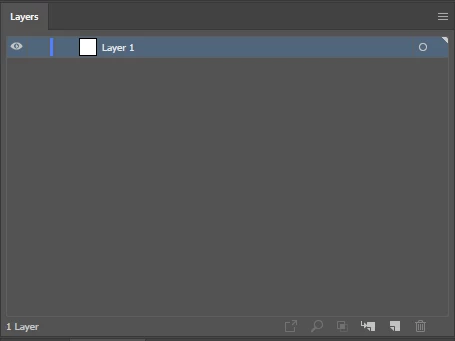
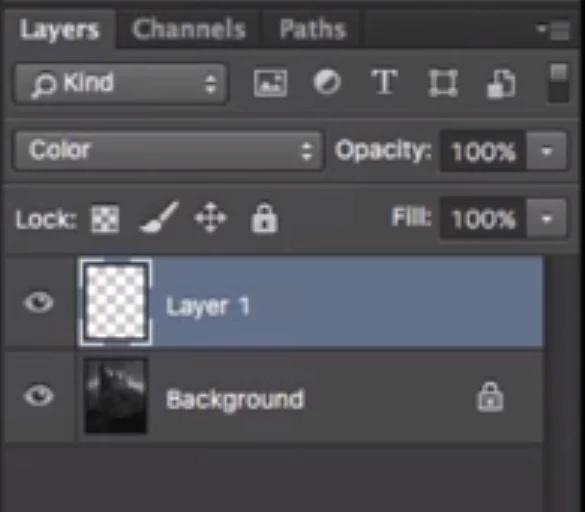
I do not have the drop down menus needed to change the selected layer. I have not been able to find anything online for how to get those drop down menus to appear, but I continue to see people either using one format or the other. Is this an old feature or is there a way to get those drop down menus to appear?
 AdChoices