Inspiring
February 23, 2024
Question

Why is the result noisy? :(

  • February 23, 2024
  • 2 replies
  • 296 views

My problem is that I do all the steps to make a png image, but when I see the final image on the redbubble site, the image has noise.
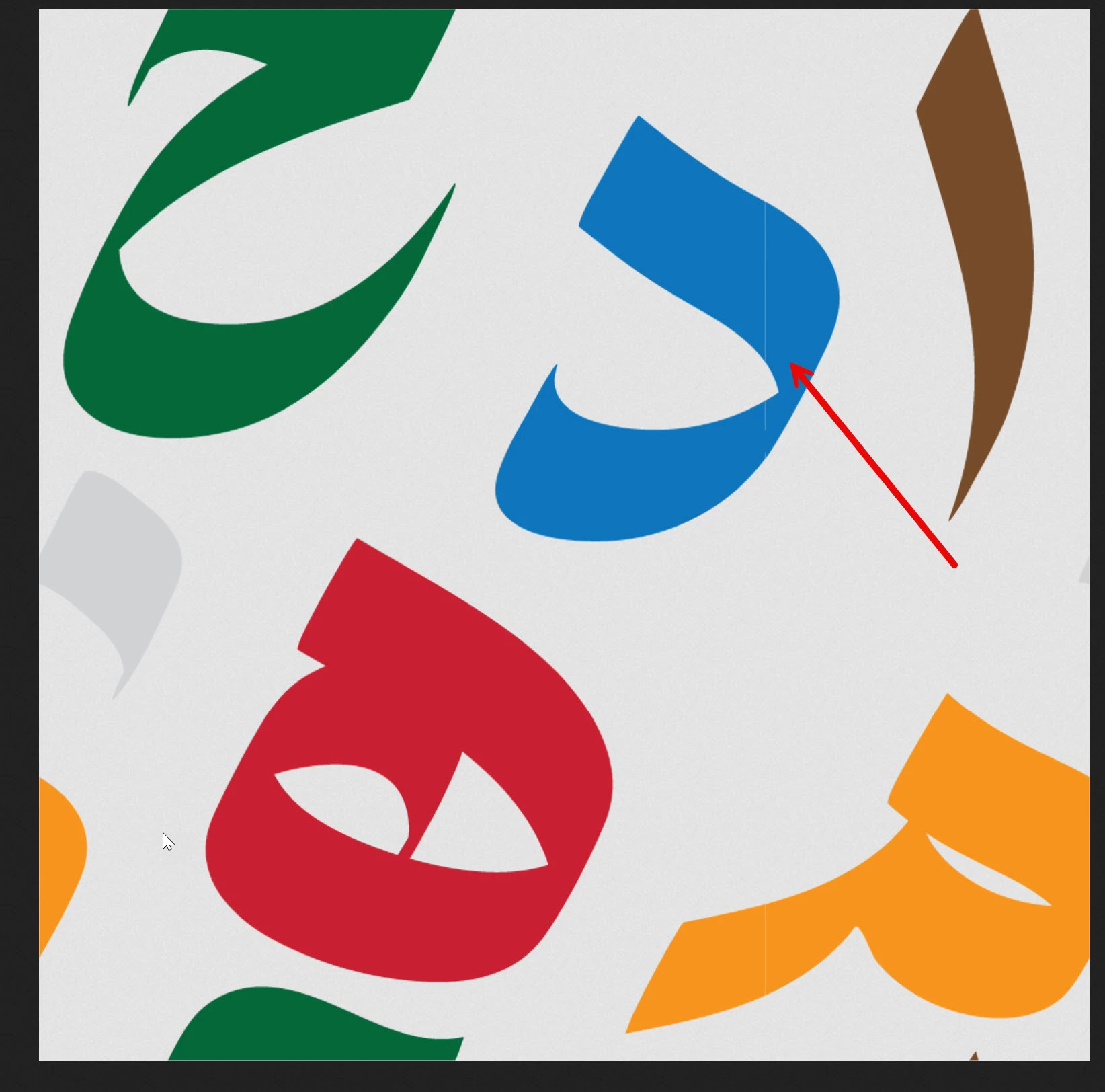


I will explain the steps I took in the picture.


1- I made the image in Illustrator:
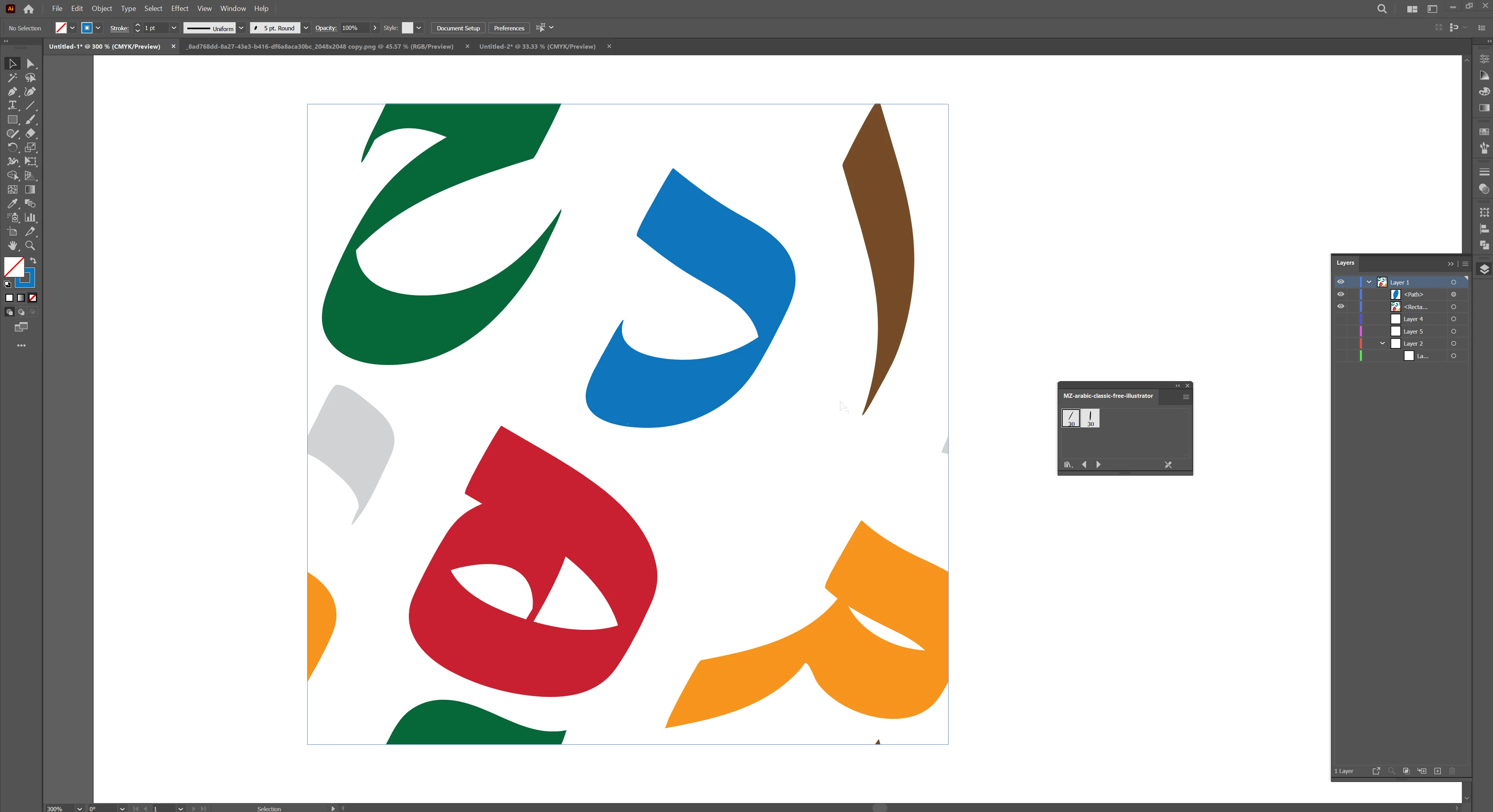


2- I saved this method:
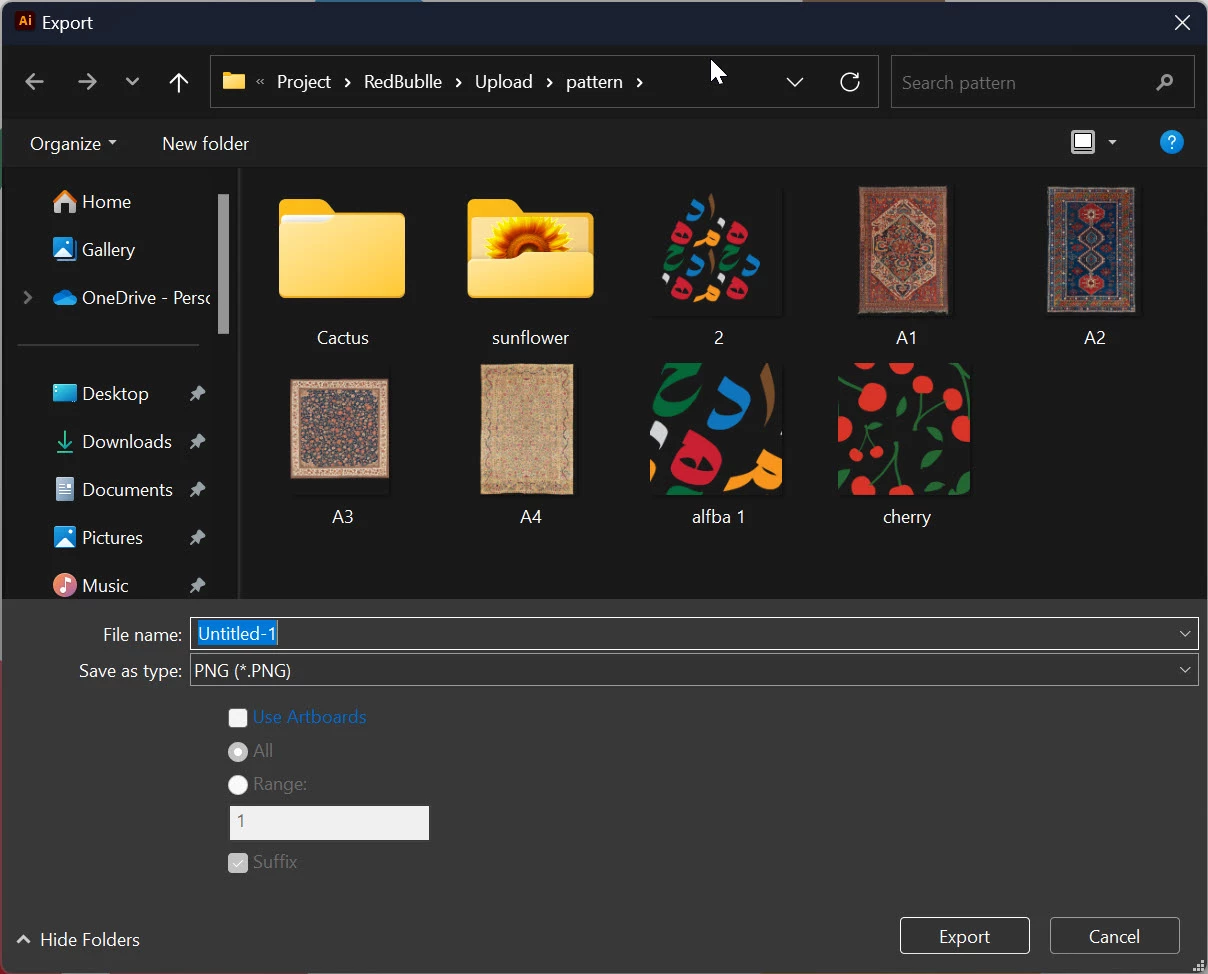


4- Output result in pc (png format):

So far everything is normal



But My problem started from here:
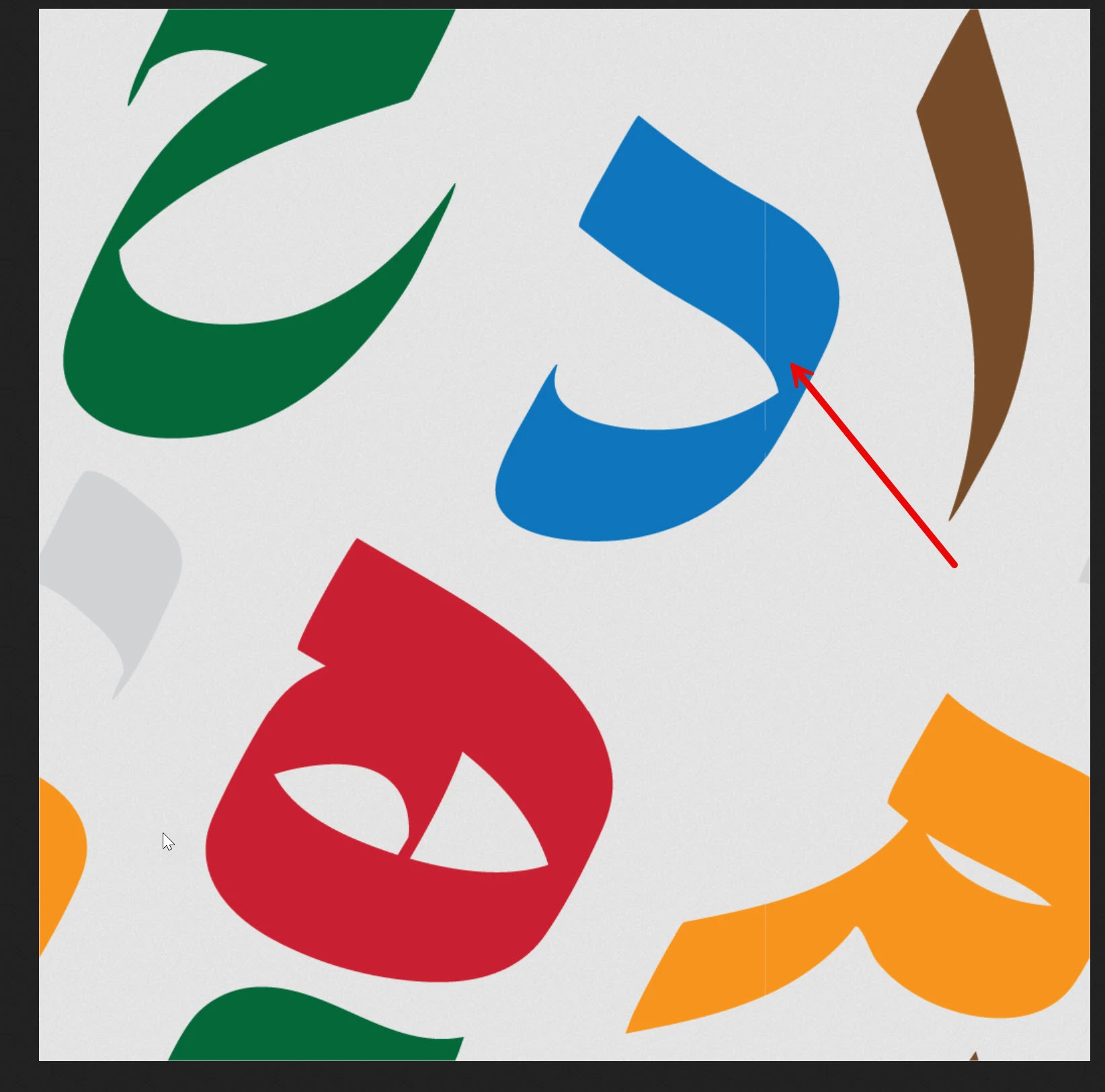
I upload the image on the Redbubble site, when I open the uploaded image on the Redbubble site in a new page, there is noise on the image.

Now my question is:
First: Is this my method to save a png file correct?
Second: If my method is correct and normal, do you think the problem is from the RedBubble site? Is this a bug for the RedBubble site?
Because this noise is not seen in my system


This topic has been closed for replies.

2 replies

Inspiring
February 23, 2024

Oh, I forgot to say that ,the mode is  " CMYK" 

Monika Gause
Community Expert
Community Expert
February 23, 2024

CMYK doesn't make a difference with this. The problem happens with patterns. Those are the pattern bounds. And this often happens with patterns under a lot of conditions and then some more.


I would just open the PNG in Photoshop and paint over these 2 places (it's in the yellow as well) and also check for semi transparent pixels along the borders. That should be the easiest solution in this cse contrary to figuring out different rendering methods for the pattern or changing the resolution or whatever else.

Inspiring
February 23, 2024

Monika Gause
Community Expert
Community Expert
February 23, 2024

Did you apply a pattern?

Inspiring
February 23, 2024

Yes, I followed your method in making the pattern and everything is ok and normal