
Participant
February 16, 2022
Question

Why my eraser acts weird in illustrator and I can not change my brush color?

  • February 16, 2022
  • 3 replies
  • 217 views

Hi, I'm new at Illustrator but have been playing for some days with it so I feel comfort using it. Although latley I have had one problem which I'm unable to fix. I have this circle here and everytime I decide to "erase" it becomes like a brush.
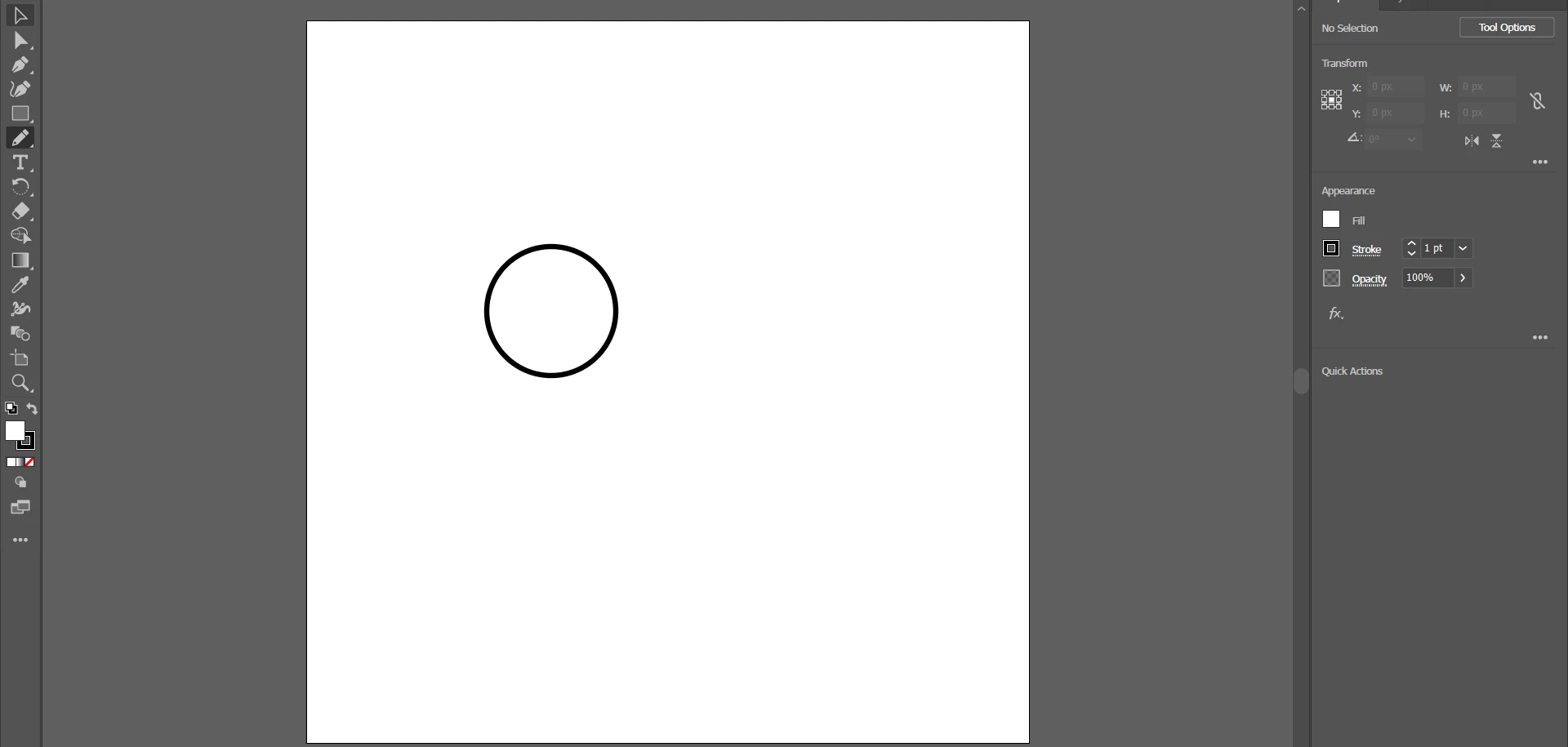
 

This is what I'm talking about:
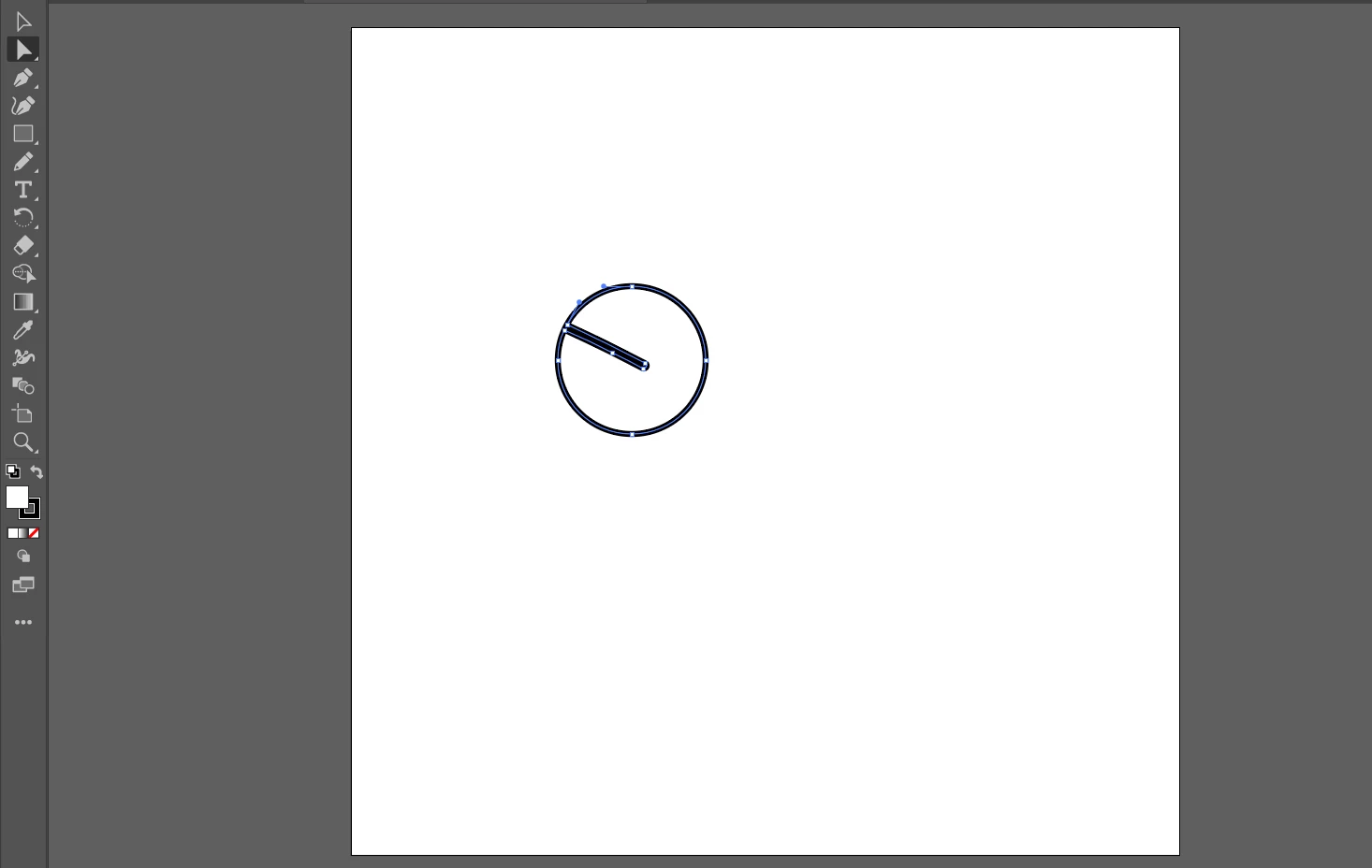
 

Does anyone have any idea why and how can I fix this please? Also I'm unable to change brush color...

Thanks for your time.

This topic has been closed for replies.

3 replies

Monika Gause
Community Expert
Community Expert
February 16, 2022

How do you expect the result to look like?


The eraser works like mill-cutting a shape.

marliton
Community Expert
Community Expert
February 16, 2022

Hi. If "erase it" means remove it, select it and press Delete or Backspace. You'll need to select it before.


Marlon Ceballos
Mohammad.Harb
Community Expert
Community Expert
February 16, 2022

as a quick answer for you question,  select the object then go to  Object -> Expand appearance