
Participant
August 21, 2024
Answered

Why the background texture and color changes when exporting?

  • August 21, 2024
  • 1 reply
  • 531 views

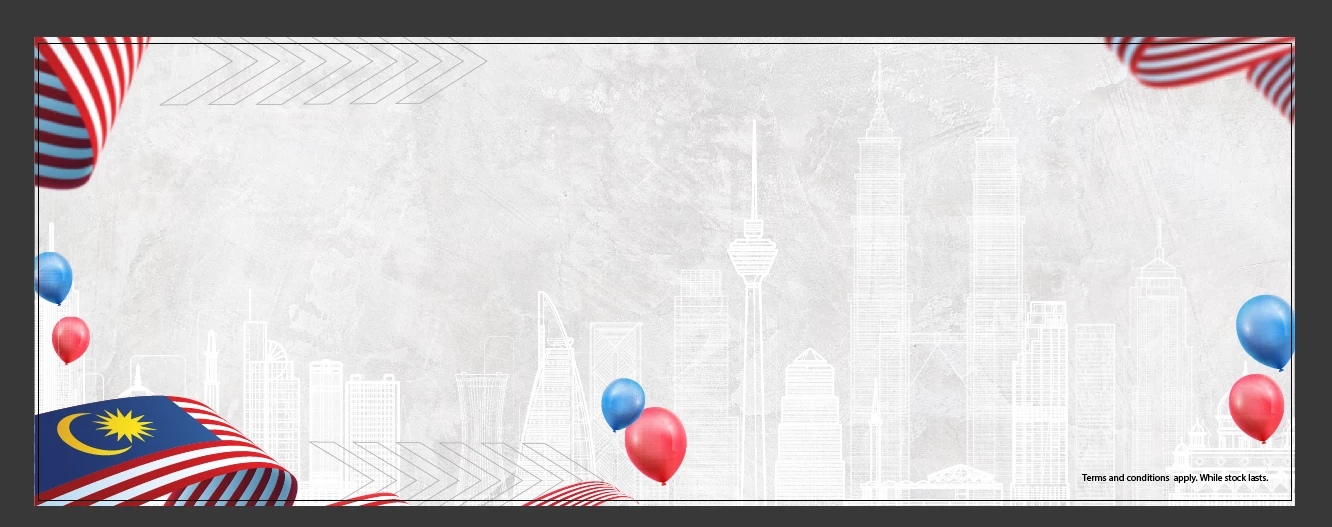
This is the original image I want to export. The file is in RGB
 

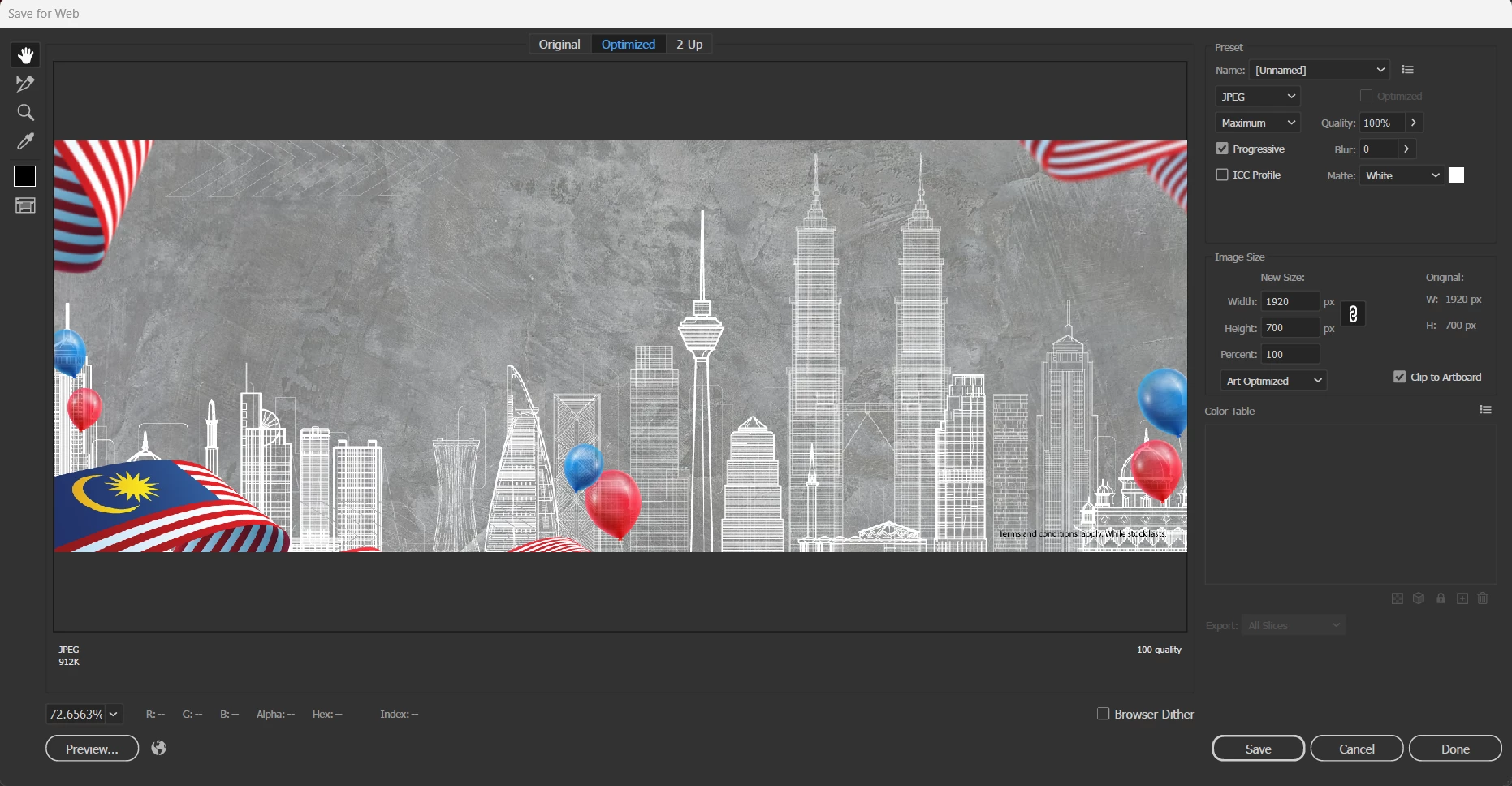
But when I choose Save For Web/PNG/JPEG it all turns out like this
 

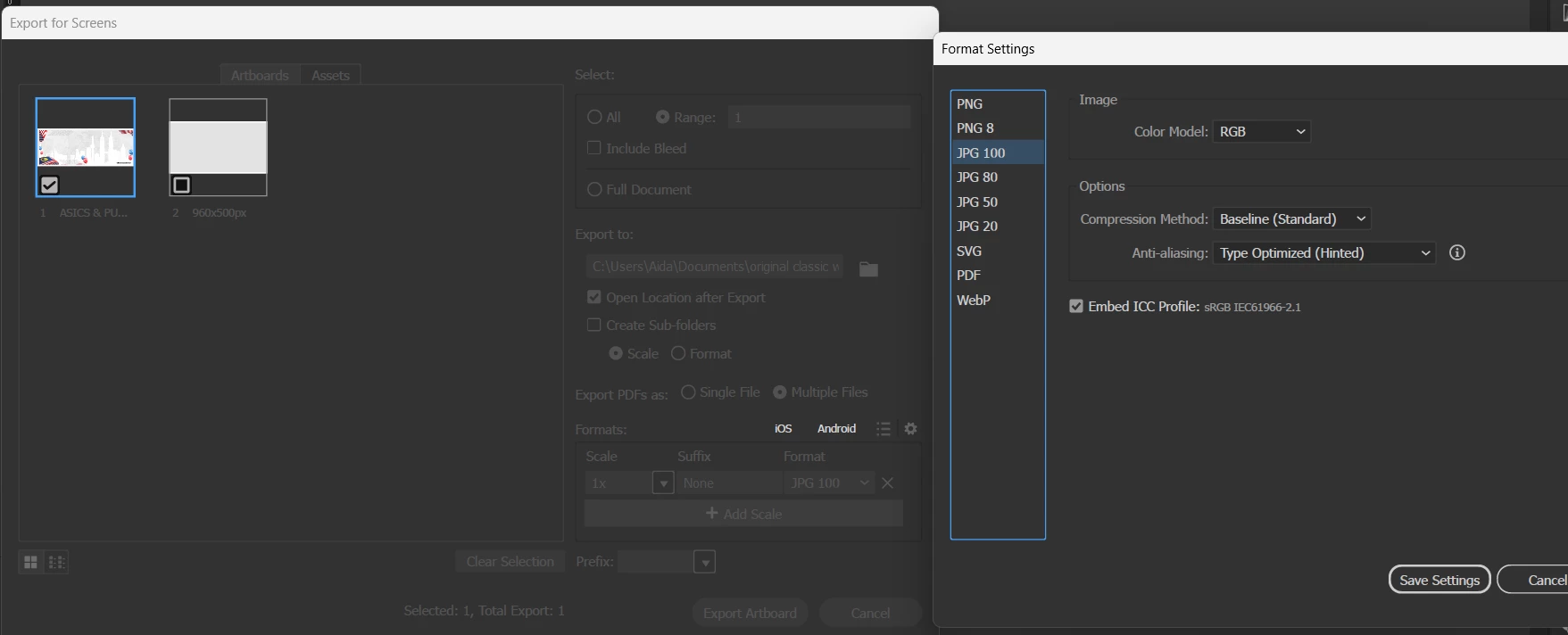
It ONLY works when I export it using Save For Screen with this exact settings
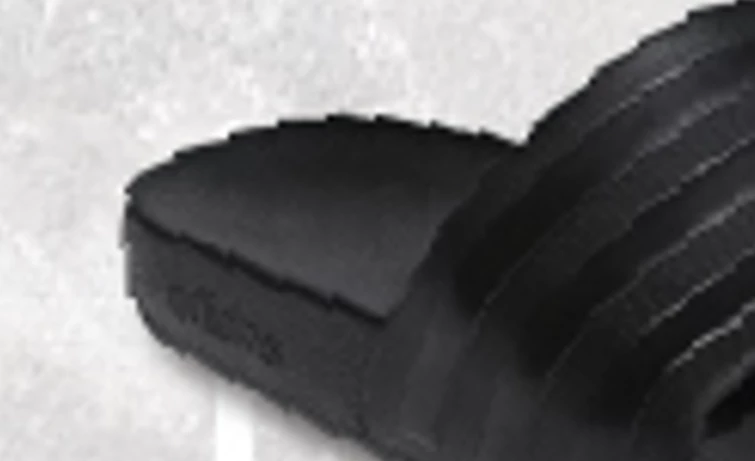
But I dont like using Save For Screen method because sometimes my images always get jittered like this when exporting, I also doesn't know what causes this..
 

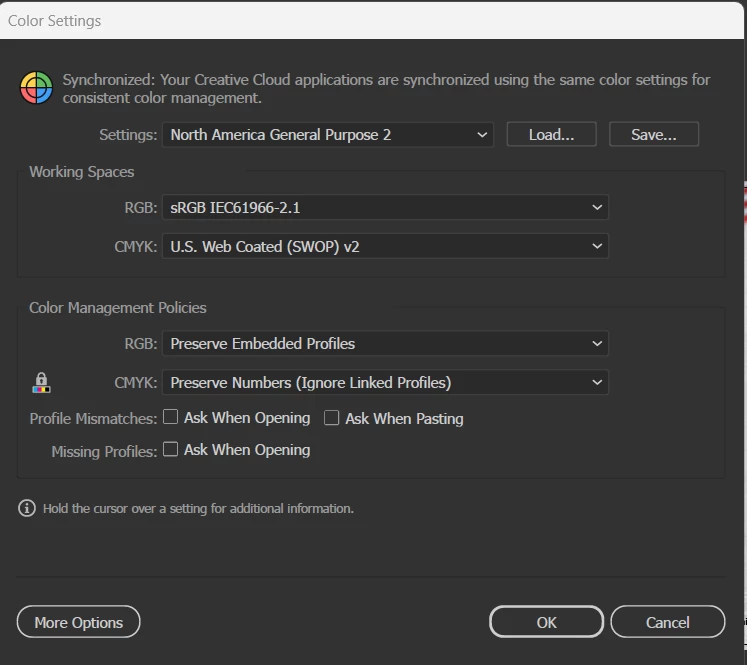
This is my color settings
 

Anyone can help me find the cause and how to fix this?
This topic has been closed for replies.
Correct answer Aida5C6D

I saw in your Save for Screens settings that you used Type Optimized and that you did ot like the result.

That's why I suggested Art Optimized.


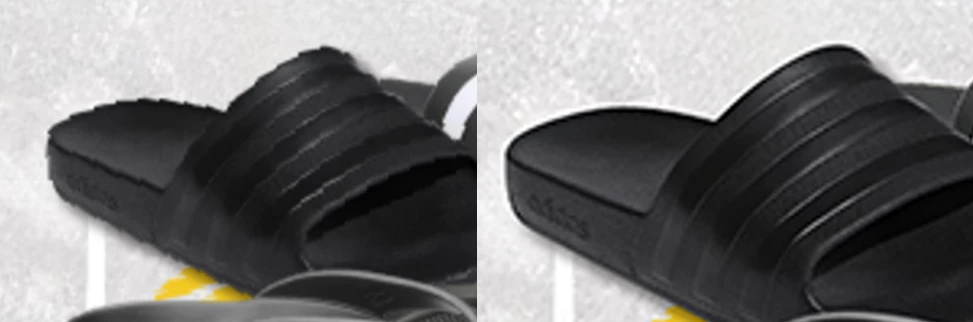
Oh! my bad. I just realized the Art Optimized does resolved this jagged placed image problem.


Left : Type Optimized, Right : Art Optimized

So Thank you!


And for my background texture issues, I had asked some people around and manage to figure it out.


Here a solution for reference in case other people who had same issues.

It was related to transparency problems.


  • Click background texture>Object>Flatten Transparency

1 reply

Ton Frederiks
Community Expert
Community Expert
August 21, 2024

I would recommend to use Art Optimized for anti-aliasing.

Aida5C6DAuthor
Participant
August 21, 2024

I already set to Art Optimized to export and sadly, no change of result... I set it in Save For Web/Screen and Normal PNG/JPG Export and it doesnt fix anything. Or is there any specific settings that u are referring to?

Ton Frederiks
Community Expert
Community Expert
August 21, 2024

I saw in your Save for Screens settings that you used Type Optimized and that you did ot like the result.

That's why I suggested Art Optimized.