Thanks for reaching out. Could you please confirm which version of Illustrator you're currently using and the details of your operating system? Also, if you remember, let us know which version of Illustrator the file was originally created in.
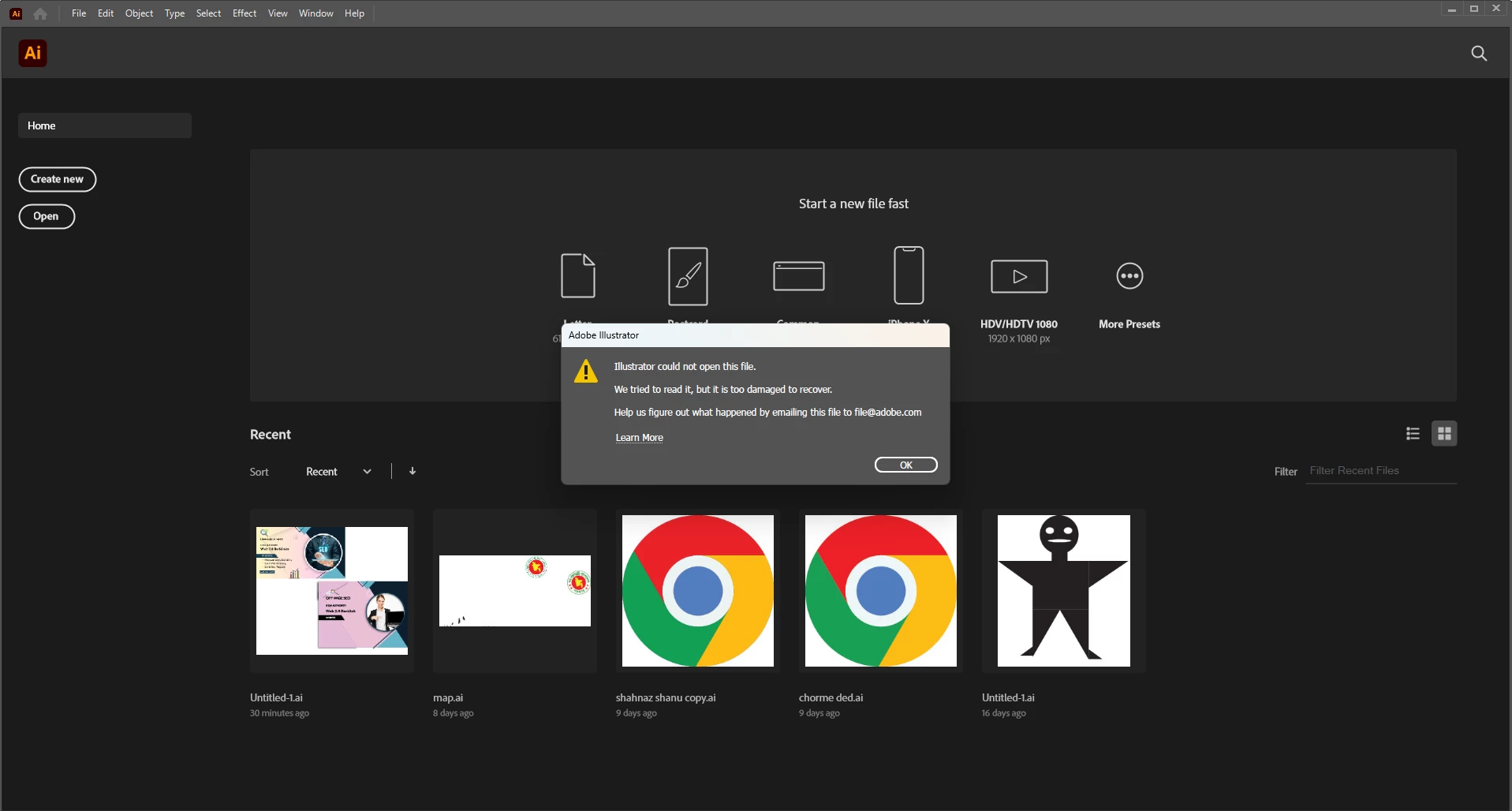
As Ton mentioned, it would also help to know where the file is saved, such as on a local drive, external drive, or a cloud folder. And did you try emailing the file to file@adobe.com as suggested in the error message?
In the meantime, you can try placing the affected file into a new Illustrator file using File > Place to see if it opens that way.
If possible, please upload the file to a public cloud service like Google Drive or Dropbox and share the link here. If it's confidential, feel free to send it via DM in the community.



 AdChoices