
Answered
Width tool and cutting problem
So I have this bit of linework I wanted to edit. It seems like I'm doing wrong or something. I used the width tool and wanted to cut some bits of afterwards. As you can see in the screenshots. 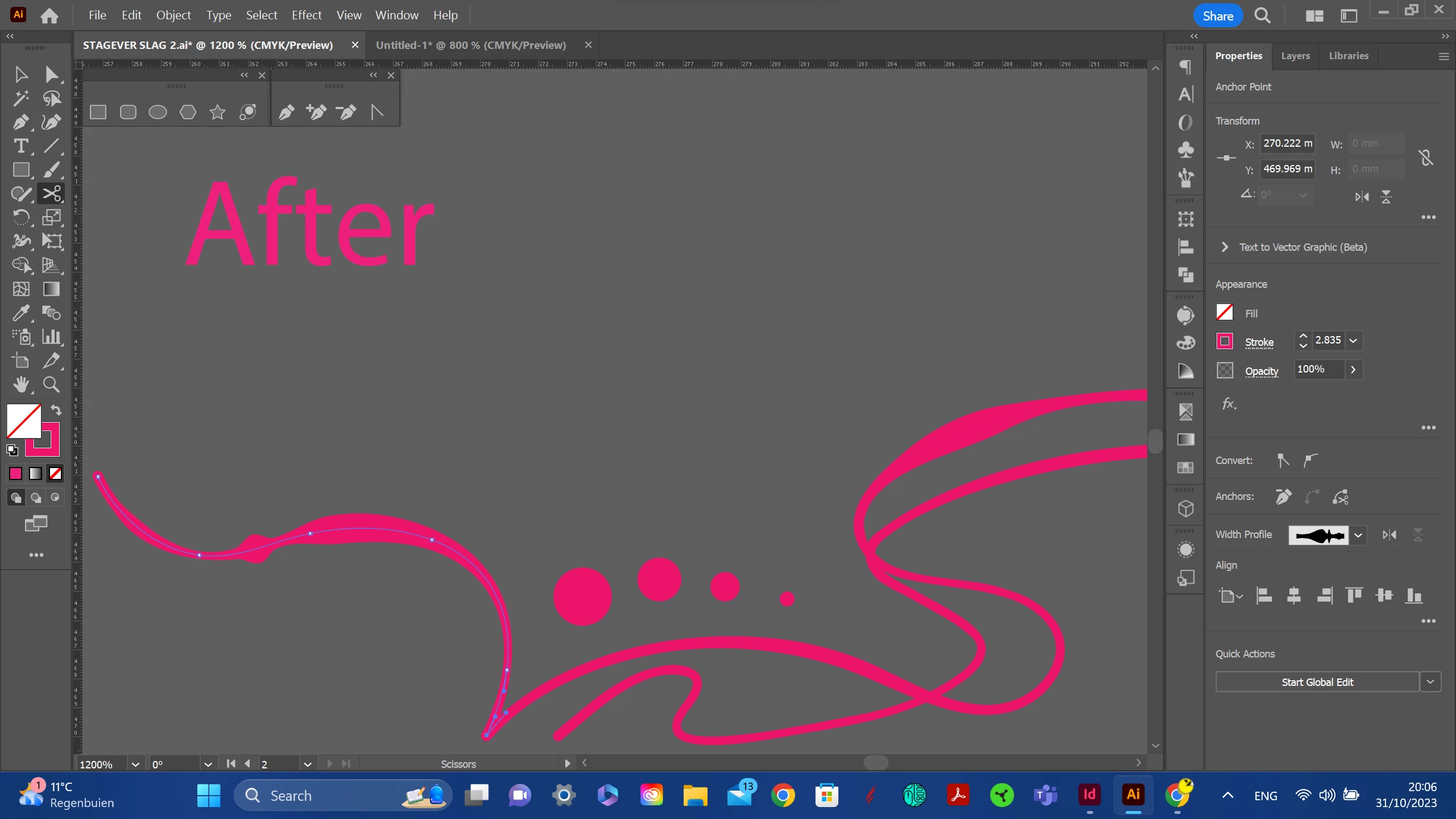
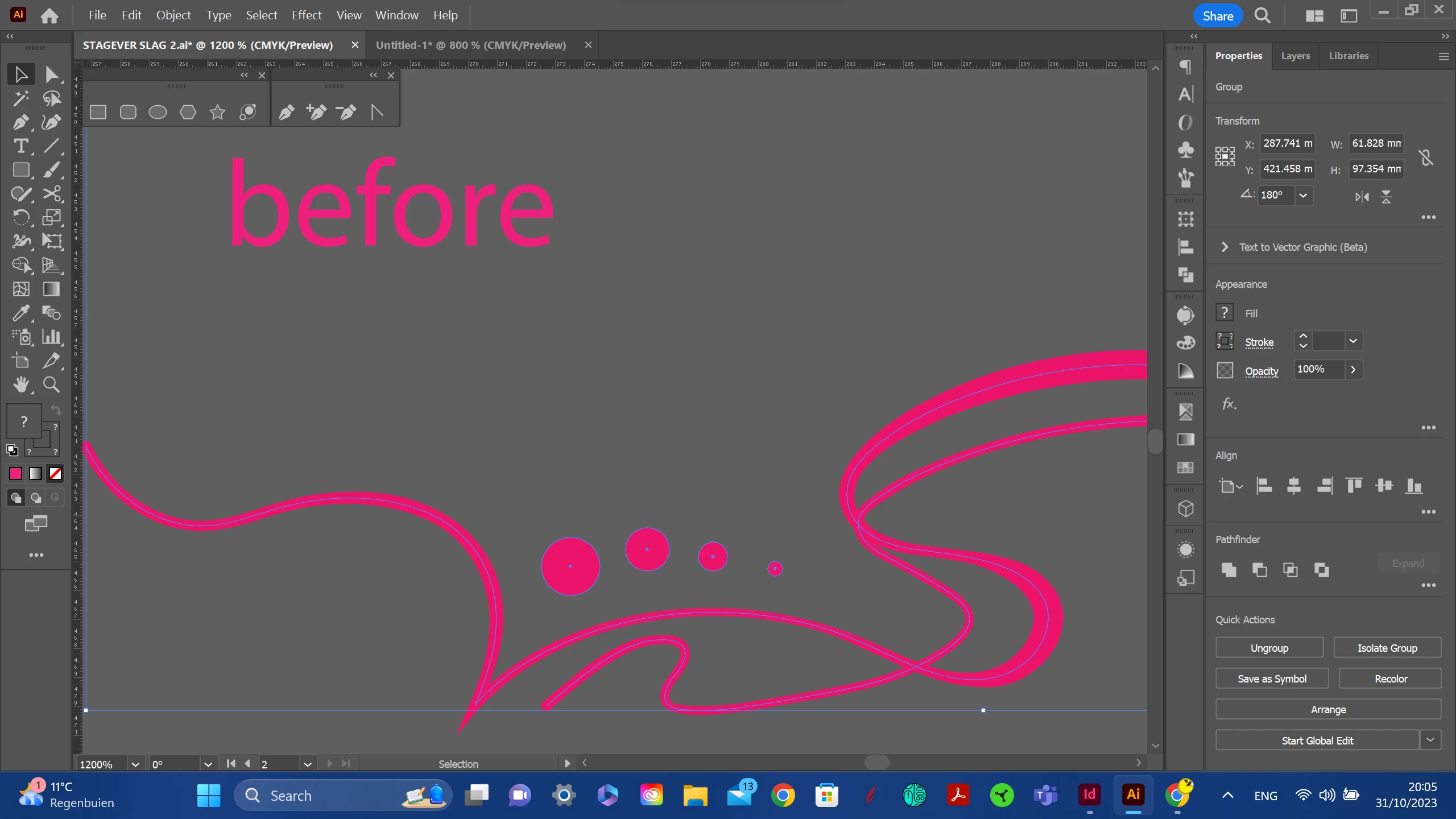

So I have this bit of linework I wanted to edit. It seems like I'm doing wrong or something. I used the width tool and wanted to cut some bits of afterwards. As you can see in the screenshots.
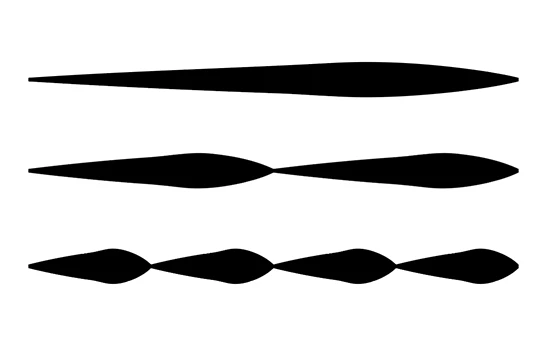
It is just not possible, everytime you cut the line, it will apply the profile to the parts.
Already have an account? Login
Enter your E-mail address. We'll send you an e-mail with instructions to reset your password.
 AdChoices