Participant
June 4, 2018
Answered

Width Tool Problem

  • June 4, 2018
  • 5 replies
  • 30557 views

Hi,

I'm facing an issue with my width tool which is that whenever I point my mouse on the stroke line it gives me this icon
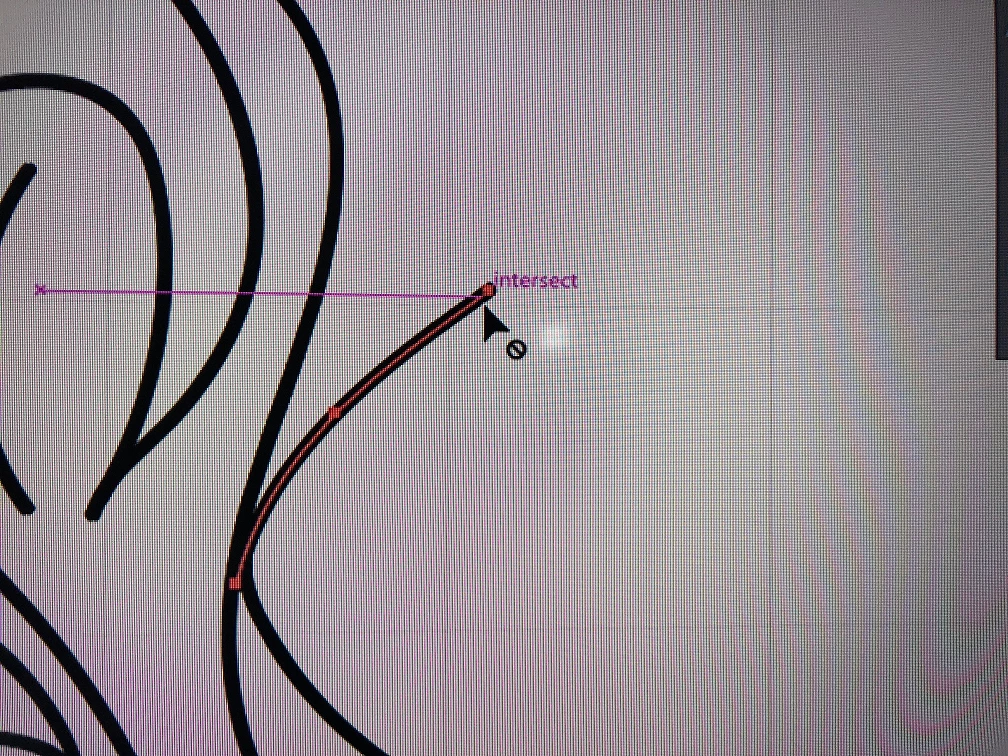
I can't do anything with it although the layer is not locked, and my Ai version is CC 22.1

Please help
    This topic has been closed for replies.
    Correct answer carlosgarro

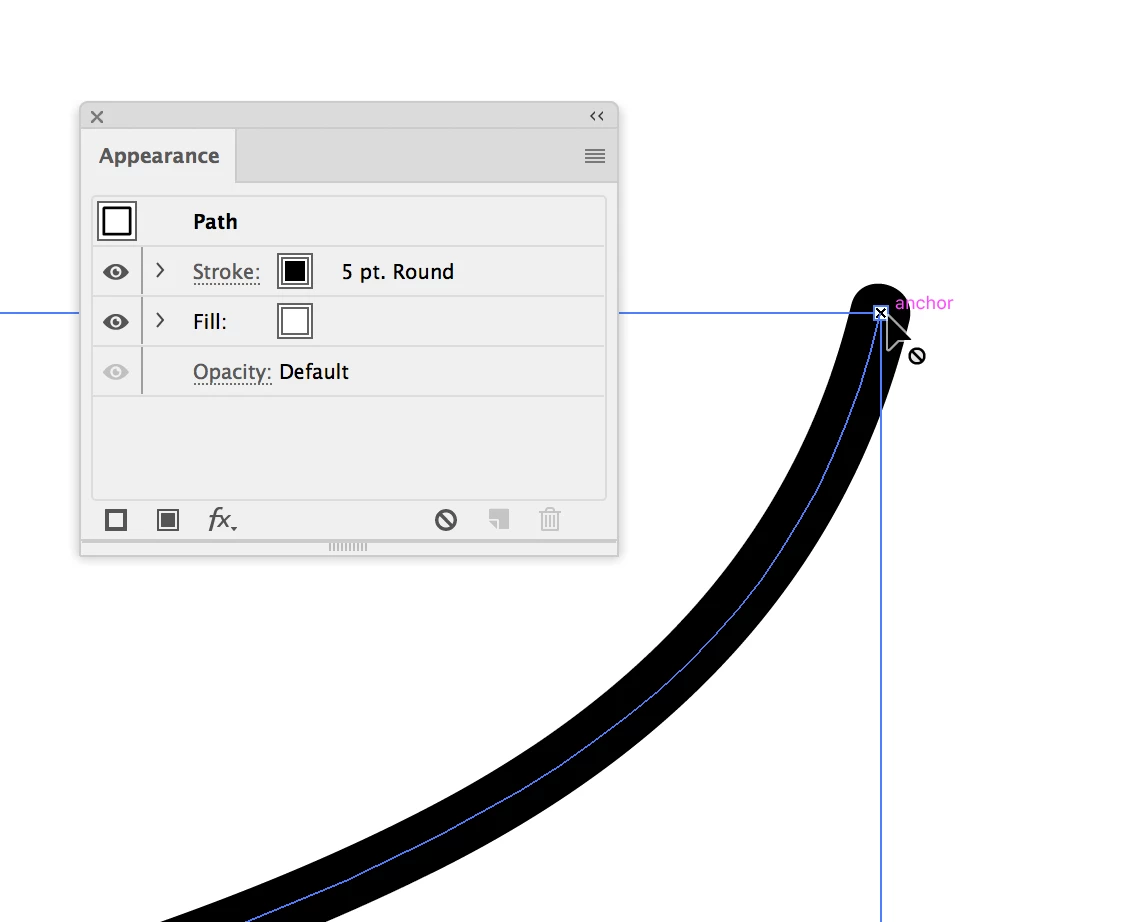
    Your stroke has a brush applied.

    Remove the property in the Appearance panel, and the Width Tool will work.

    5 replies

    Participant
    August 22, 2024

    I often find the width tool glitchy!  In particular, fairly regularly it will work for me the first time I click on a line and adjust the width, and then from there on all subsiquent clicks with the width tool do nothing...

    Tres frustrating.


    Monika Gause
    Community Expert
    Community Expert
    August 22, 2024

    @oceanb66050238  schrieb:

    I often find the width tool glitchy!  In particular, fairly regularly it will work for me the first time I click on a line and adjust the width, and then from there on all subsiquent clicks with the width tool do nothing...

    Tres frustrating.


    Which version are you using?

    Participant
    August 23, 2024

    27.9.5 (64-bit)

    Participant
    February 21, 2022

    I am facing an issue with the paint brush tool - artistic calligraphy , i want that my width remains uniform bt after completing the shape it varies . and i am currently using 2018 version


    Monika Gause
    Community Expert
    Community Expert
    February 21, 2022

    Please show a screenshot containing the artwork and the brush settings.


    Most probably you'll just need to delete the brush and apply a plain stroke.

    Participating Frequently
    August 17, 2020

    I was having the same issu, and it've helped me!

    But...

    I can just edit the properties to basic only to the strokes I've already done, for the next ones it doesn't accept...

    In the upper Control Panel, in each brush definition, I can double-click and edit, the Basic one, I can't even do it.

    Monika Gause
    Community Expert
    Community Expert
    August 17, 2020

    "Basic" is not a brush, but the absence of brushes.

    If you are drawing with the brush tool, then it won't work ever. Use the pencil tool instead.

    c.pfaffenbichler
    Community Expert
    Community Expert
    June 4, 2018
    carlosgarro
    Community Expert
    carlosgarroCommunity ExpertCorrect answer
    Community Expert
    June 4, 2018

    Your stroke has a brush applied.

    Remove the property in the Appearance panel, and the Width Tool will work.

    Participant
    September 16, 2018

    I am having this same issue without any brushes applied.  I'm attempting to use the tool the same way I always have in the past and there is not a brush applied, and when I attempt to use it I get the circle with the line through it and it won't let me.  The stroke is the default, centered stroke, 1 pt, black.  No brushes utilized or anything. I have only had this issue since updating my software a few days ago.

    Monika Gause
    Community Expert
    Community Expert
    September 16, 2018

    Please show us a screenshot with the path selected and appearance panel open.