Participant
April 9, 2020
Question

Width Tool - unable to select nodes

  • April 9, 2020
  • 3 replies
  • 838 views

I'm having problems with adjusting width nodes I added to a stroked path. If I want to modify the width of an existing node, when I hover over the node (or anywhere near the node) it doesn't allow me to select it. Some nodes on the same path work normally, while others I only get the plus sign next to the mouse pointer rather than the tilde sign that shows up when you can select a node. (I'm working in Illustrator 2020 on an iMac)
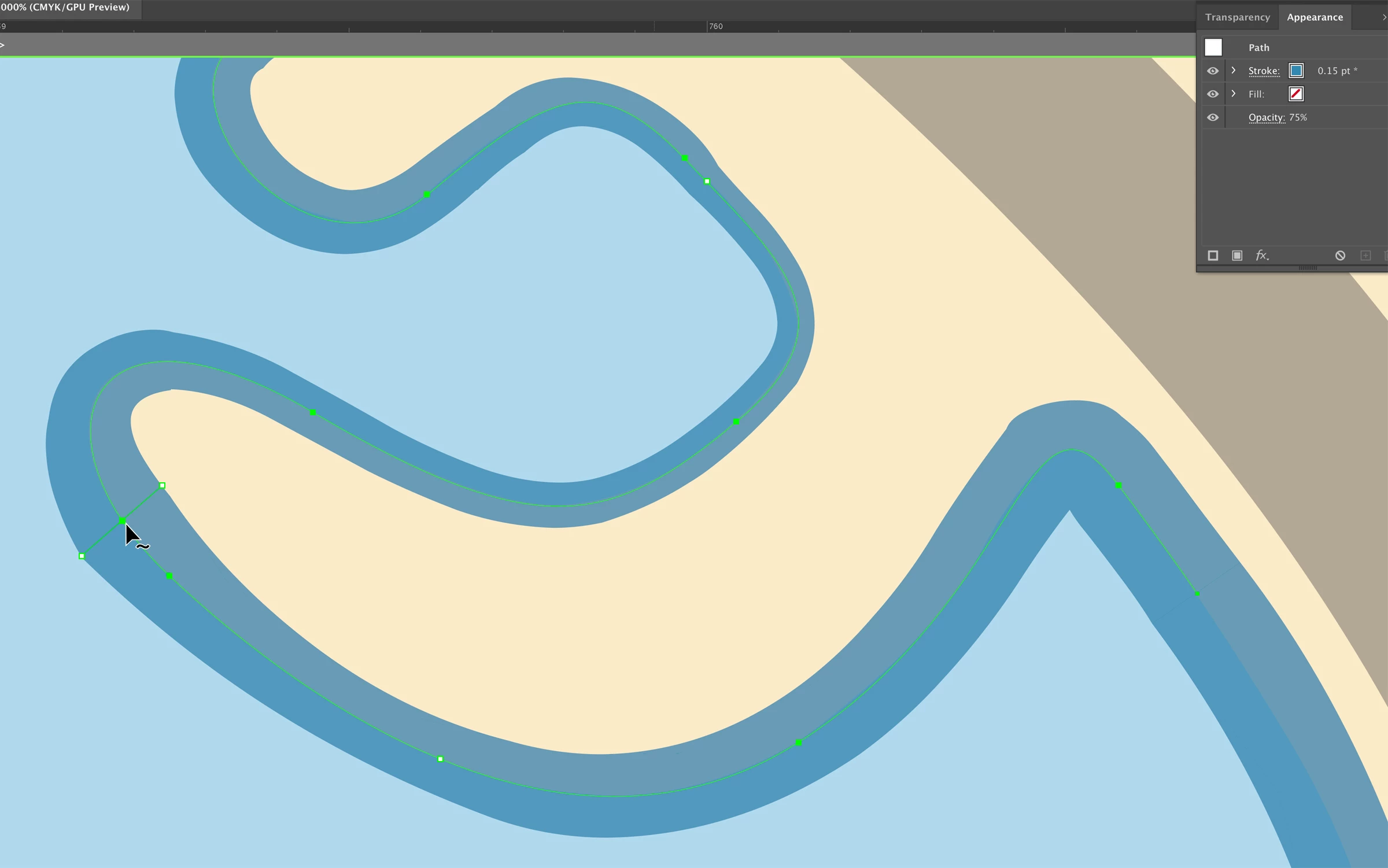
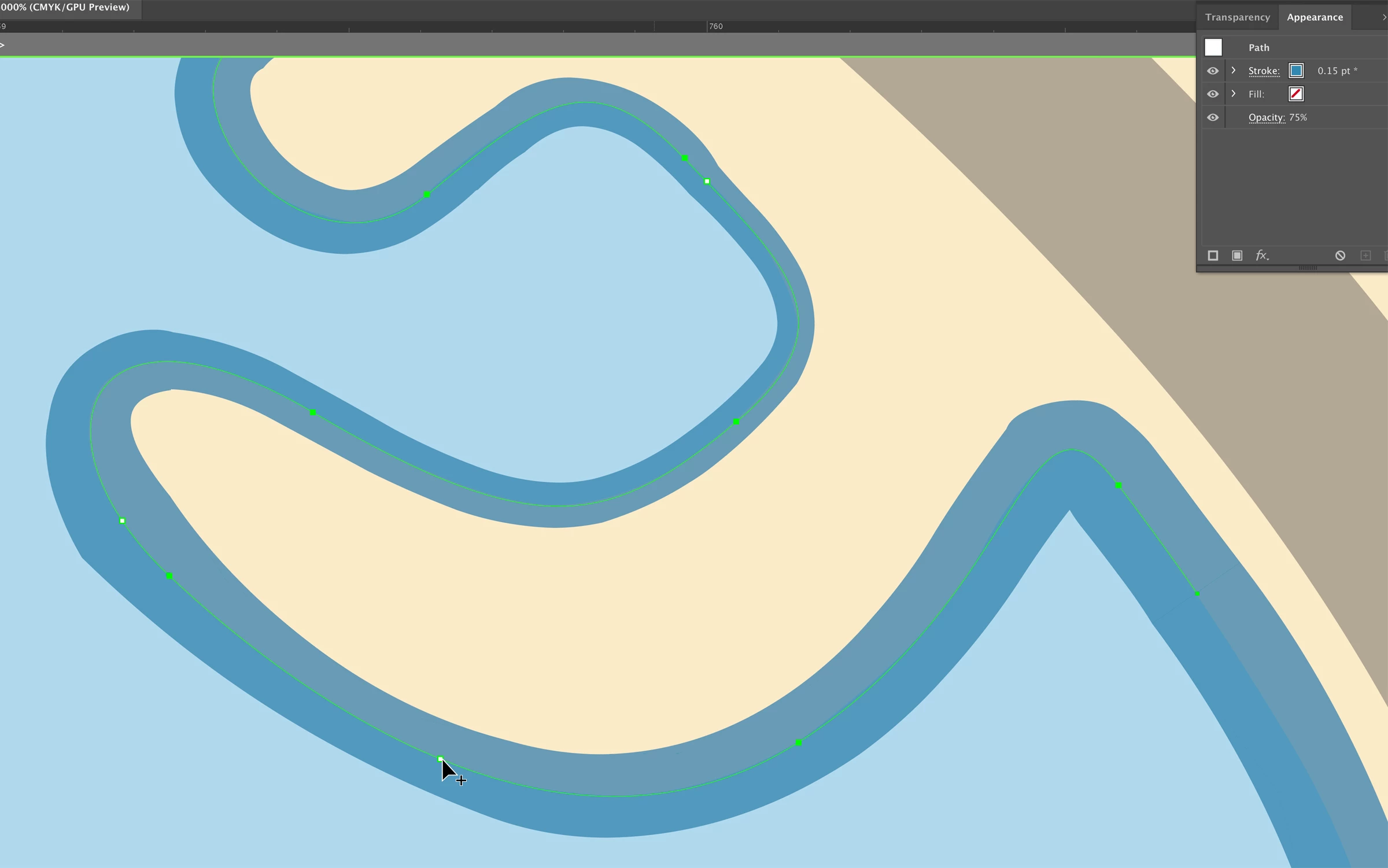


This isn't the first time I've encountered this issue. It happens in other documents too. I've restarted Illustrator and made sure I don't have a brush stroke applied. Any ideas what else to try?

This topic has been closed for replies.

3 replies

Kurt Gold
Community Expert
Community Expert
May 4, 2020

Well, then you may perhaps want to share this actual sample .ai file, so one may have a look at it.

Kurt Gold
Community Expert
Community Expert
April 10, 2020

I think that this is just normal behaviour.


The tilde icon only appears when you are hovering above points which have already been converted to width points. The plus icon appears when you are hovering above common anchor points and path segments.

Participant
May 4, 2020

In the second image, the point I am hovering over is not an anchor point, it's a width point I just created. So it's not normal behavior, it's not functioning as it should.

Mylenium
Legend
April 10, 2020

Start by checking for duplicate anchor points and also perhaps insert mor anchor points into critical places. To be honest your path looks rather jittery and less than ideal to begin with, which is an indication that your anchor point tangents/ handles in some places may overshoot by miles and that alone could confuse the width tool and the UI code detecting where the mouse is hovering.


Mylenium