Participant
November 17, 2020
Question

Workspace display problem

  • November 17, 2020
  • 2 replies
  • 211 views

Hi!
I'm new here, so please give instructions if I don't write something. I recently bought a new computer and I have a problem with Adobe programs from the beginning. I mainly use Photoshop and Illustrator and there are display errors in both programs - "pixels" appear at different points in my work. The problem only affects Adobe applications.
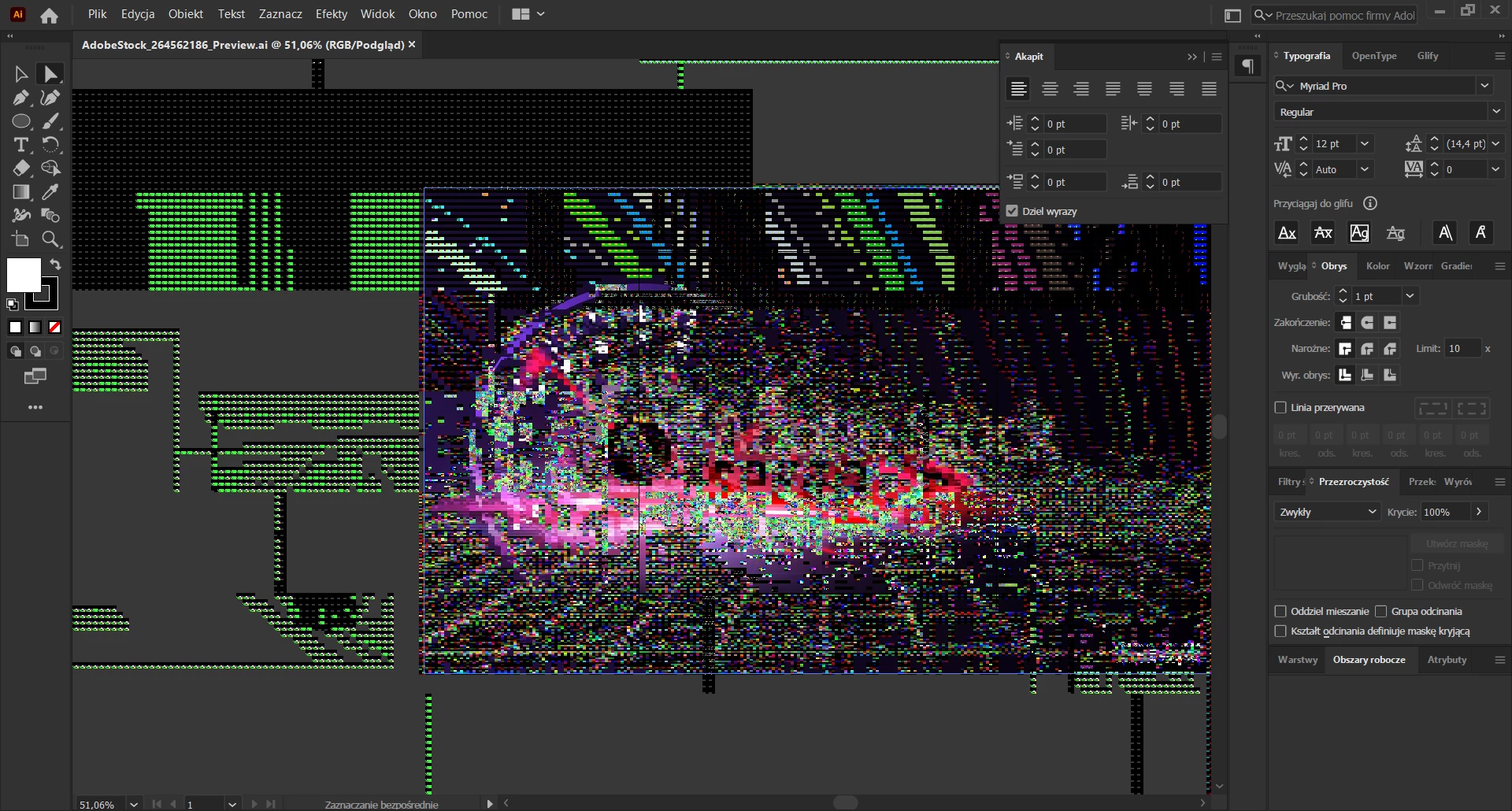


I've already tried uninstalling, installing older versions. The latest versions of both applications are currently installed. I also wrote on Adobe chat, but to no avail because my problem occurs irregularly and there is no message from the program ...

The equipment is new (dell 7550), win 10, ram 64GB, Nvidia RTX 4000, screen 4k 15 "1920x1080px, I don't know what else may be important.

Please help, because you can't work like that!

This topic has been closed for replies.

2 replies

Ashutosh_Mishra
Inspiring
November 28, 2020

Hi there,


Sorry to hear about this. I agree with Myra. In addition to updating the Windows 10 & GPU, you may try toggling the GPU Performance under Preferences > Performance & see if it helps. Looking forward to your response.


Regards,

Ashutosh

LandisMAuthor
Participant
November 28, 2020

Thank you for your suggestions. Unfortunately, I have already done a cpu, graphics card and bios update. It didn't change anything.

Myra Ferguson
Community Expert
Community Expert
November 22, 2020

Your video card is supported based on the Illustrator system requirements, but it's possible that your new computer might not have the most recent driver. I'd check to see if there's a newer driver that you can download.