raphaelstolz
Participating Frequently
November 30, 2017
Answered

Wrong resolution after exporting with "save for web"

  • November 30, 2017
  • 3 replies
  • 1475 views

Hey guys,

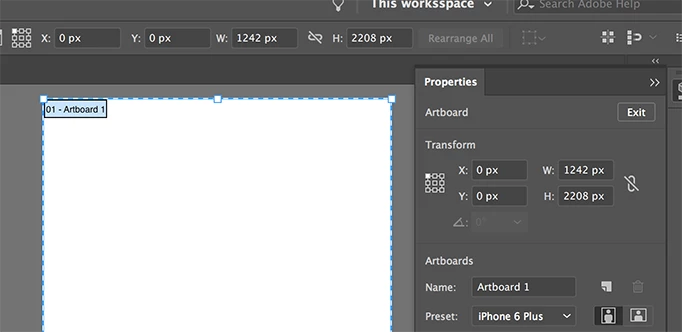
I am trying to create screenshot previews for the AppStore and need one specific resolution according to Apple's guidelines(1242x2208px).

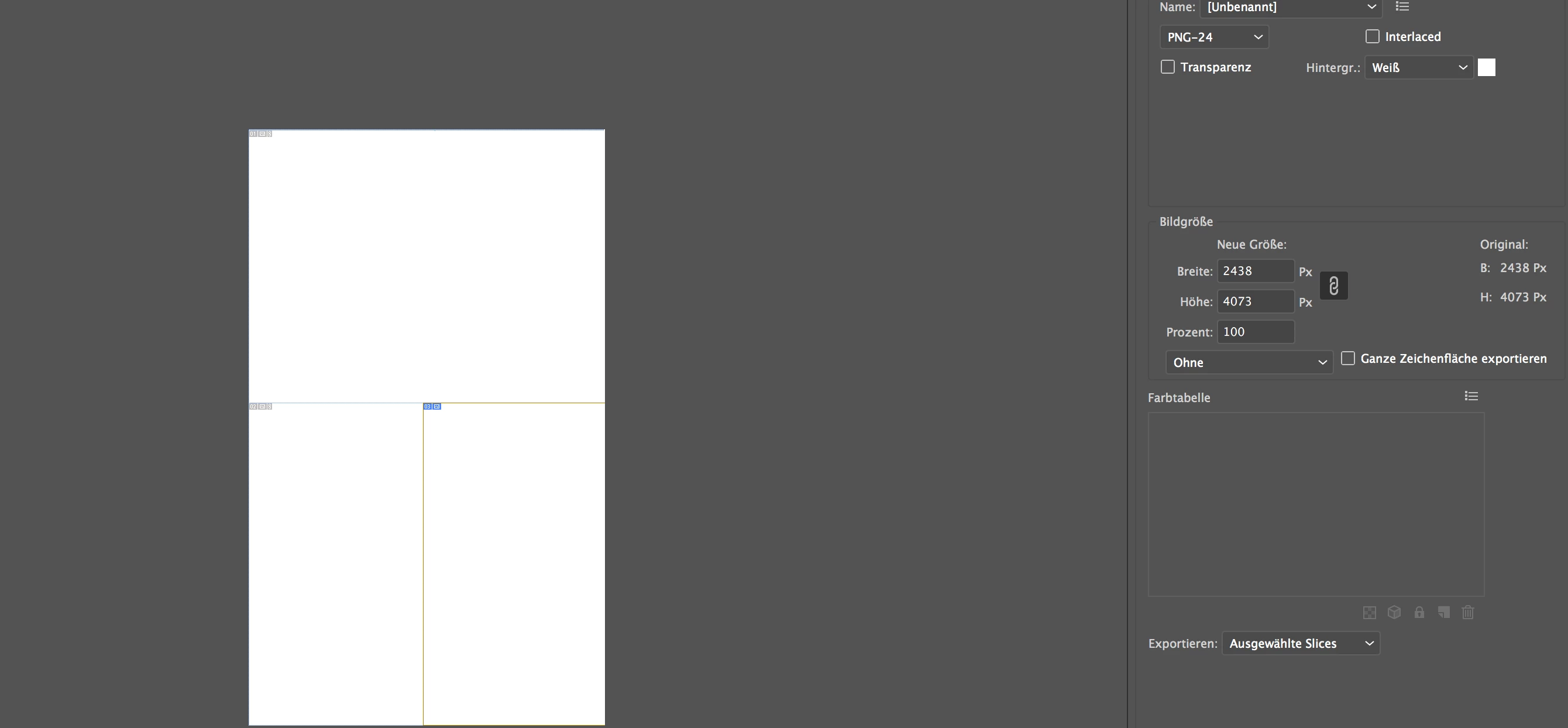
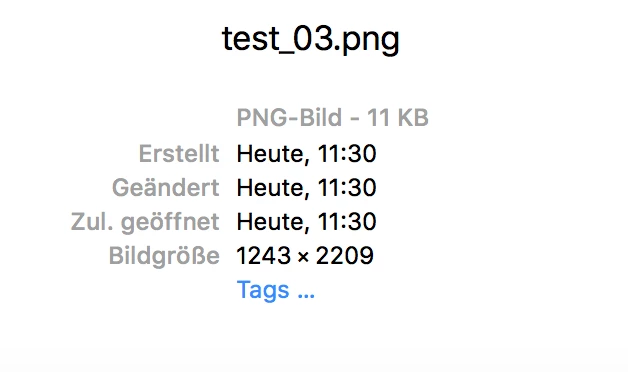
So I created a new document with one artboard and one slice which is exactly 1242x2208px. Now when I save the artboard for web and select the specific slice (see picture) I get a picture with the size of 1243x2209. Why is that?

I hope you can help me! Tried so many stuff but nothing worked out...

Thanks!
This topic has been closed for replies.
Correct answer Ton Frederiks

Check the X Y coordinates for the artboard.

They should not contain fractions.

3 replies

Ton Frederiks
Community Expert
Ton FrederiksCommunity ExpertCorrect answer
Community Expert
November 30, 2017

Check the X Y coordinates for the artboard.

They should not contain fractions.

raphaelstolz
Participating Frequently
November 30, 2017

Thanks for the fast response!

I mean it works with just one Slice but if I have like 3 slices on one art board it won't come out right...

Ton Frederiks
Community Expert
Community Expert
November 30, 2017

You have to make sure that the coordinates of your slices also don't contain fractions.

raphaelstolz
Participating Frequently
November 30, 2017

Yes it is...

Monika Gause
Community Expert
Community Expert
November 30, 2017

Is the artboard aligned to the pixel grid?