
Answered
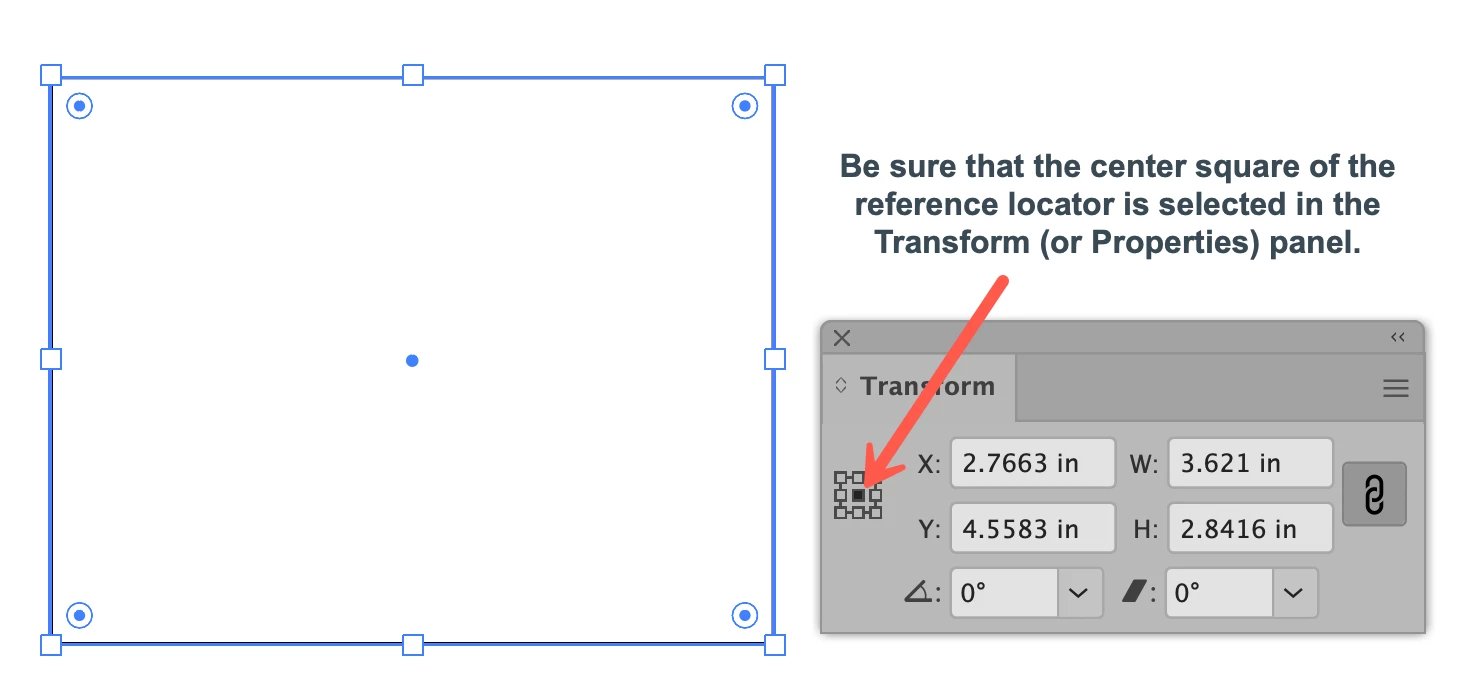
Y Axis setting switched somehow - how do I fix it? The Y now applies to the top not center
When placing any objects with the x & y coordinates (in transform menu), it has always been the center of an object. All of a sudden, the y has switched so the coordinate in the y box is the very top of an object rather than it's center - while the x has stayed the same. I cannot figure out how to switch it back. I do a lot of "placements" where I have coordinate charts & now it's all wrong because of the switched setting. Please help!
 AdChoices