Participant
January 17, 2025
Question

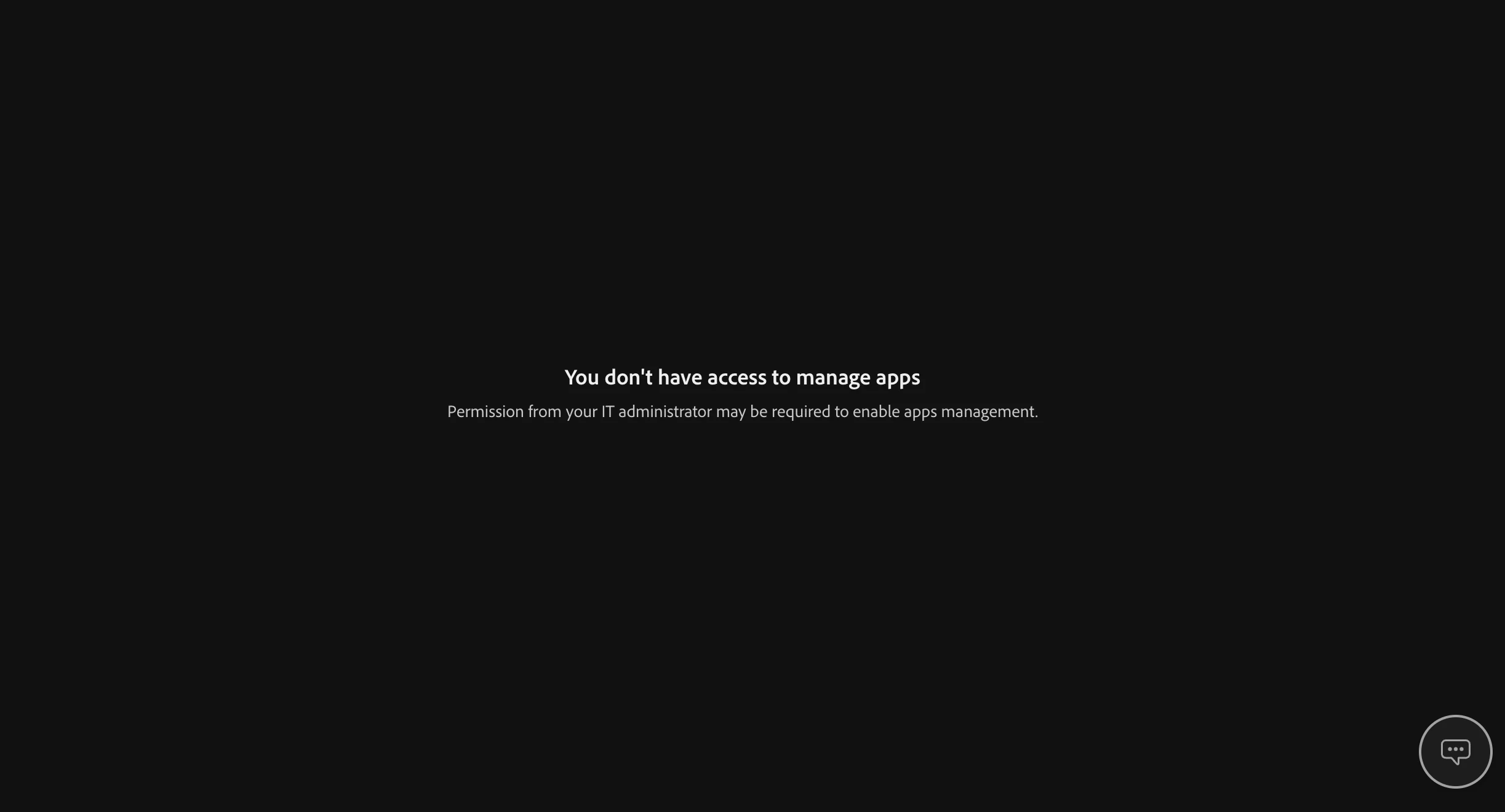
You dont have access to manage app

  • January 17, 2025
  • 3 replies
  • 169 views


Why it shows "You dont have access to manage app"???
3 replies

Bill Silbert
Community Expert
Community Expert
January 17, 2025

Is this a personal or coporate account? If it is an account through your workplace then you actually may only have limited access to managing your account. Please provide full details as to what version of Illustrator and what operating system that you are using.

Anshul_Saini
Community Manager
Community Manager
January 17, 2025

Hi @abstract_passion0234,


As our expert, @Ton Frederiks, rightly asked, could you please confirm when exactly this message appears? A screen recording showing the steps leading to the message would be really helpful in identifying the root cause.


Here are a few steps you can try that might help resolve the issue:

1. Log Out and Log In:

• Log out of your Adobe account.

• When you reach the login page, choose “Continue with Google” and log in using that option.

• Check if this resolves the issue.

2. Reinstall Through CCDA:

• If the issue persists, reinstall the Creative Cloud Desktop App (CCDA).

• Download it from this link.

• Once installed, use it to reinstall Illustrator and see if the problem is resolved.


Additionally, a similar issue was discussed in the Adobe XD Community. You can check out the solutions posted here and see if they help.


Let us know how it goes, and feel free to provide any updates or ask further questions.

Best,

Anshul Saini

Ton Frederiks
Community Expert
Community Expert
January 17, 2025

When does that happen?
