
Participant
August 17, 2024
質問

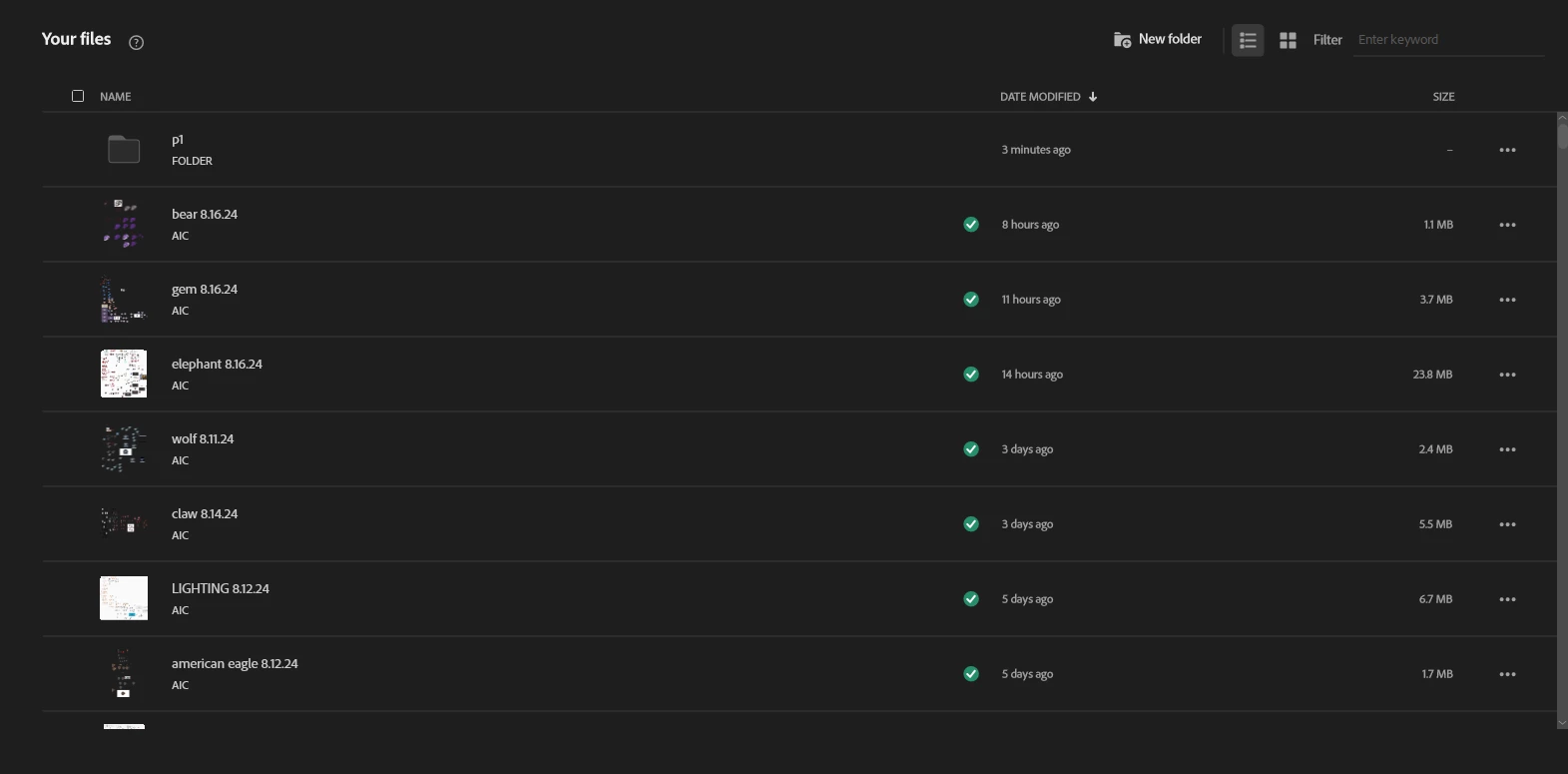
"Your Files" loading forever

  • August 17, 2024
  • 返信数 1.
  • 237 ビュー

I'm on the front page of the AI app, where you can click to load an old project or select "New File"


Did they have an update lately where its trying to load every single project or something? It's completely locking up my app and I can't really search or click on anything other than my last project.


its still running just very, very slow.  


Everything else is working as usual 


*slight edit* seems the longer i wait, the more it loads, i see theres one categorize button on the side but anything else?
このトピックへの返信は締め切られました。

返信数 1

Monika Gause
Community Expert
Community Expert
August 17, 2024

Maybe log out of and then into your Creative Cloud account?


dilemmak47作成者
Participant
August 17, 2024

I'm a little confused by that tbh.

Monika Gause
Community Expert
Community Expert
August 17, 2024

Logging out doesn't mean that you cancel your account. Logging out is something that might even be necessary e.g. when you want to use a third device. 

And it can sometimes just unblock the thing. 


Here's a description of how to do it (the issue discussed on that page has got nothing to do with your issue): https://helpx.adobe.com/manage-account/kb/stop-creative-cloud-trial-mode-after-purchase.html